
Xbox Live → Insignia
Use the Xbox Live menu in supported original Xbox games through this free community service.
 whatwhatboy
Insignia, XLink Kai, System Link and local multiplayer, with searchable original Xbox versus/co-op player limits and Halo 2 playlists.

Original Xbox only. Xbox 360 and Xbox One/Series have separate service and game compatibility requirements.
Use the Xbox Live menu in supported original Xbox games through this free community service.

Play LAN modes across the internet through a computer running Kai. Original Xbox console modification is not required.
Connect Xbox consoles on your local network and choose the game’s System Link menu.
Use one console and multiple controllers. Split-screen, shared-screen and local campaign support depend on the game.
Players compete against each other. A team mode still counts as versus; working together against other people is different from campaign co-op.
Players work together against the game. Network co-op and local campaign co-op are separate capabilities.
Several controllers use one Xbox. The cards below show the source’s per-console System Link maximum, not a separate local campaign rating.
Matchmaking finds opponents; private sessions let you arrange a group. Playlist and lobby availability depend on the service and game.
Playlist details were checked on 2026-11-02. Follow the live page for current rotations and restrictions.
Free-for-all, unranked · 4–8 players.
Ranked 2v2 · 4 players.
Ranked team combat · 6–8 players.
Unranked · 12–16 players · guests allowed.
10 games
No games match. Try another name or reset the filters.
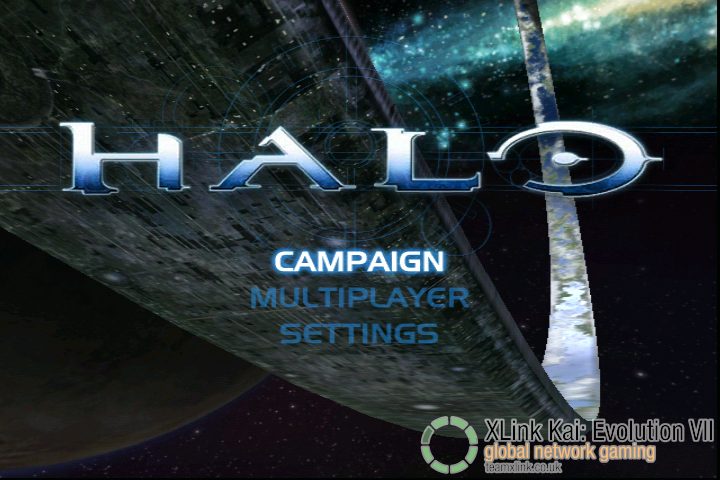
System Link · Versus 16 · Co-op —
Up to 4 per console · PAL/NTSC together: no
System Link reference
System Link · Versus 16 · Co-op —

System Link · Versus 4 · Co-op 2
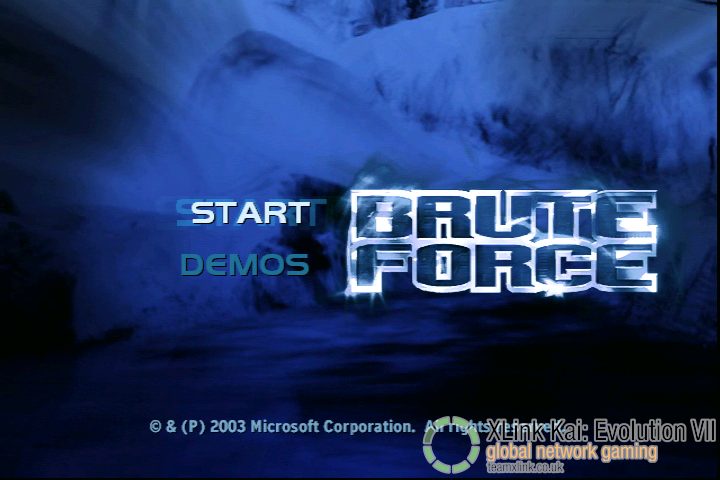
System Link · Versus 8 · Co-op 4
Up to 4 per console · PAL/NTSC together: no
System Link reference
System Link · Versus 16 · Co-op —

System Link · Versus 8 · Co-op —
Up to 1 per console · PAL/NTSC together: yes
System Link reference
System Link · Versus 8 · Co-op —
Up to 2 per console · PAL/NTSC together: yes
System Link reference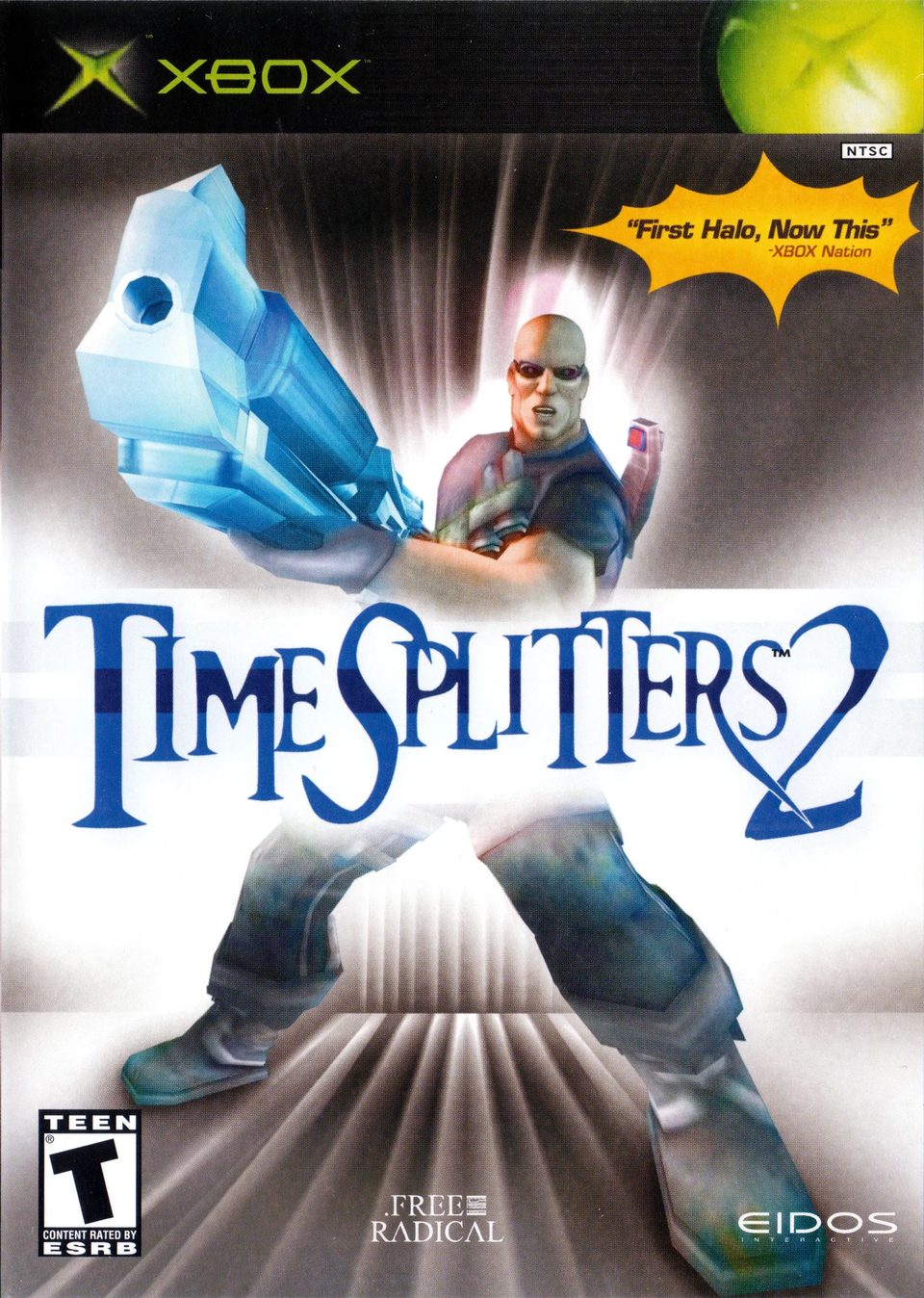
System Link · Versus 16 · Co-op —
Up to 4 per console · PAL/NTSC together: yes
System Link reference
System Link · Versus 4 · Co-op 2
Up to 1 per console · PAL/NTSC together: yes
System Link reference
System Link · Versus 16 · Co-op 4
Up to 1 per console · PAL/NTSC together: yes
System Link referenceUse Insignia’s connection test and Assistant troubleshooting. Recheck its current DNS instructions and whether your existing mod blocks Xbox Live.
Confirm everyone selected the same title, compatible region/update and Kai arena. Check the computer/console network setup before changing game files.
Check whether the intended mode is local, System Link or Xbox Live. A versus lobby does not add network campaign support.
Use the guide for your actual console and game version.