Game downloads
Browse game directories by console and choose the system listed by the provider.
 whatwhatboy
Choose launchers, emulation, Decky plugins, remote play or desktop tools, then follow the matching setup guide.
Choose a category, then check the requirements for your console and software.
Browse game directories by console and choose the system listed by the provider.

Heroic, Lutris, Bottles and compatibility tools for Windows games, with matching setup walkthroughs.
Compare EmuDeck and RetroDECK, then organize game shortcuts and artwork with Steam ROM Manager.
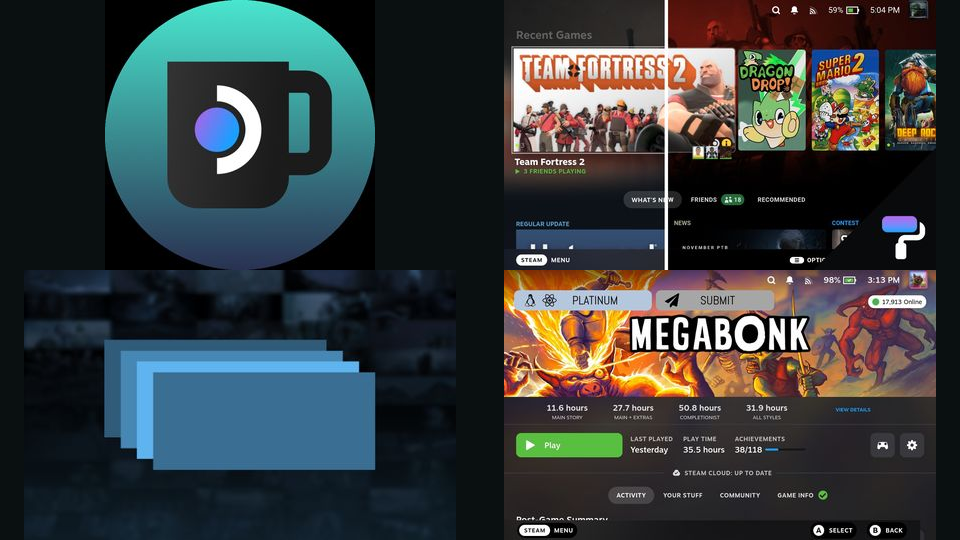
Decky plugins for artwork, library tabs, devices, game pausing, menu sounds, startup animations and Flatpak updates, with setup guides.

Stream from your gaming PC or PlayStation console using Moonlight and chiaki-ng.

Syncthing, LocalSend, PeaZip, Filelight and Flatseal for syncing, transfers, archives, disk usage and app permissions.

Start here and read all 19 guides for launchers, plugins, emulation, streaming, files, storage and permissions.
Search the complete Steam Deck library, including existing releases and their setup requirements.