Game downloads
Browse game directories by console and choose the system listed by the provider.
 whatwhatboy
Set up Microsoft Developer Mode, connect Device Portal and choose native Xbox apps with their model-specific builds and dependencies.
Choose a category, then check the requirements for your console and software.
Browse game directories by console and choose the system listed by the provider.
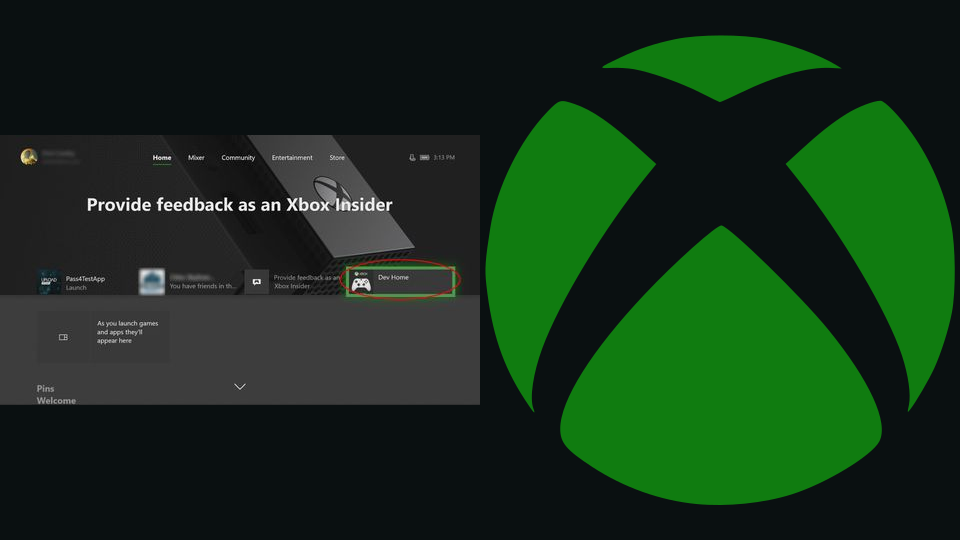
Check your console model, register your developer account and activate Microsoft’s retail Developer Mode route.
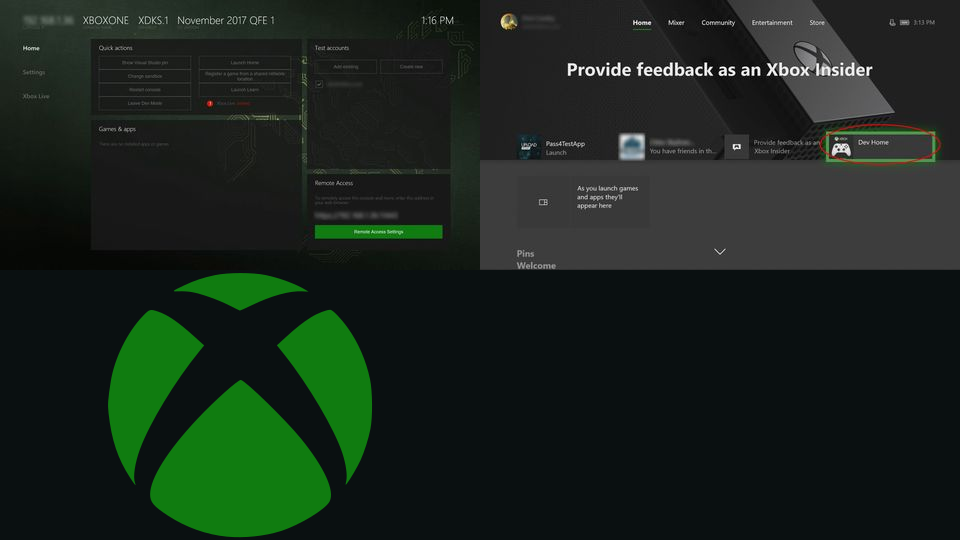
Enable Remote Access and connect from a computer on the same local network.
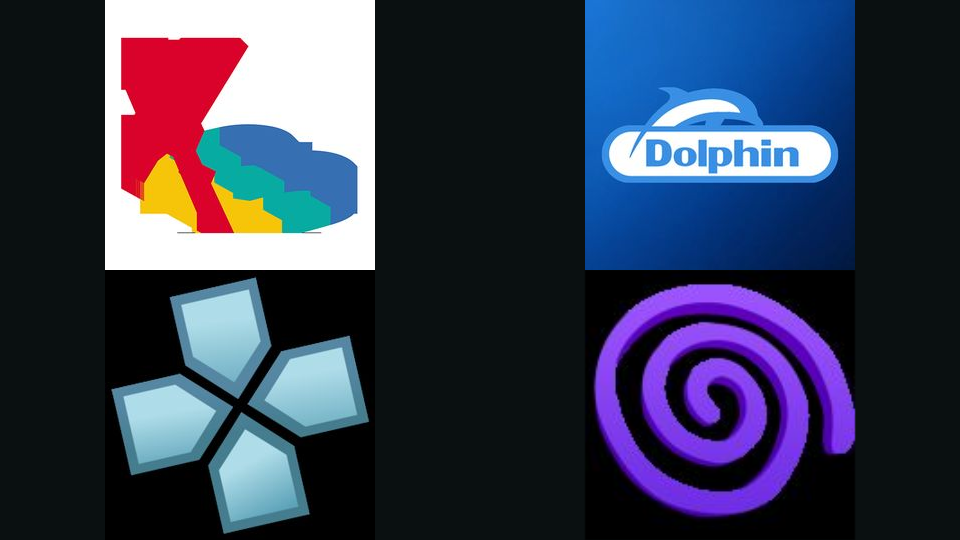
Native Xbox UWP emulators, remote play and file-transfer apps, filtered by model and package requirements.
Upload the correct APPX or MSIX package through Portal and supply its required x64 dependencies.

The original Microsoft x64 framework packages, with exact identities, versions and checksums.
App-specific folders, USB storage, permissions and save-backup requirements.
Back up app data, remove individual apps and switch between Retail and Developer Mode.
Search the complete Xbox One / Series X|S library, including existing releases and their setup requirements.