Nintendo Switch 2 · ns2jb research

The SmileBASIC execution and filesystem demo, including its firmware, Node.js and host requirements.

ns2jb

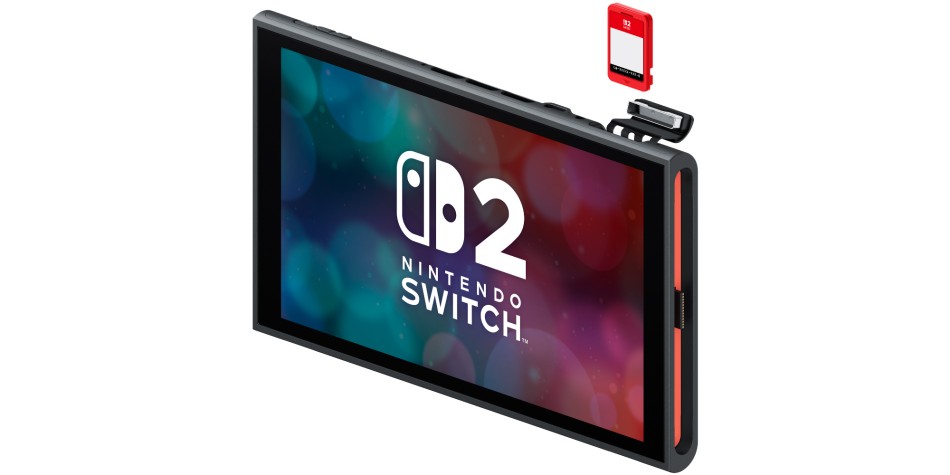
Nintendo Switch 2 official hardware artwork

pepsipu’s Switch 2 execution research and FS demo.

Requirements: Demo: firmware 23.0.1, SmileBASIC 4.4.9, Node.js 22+ on macOS/Linux, over 20 MiB free in the SmileBASIC save and a reachable LAN connection.

Setup: Prepare bootstrap.bas and the computer-side run.cjs host using the upstream README. Keep SmileBASIC open during the demo; restart the console afterwards. This demo installs no CFW or persistence. Savekit and OunceCake need their own documented RPC engine/fork; the plain FS demo is not a substitute.

Original and RPC upstream ZIP links available. Local copies are pending: GitLab archive requests returned406, then its IP rate limit returned429 until2November2026,10:00UTC. No incomplete package is offered as a local download.

ns2jb setup guide

  1. Extract the chosen package

    Keep the complete extracted folder together. Use the original package for the standalone demo; use the separately labelled RPC fork for Savekit or OunceCake. Install Node.js22+ on the documented macOS/Linux host.

  2. Prepare SmileBASIC

    Use firmware23.0.1 and SmileBASIC4.4.9 for the original demo. Enter the included bootstrap.bas in slot0 and save it as NS2. Keep more than20MiB free in the application save.

  3. Start the host

    In the original extracted folder run node run.cjs <computer-LAN-IP>. For dependent tools, use the RPC folder and node run.cjs --rpc <computer-LAN-IP>. Follow that fork’s Ethernet and internal-storage requirements.

  4. Pair and keep the session open

    Follow the included README’s Direct-mode sequence and the exact V=START line printed by the host. Keep SmileBASIC and the host open. Use the printed runs/switch2-* folder for dependent tools.

  5. Finish or recover

    Finish all dependent operations before stopping the host with Ctrl+C. Restart the console after a failed or uncertain session. Preserve run logs for diagnosis.

Packages are pinned script/source snapshots, not upstream binary releases. GitLab snapshots are reconstructed from unchanged, Git-hash-verified files when upstream ZIP downloads are unavailable. Required runtimes are listed above; no console execution was performed here.