Game downloads
Find Nintendo GameCube game directories, with direct links to the matching console categories.
 whatwhatboy
Choose a GameCube homebrew boot method, then browse Swiss, memory-card tools and disc-backup utilities with their setup requirements.
Choose a category, then check the requirements for your console and software.
Find Nintendo GameCube game directories, with direct links to the matching console categories.
Compare the documented GameCube boot routes and choose the method that matches your console and available hardware.
Find the native GameCube Swiss build and follow its device, boot and release requirements.

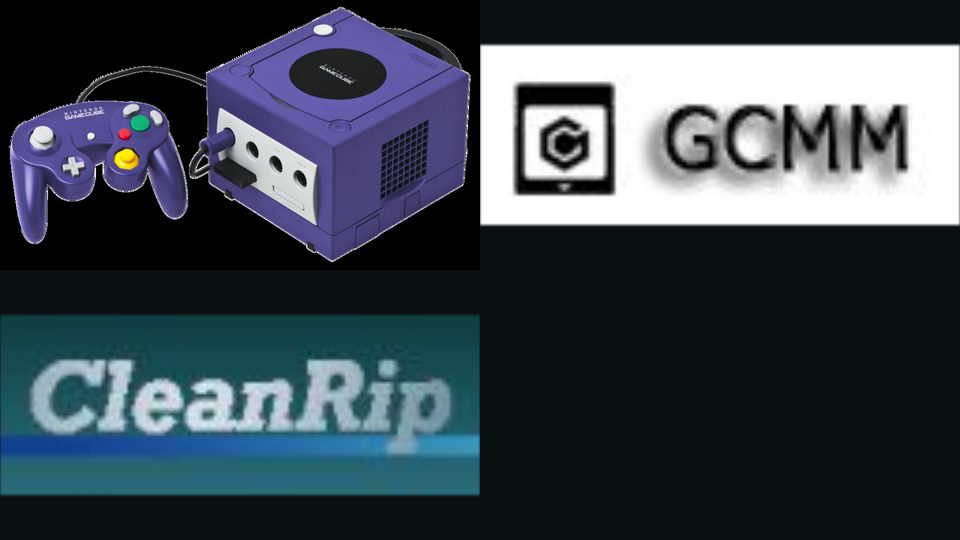
Use the GameCube builds of GCMM and CleanRip for memory-card management and disc backups.
Prepare your selected boot method, place the correct native app files on storage and follow the project instructions.
Search the complete Nintendo GameCube library, including existing releases and their setup requirements.