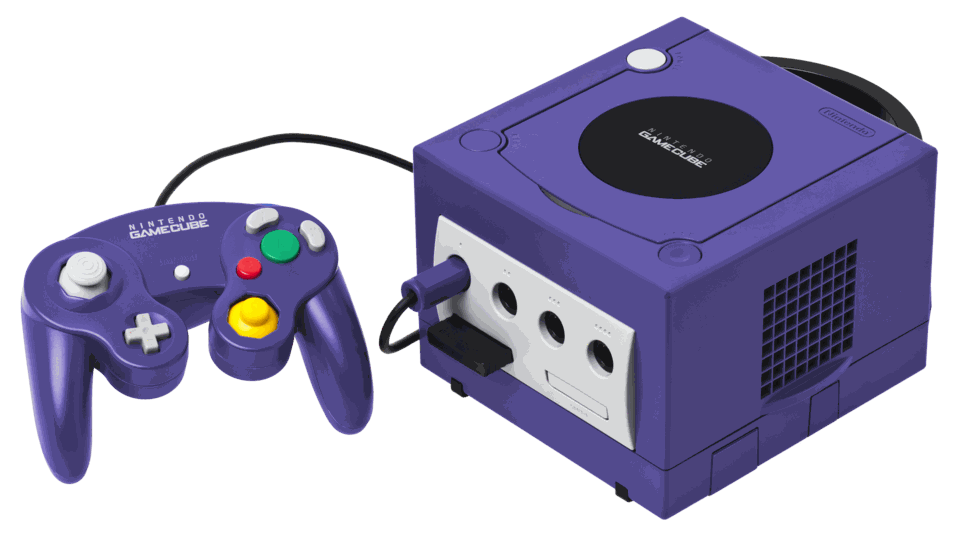
Homebrew on an unmodified GameCube
A supported game-save exploit needs the matching game and prepared memory-card files. Check the exact game region and revision in the documentation.
 whatwhatboy
GameCube homebrew boot methods, Swiss, GCMM save backups and CleanRip disc tools with images, downloads and hardware requirements.
Start by checking how your console can launch a DOL executable. Swiss is a homebrew utility and launcher. Its files work after you have a compatible way to boot homebrew.
A supported game-save exploit needs the matching game and prepared memory-card files. Check the exact game region and revision in the documentation.

Existing optical-drive replacements and IPL modifications have their own Swiss filename, storage and boot instructions. Match the release files to your installed device.
The GameCube DOL builds run on original hardware with an established homebrew entry point.
GameCube homebrew launcher and file browser with video options and support for SD adapters, optical-drive replacements and other devices. Choose the build for your boot method.
Export individual saves or a complete raw memory-card backup, then restore when needed. Choose the GameCube DOL from the shared release archive.

Dump original GameCube discs to supported storage. This is the dedicated GameCube release, separate from the Wii package.