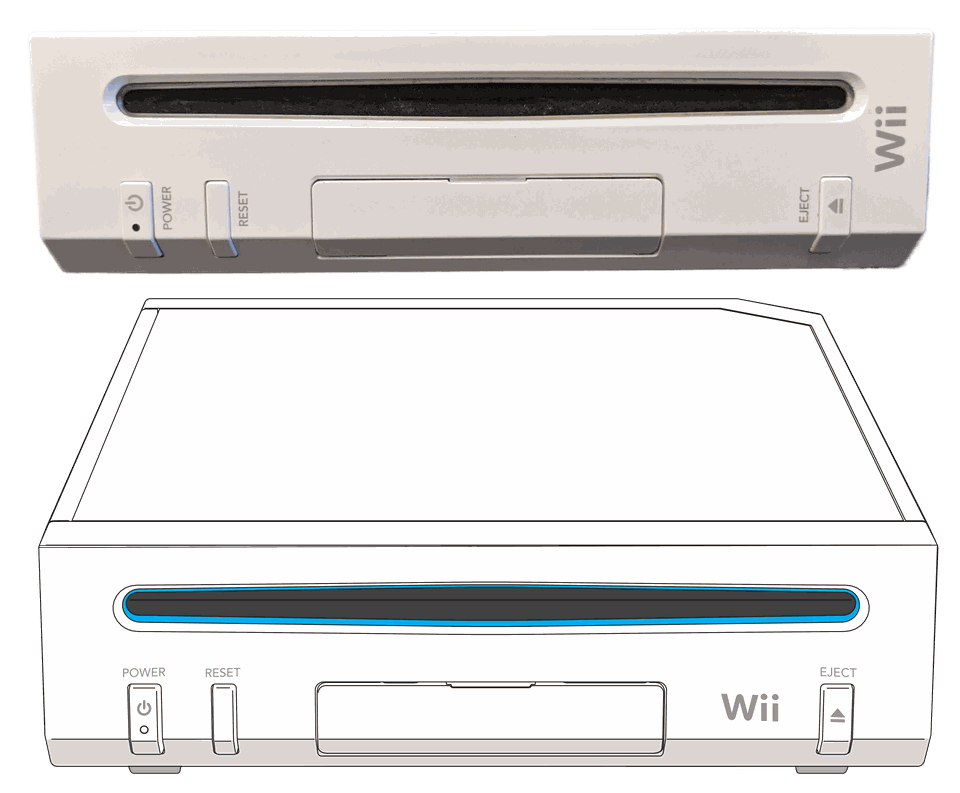
Nintendo Wii
Homebrew ChannelAppsNintendont
Set up the Homebrew Channel, browse Wii apps, manage your system menu and explore GameCube support with Nintendont.
 whatwhatboy
Wii U, Wii, GameCube, PS2, DS, DSi, Nintendo 2DS and 3DS homebrew, with setup guides, apps, custom firmware and tools for your console.
Choose the physical console you are setting up. Each new platform page includes illustrated tools and its installation requirements.
Set up the Homebrew Channel, browse Wii apps, manage your system menu and explore GameCube support with Nintendont.
Set up Aroma, browse WUHB apps and WPS plugins, back up saves, play homebrew games and choose compatible native emulators.
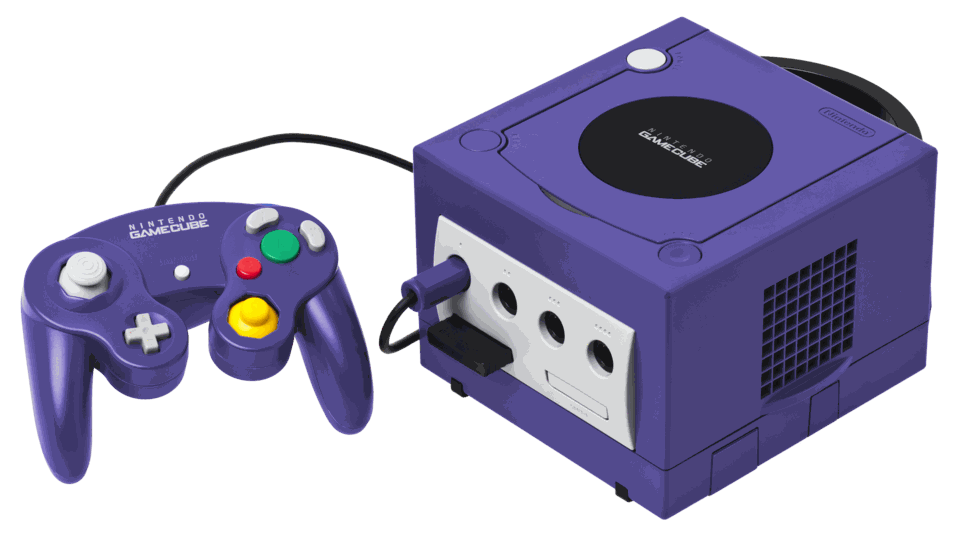
Choose a homebrew boot method, use Swiss, back up memory cards with GCMM and dump your discs with CleanRip.
Compare FreeMcBoot and OpenTuna, then find Open PS2 Loader, wLaunchELF, Apollo saves and hardware information tools.

Original Xbox dashboards, native homebrew, ports and emulators, with model-specific setup and storage instructions.
DS and DS Lite use a compatible flashcart; DSi has an SD-card homebrew route. Find TWiLight Menu++, nds-bootstrap and file tools.
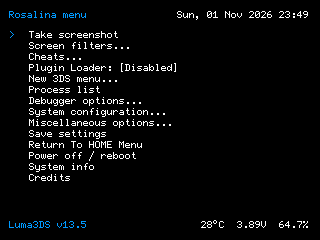
Start with the maintained model and firmware guide, then explore Luma3DS, GodMode9, Universal-Updater, save backups and FTP.
PSP apps, homebrew games, ports, emulators and themes, with ARK-4 model-specific installation resources.

VPK apps, homebrew ports and emulators, plus HENlo, Ensō, Adrenaline and SD2Vita setup.

Dashboards, homebrew, file tools and storage helpers, with separate requirements for Peer Pressure, temporary exploits and RGH/JTAG.

PS3HEN and CFW guides, illustrated homebrew apps, save management and firmware tools.
Preview credited themes for Switch, Wii U, Nintendo 2DS / 3DS and PS3, then follow the installation guide for your console.