
Call of Duty: Black Ops 1 · PS4/PS5 Resources
Downloads, screenshots and supplied guides for Call of Duty: Black Ops 1 in the PS4/PS5 collection.

Mod menus
Injectors
GSC Injector v1.0 — BO1 & BO2 (PS4/PS5)
GoldHEN plugin • in-game menu picker • no PC injector needed
Black Ops 2: Multiplayer + Zombies
Black Ops 1: Multiplayer + Zombies
CFG resources
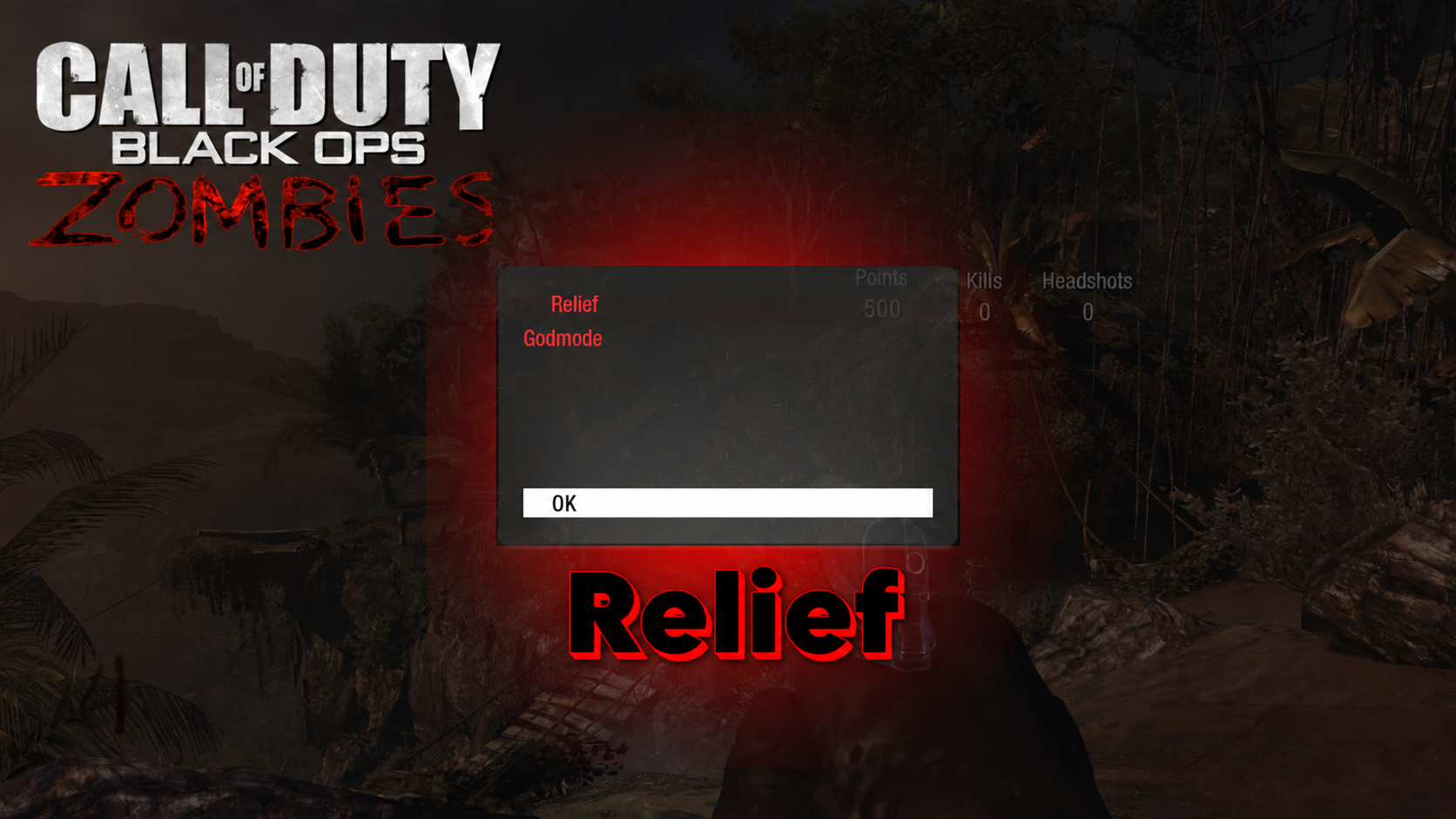
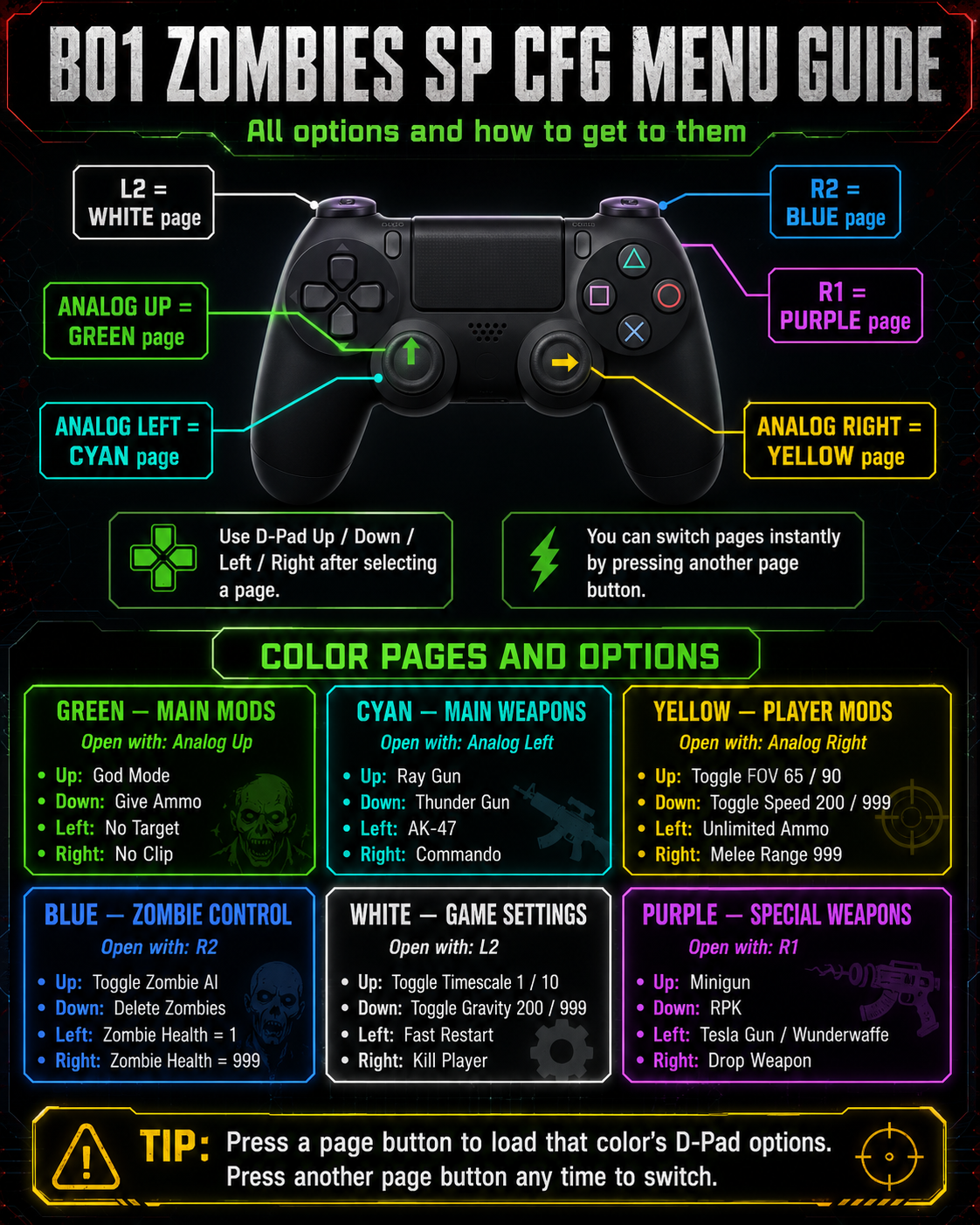
Bo1 Relief CFG Zombie & Multiplayer
The supplied README requires the PS4 version of Black Ops.
Bo1 Modded Files Link
Save/config mod files.
RTM tools
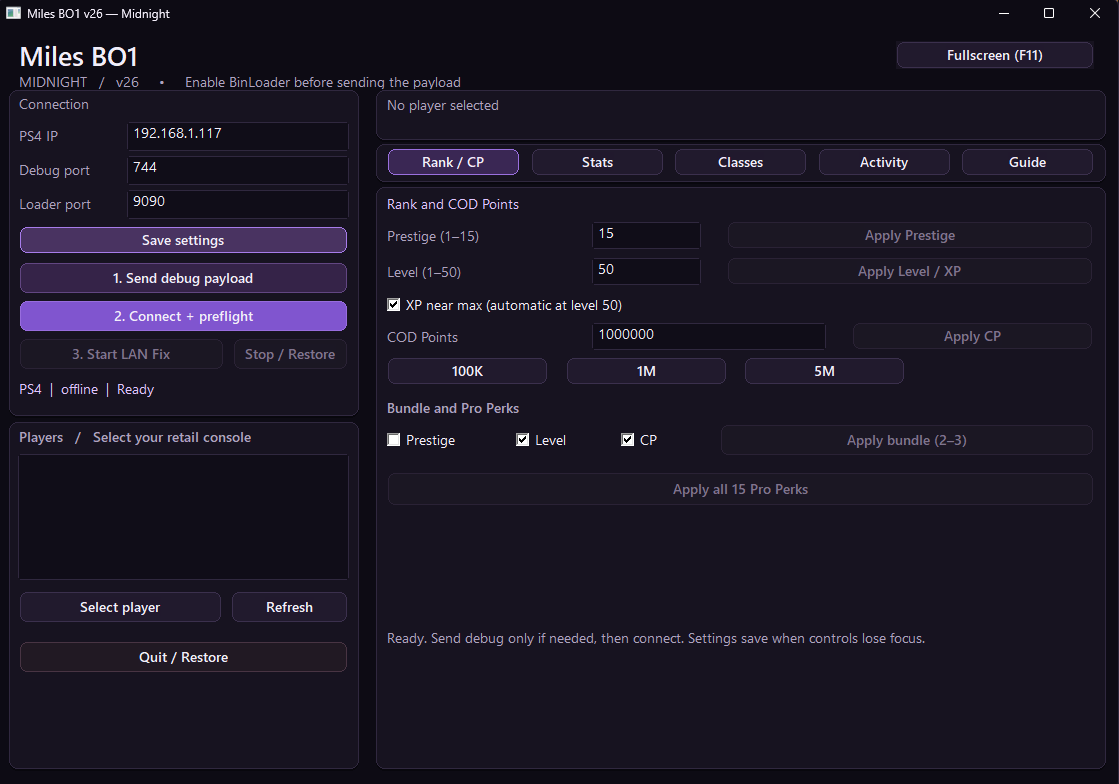
Black Ops 1 Miles RTM Tool
Desktop RTM tool for Black Ops 1.
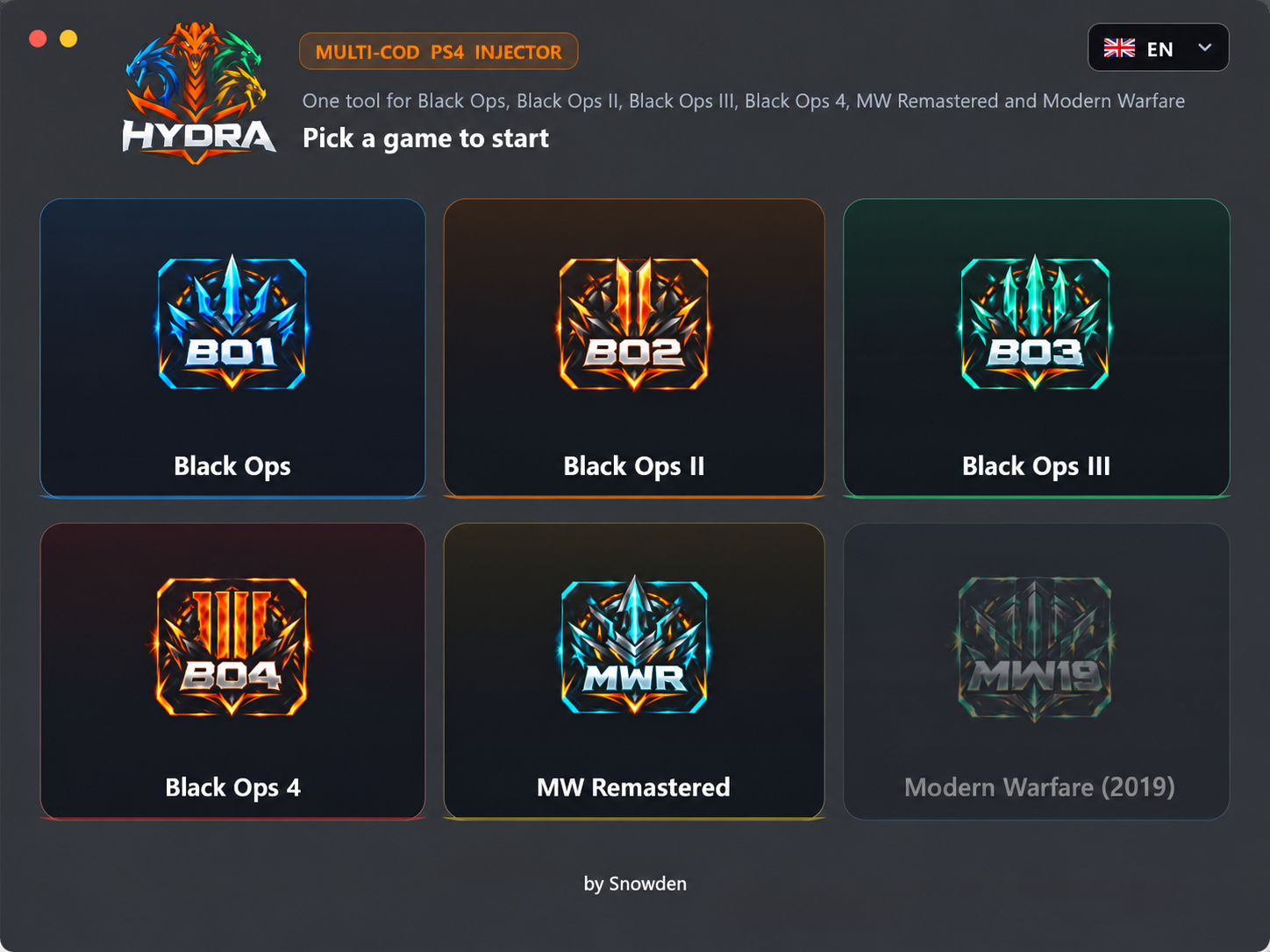
HYDRA v1.0.0
The exact v1.0.0 release was unavailable upstream at the 2 November 2026 check. The original releases link currently lists other versions.
ials96 BO2 1.2.0
Windows desktop tool; includes BO1 LAN Fix and Lobby Modded Classes.
Payload Injector + ps4debug.bin
Windows payload injector targeting .NET Framework 4.8, with the supplied ps4debug payload.
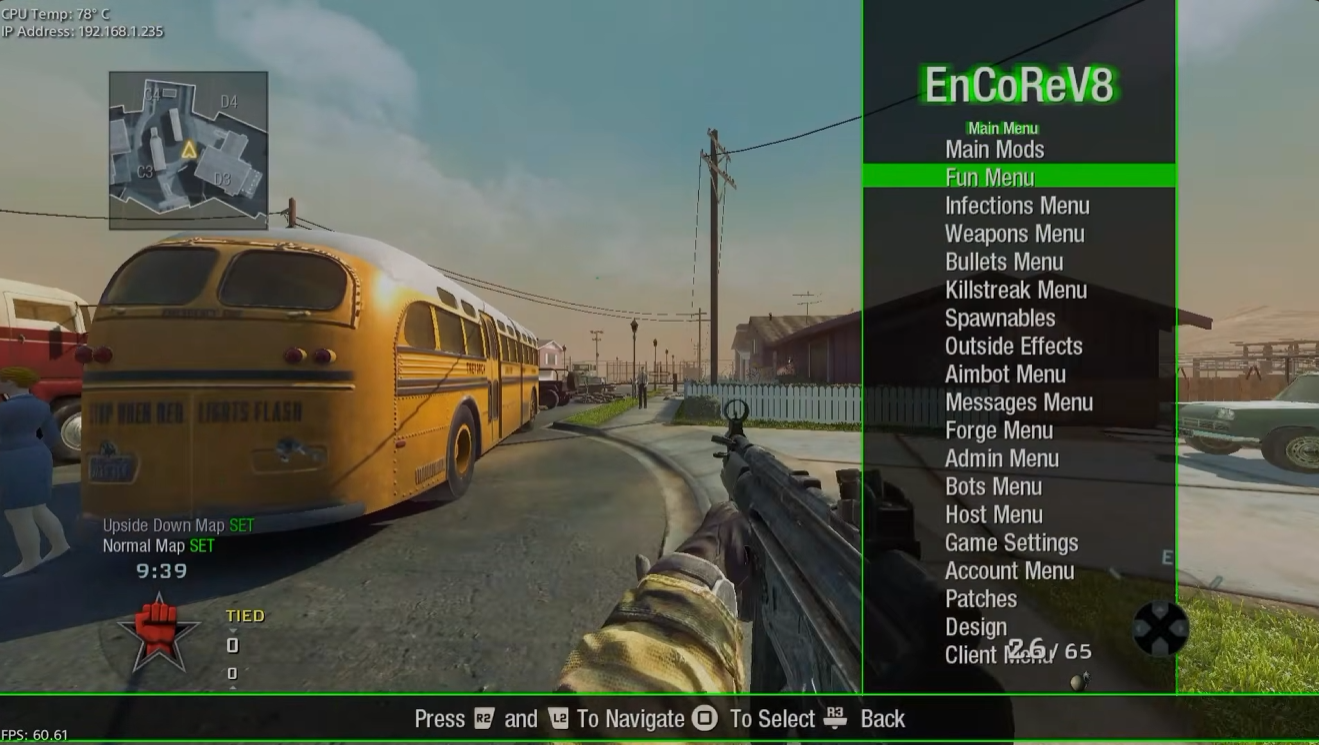
EnCoReV8
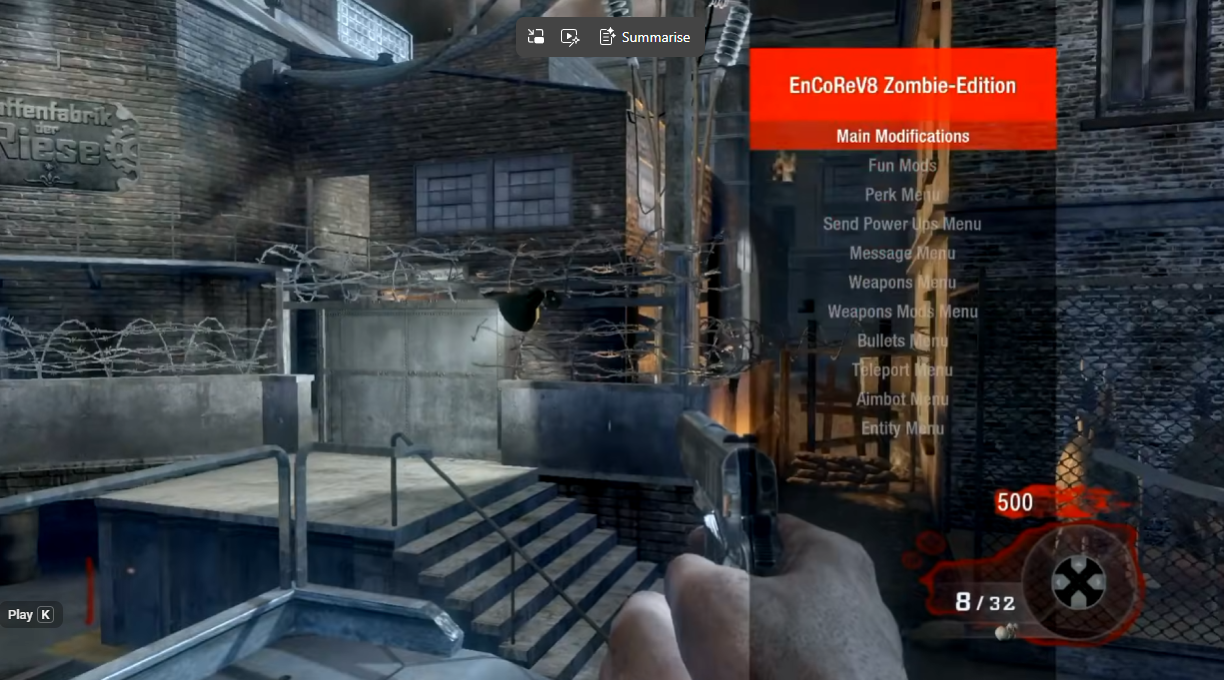
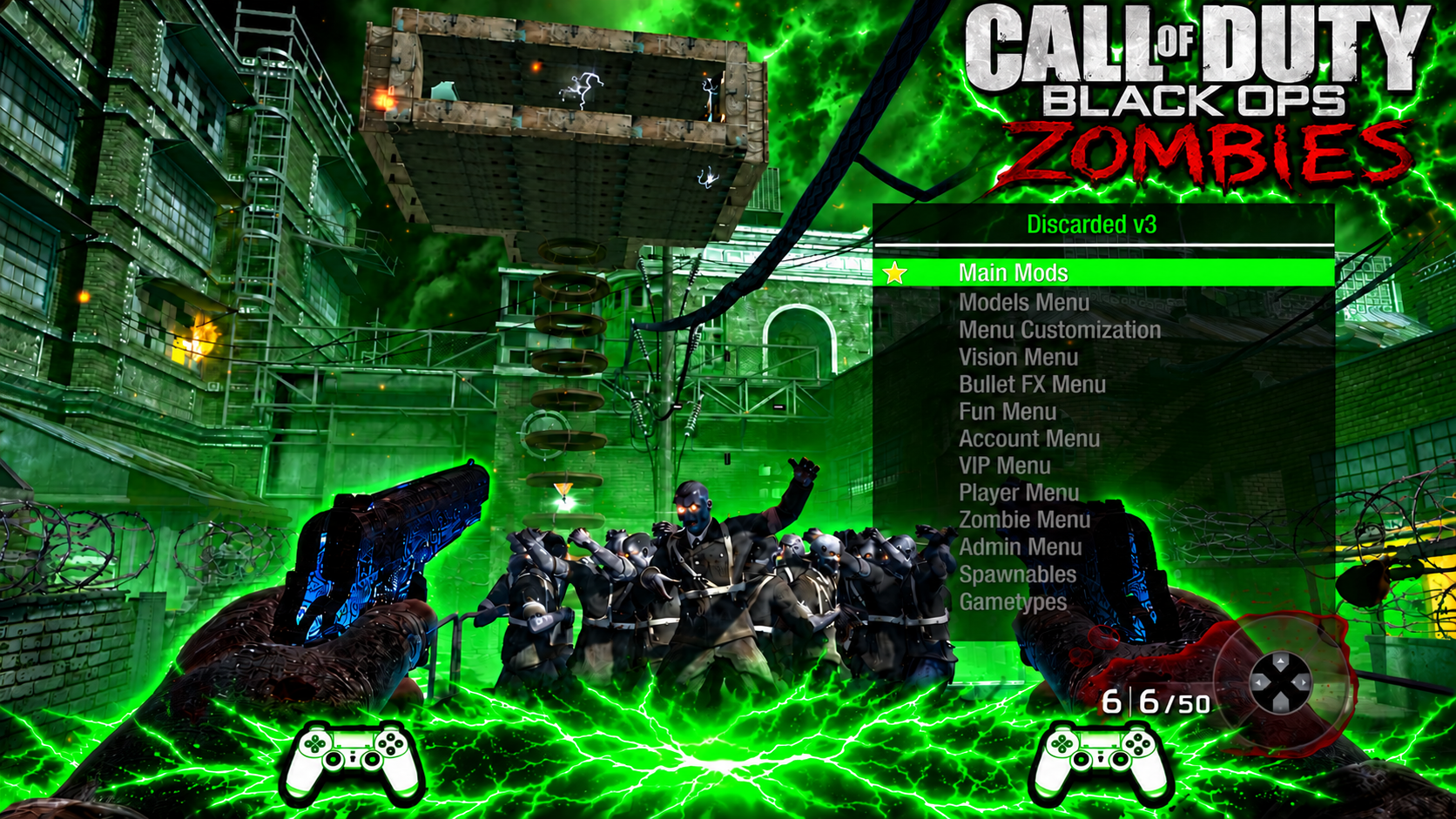
Discarded v3 Beta
The second reply from killhitman40 supplies a separate archive labelled “UPDATED FIXES”. Both that attachment and the original beta download are preserved.
Updated-fixes README
Made by xMasterModzx / Homiethefluff; ported to Black Ops Zombies by killhitman40. The README records release date 19 October 2026. On some maps, allow a few seconds before opening the menu. Some options are absent because they are not available in Black Ops Zombies.
Spawnables work only on the supported maps Nacht der Untoten and “Der Rise” (source spelling). Other maps can show no supported spawnables.
Recorded fixes
- Fog and Sun menu
- Jump and Speed
- Menu behavior while using Skybase
- Shi No Numa submenu
- Unsupported-map text in Spawnables
Controls
- Aim + Square
- Open menu
- L1 / R1
- Scroll
- Square
- Select
- Knife
- Back
- R2 / Frag
- Switch walking/regular mode when using AC130; the README says the same applies to other killstreaks.
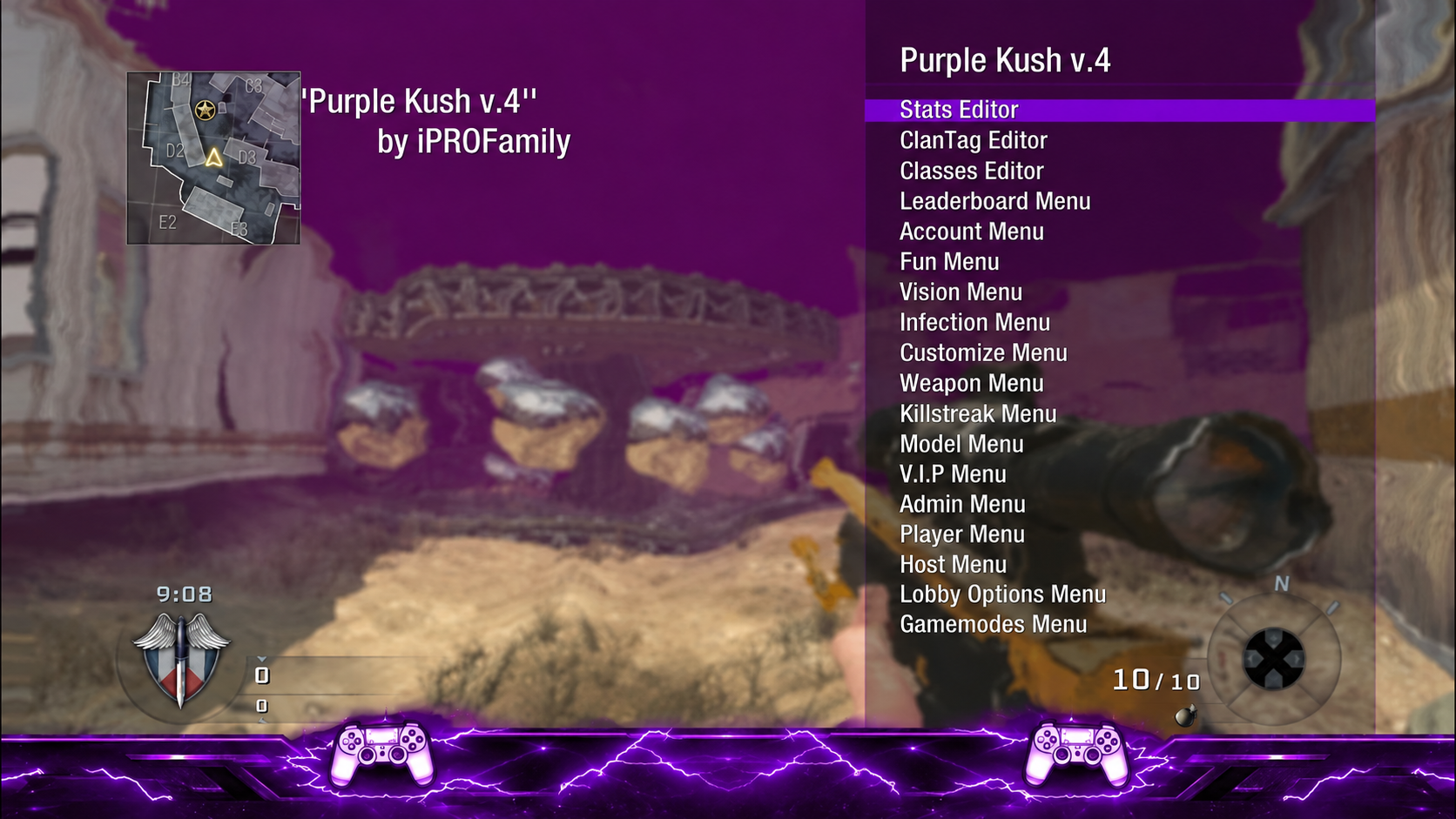
Purple Kush v4
GSC Injector v1.0 — BO1 & BO2 (PS4/PS5)
Included Menus
- BO2 MP — Jiggy • Project Abyss
- BO2 ZM — ByGrEk • ByGrEk Nexus • Heidi v13 • EnCoReV9 • Project Iconic V3 • RMT
- BO1 MP — Redemption • Encore v8 (+7 patches incl. NaTo V1 Treason Edit)
- BO1 ZM — Encore V8 ZM
Injector filename
The attached PRX downloads as gsc2520injector.prx. The post’s installation steps and plugins.ini example use gsc%20injector.prx. Keep the installed filename and its plugins.ini path identical.
Install
- Put gsc%20injector.prx in /data/GoldHEN/plugins/
- Use the included plugins.ini (or add the injector lines to yours) → /data/GoldHEN/
- Copy the GSC Injector folder → /data/GSC Injector/
- Reboot, launch the game, load into a match
The complete example below also contains default and Playroom entries. Merge the relevant injector entries into your existing configuration.
Post’s plugins.ini example
; Note: lines starting with semicolon are for comments.
; Load plugins for any title.

[default]
/data/GoldHEN/plugins/game_patch.prx

; Load plugins only for Playroom.

[CUSA00001]
/data/GoldHEN/plugins/afr.prx
/data/GoldHEN/plugins/no_share_watermark.prx

[CUSA57548] ; This will load when toggled for this title ID.
/data/GoldHEN/plugins/gsc%20injector.prx

[CUSA57547] ; This will load when toggled for this title ID.
/data/GoldHEN/plugins/gsc%20injector.prx
Usage
Hold L2 + R2 + tap X → pick a menu with Square → start a new match → menu loads
Most menus open with Aim + Knife (Iconic & EnCoReV9: D-Pad Down)
Bugs / Reports
Send your /data/GSC Injector/log.txt with what you did before the issue.
Credits
Treason • aimyz • ByGrEk — DeadOps release, groundwork, menu ports & testing
Original menu creators keep full credit for their work (CabCon, SeriousHD-, and others)
Controls
- Hold L2 + R2, tap X
- In-game panel
- Square
- Pick a menu → start a new match → menu loads
- Aim + Knife
- Most menus
- D-Pad Down
- Iconic & EnCoReV9
Bo1 Relief CFG Zombie & Multiplayer
Using the menu
After selecting the mods, choose ENJOY and close the menu. The supplied README recommends this so that using the knife does not activate another mod.
Credits
Relief CFG by steezys (youtube/@steezys). Made using CFG Menu Maker Tool.
Controls
- Dpad UP
- Open
- Dpad Left & Right
- Scroll
- R3
- Select
- Select
- Close
Bo1 Modded Files Link
Black Ops 1 Miles RTM Tool
Class editor values
The bundled god-mode note specifies these class editor values:
Body: 114
Class Bonus: 12
Using the bundled item-ID reference
- Enter decimal values in the tool’s numeric input; hexadecimal values are supplied only as a reference.
- The bundled Miles v24 reference lists 116 dropdown entries. This catalog label does not establish the version of the supplied tool binary.
- Categories identify the original table slots. An item’s name identifies its table ID, rather than verifying what happens when it is written to a different field.
- The supplied catalog does not include attachments, camos or other cosmetic values.
HYDRA v1.0.0
Payload Injector + ps4debug.bin
Observed connection demonstration
The short video begins with address and port fields already filled. It does not show the initial payload receiver or firmware setup.
Fields shown in the source
PS4 Payload Injector
Console address: <CONSOLE_LAN_IP>
Port: 9090
Payload: ps4debug.bin

BO2 PlayStation tool
Console address: <CONSOLE_LAN_IP>
Port: 744
Local Client: 0
Sequence visible in the clip
- Select the debug payloadIn PS4 Payload Injector, open the file picker and select ps4debug.bin.
- Injector state shownWith the payload path selected, the source displays Connected while the cursor is over Send Payload.
- Connect in the BO2 toolThe BO2 PlayStation tool uses the same console LAN address, port 744 and Local Client 0. Clicking Connect PS4 changes its display from Not connected to Attached • codmp.elf • pid 76 • RPC ready in the recorded session.
Local Client meaning
The source explains that Local Client 0 is the PS4 main player. Other values are local split-screen clients, not remote PS5 lobby slots.
Shared resources · game-specific support
GSC Injector v1.0 · BO1 & BO2 menu pack
Multiplayer: Redemption, Encore v8 and its supplied patches. Zombies: Encore V8 ZM.
Setup & source
Multiplayer: Redemption, Encore v8 and its supplied patches. Zombies: Encore V8 ZM.
The post labels this PS4/PS5 and supplies a GoldHEN plugin configuration. Match that documented game environment and installed PRX filename; exact game update and console firmware ranges are not stated.
ials96 BO2 1.2.0 · shared Windows tool
BO1 LAN Fix and Lobby Modded Classes only, as named in the v1.2.0 notes. This does not establish the same menu support as BO2.
Setup & source
BO1 LAN Fix and Lobby Modded Classes only, as named in the v1.2.0 notes. This does not establish the same menu support as BO2.
Windows desktop application. These release notes do not establish native console execution, a complete BO1 menu port or PS5 compatibility.
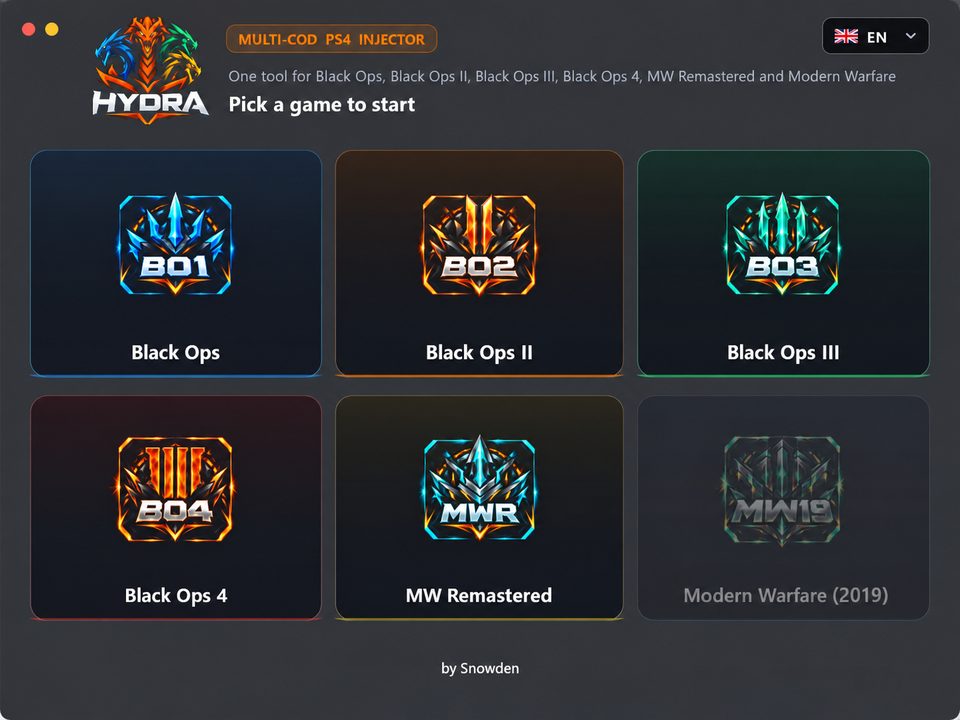
HYDRA v1.0.0 · historical BO1/BO2 entry
BO1 resource mapping retained from the captured BO1/BO2 post. Exact v1.0.0 file unavailable.
Setup & source
BO1 resource mapping retained from the captured BO1/BO2 post. Exact v1.0.0 file unavailable.
Historical Windows RTM entry. No ready download or new game, region, update or PS5 compatibility claim is inferred from newer HYDRA releases.