
GSC Injector · no PC needed
T7 GSC Injector plugin for Black Ops 3 on PS4.
 whatwhatboy
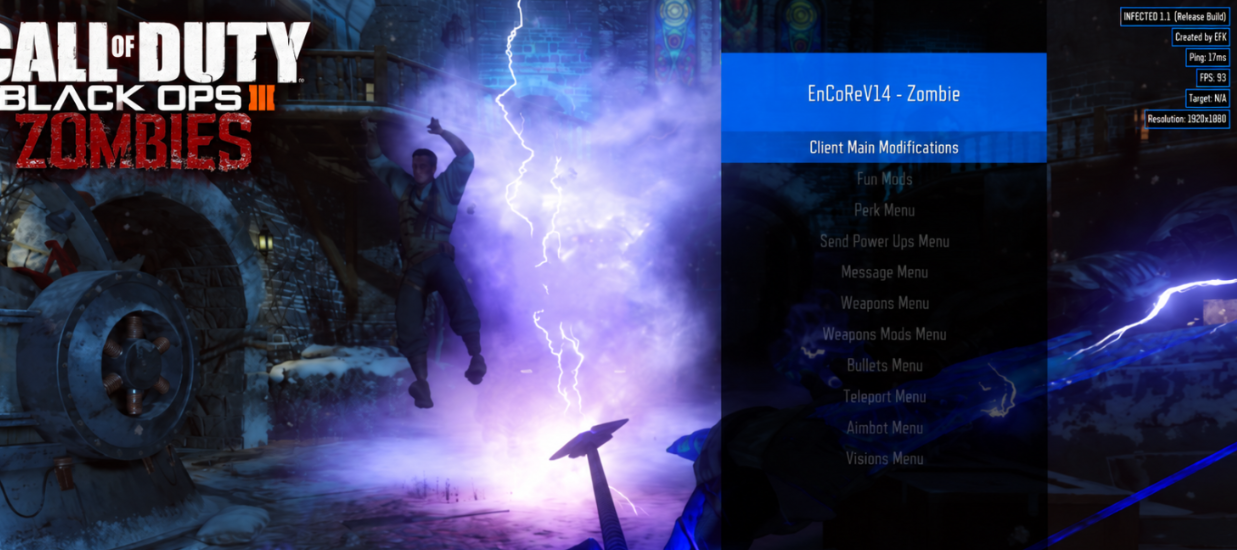
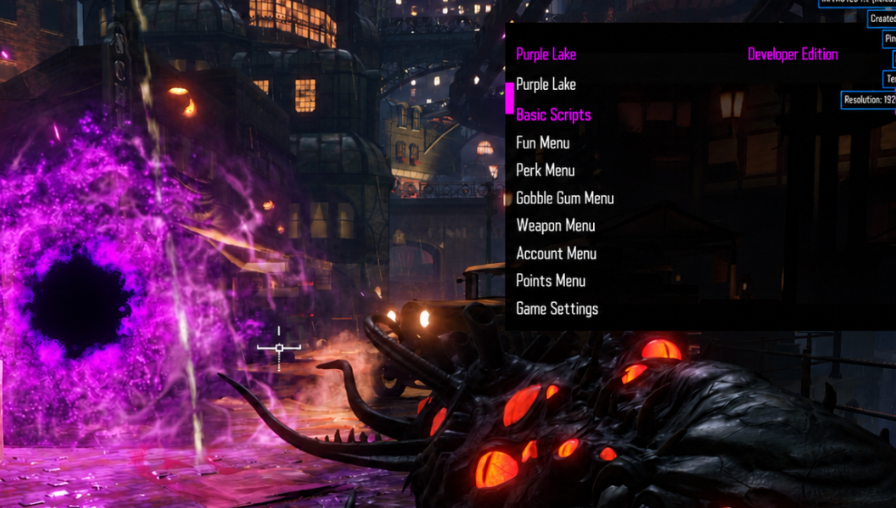
PS4 Black Ops 3 GSC Injector setup and menu downloads: DayBreak, EnCoRe, Purple Lake, Frostbite, WhiteShadow8500, Synergy and MatrixMods.
T7 GSC Injector plugin for Black Ops 3 on PS4.
Zombies and Multiplayer GSC menus for a compatible injector.
Pack V2
GSC injector and 13 Multiplayer/Zombies menus for BO3 1.33.
PS4 · BO3 01.33 · CUSA03004, CUSA02290 or CUSA02624. Requires compatible GoldHEN. Native PS5 support is not established.
/data/GoldHEN/plugins.ini before editing it.T7_GSC_Injector.prx in /data/GoldHEN/plugins/ using your console file manager or file-transfer method./data/GoldHEN/plugins.ini, add the exact injector path shown below. Keep your existing game entries./data/T7 GSC Injector/. Close the game and confirm that the folder exists./data/T7 GSC Injector/, preserving any folders required by the pack. Copy extracted scripts rather than the ZIP archive./data/GoldHEN/plugins/T7_GSC_Injector.prx
Supplied archive is named Frostbite v1.1.3 PS4 Version.
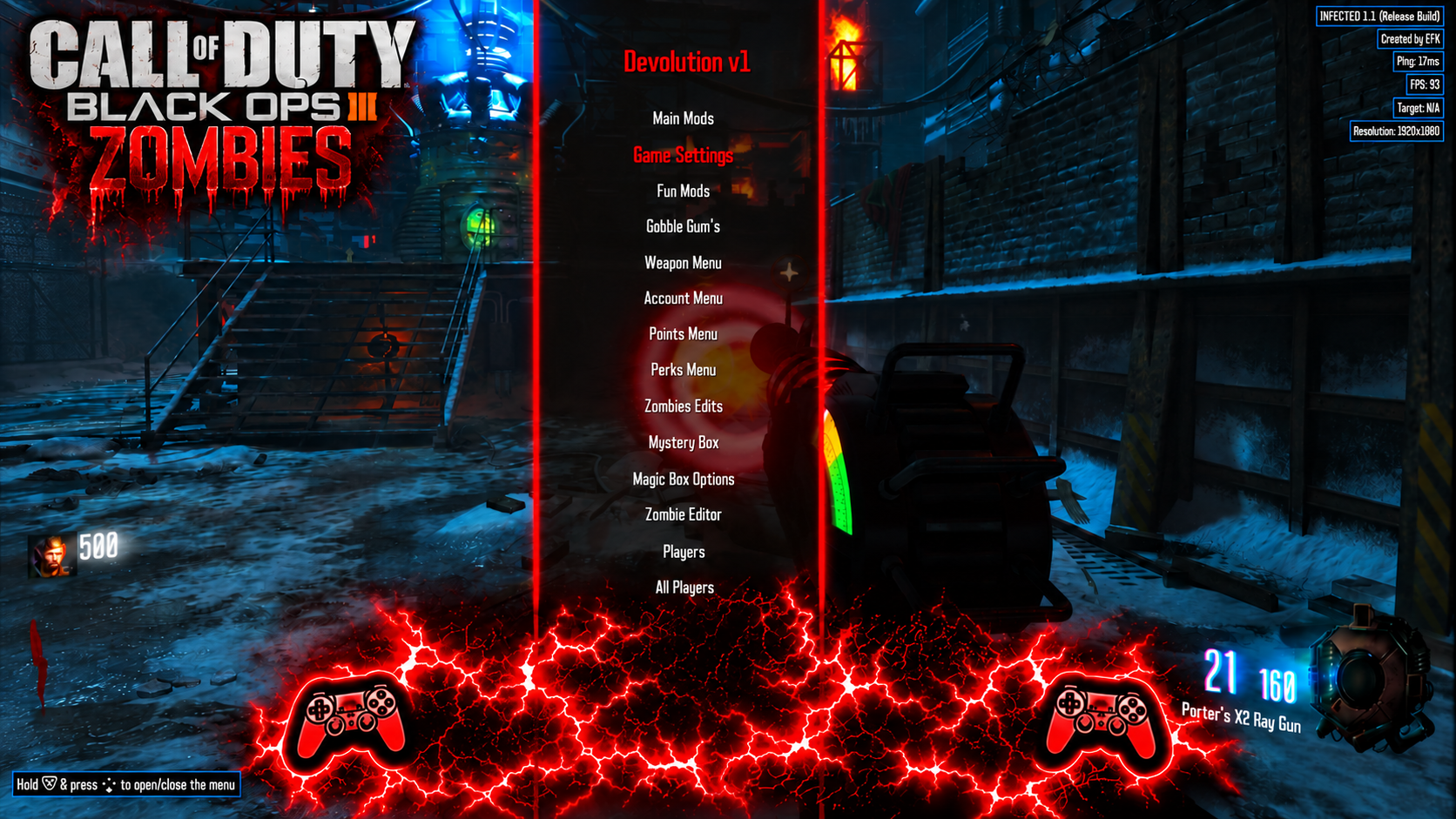
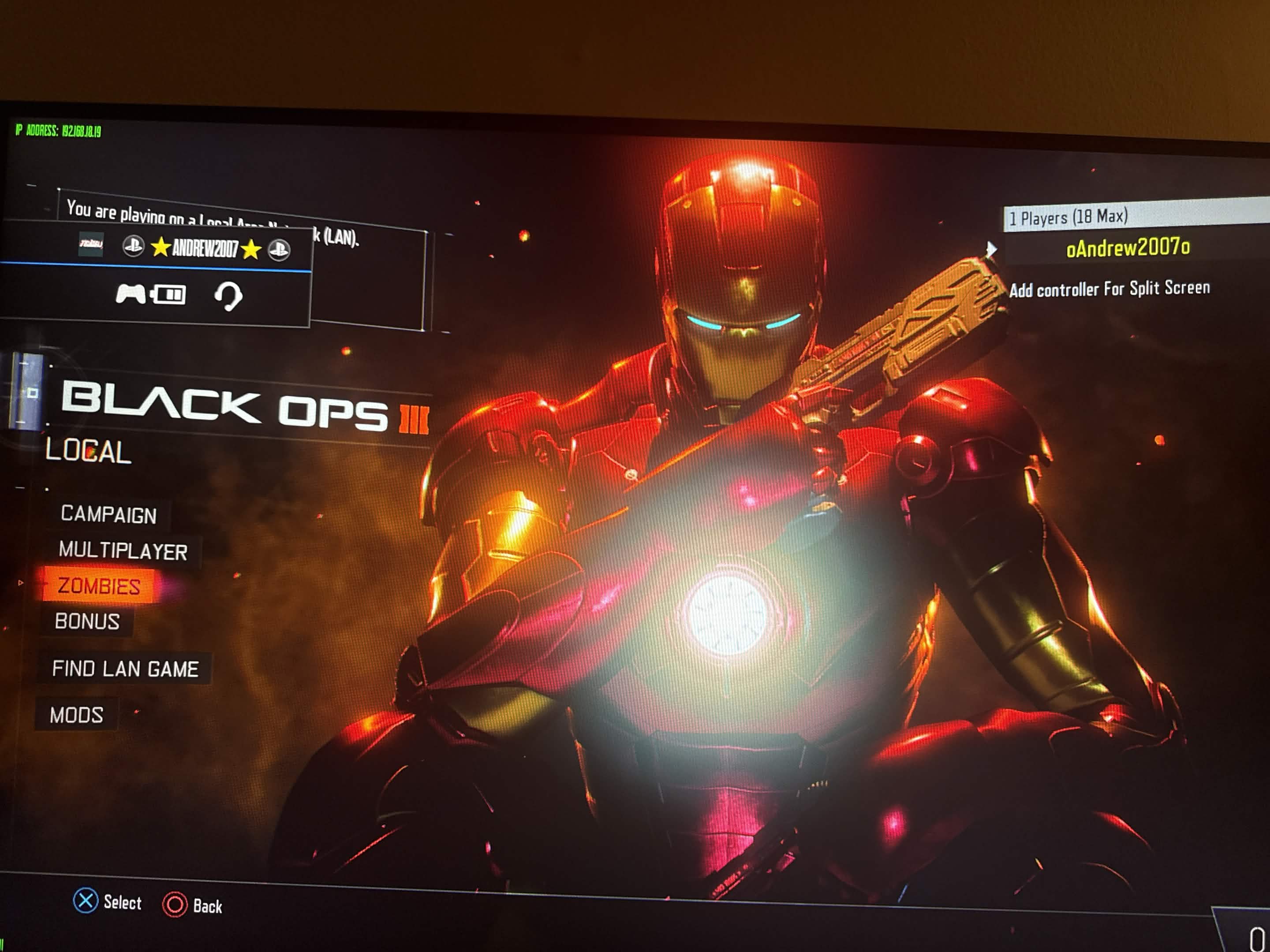
A workshop-style mod asset pack whose metadata identifies IronManArsenal and Zombies.
The source post says BO3 custom maps 3.00 are required. It does not identify a console firmware or installation method.
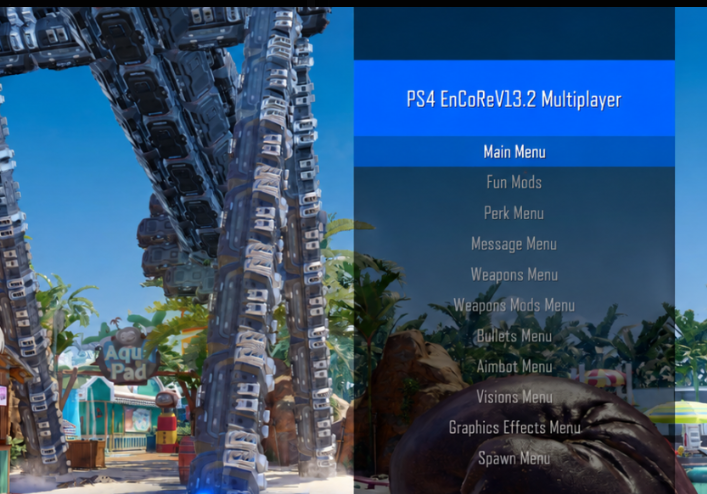
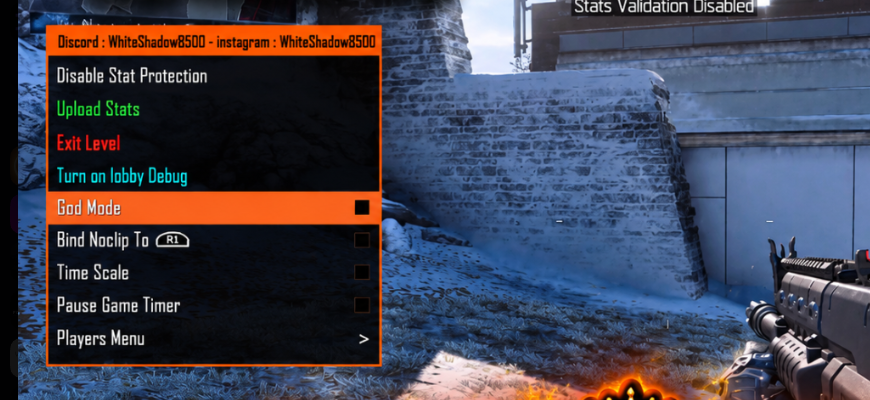
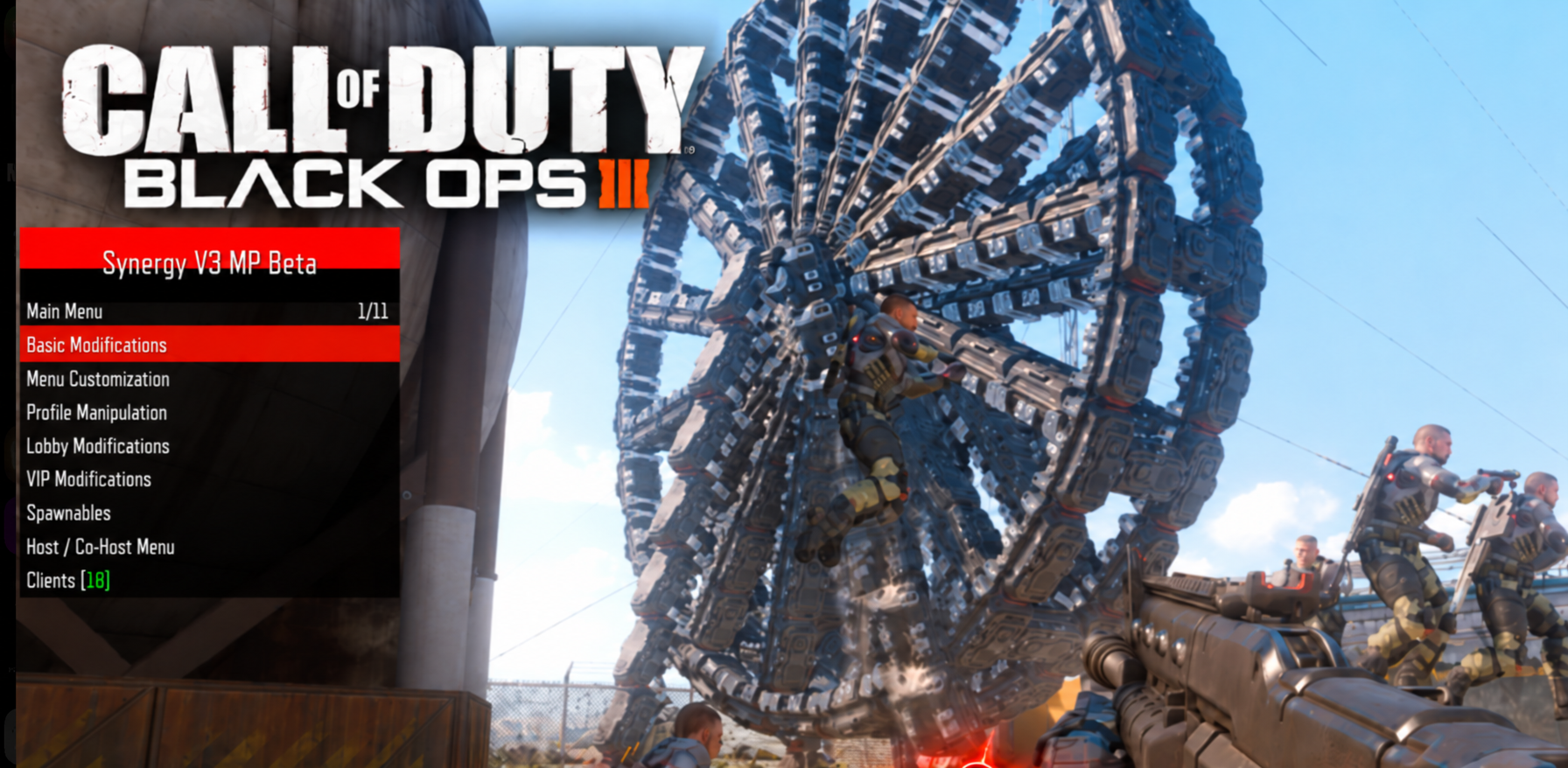
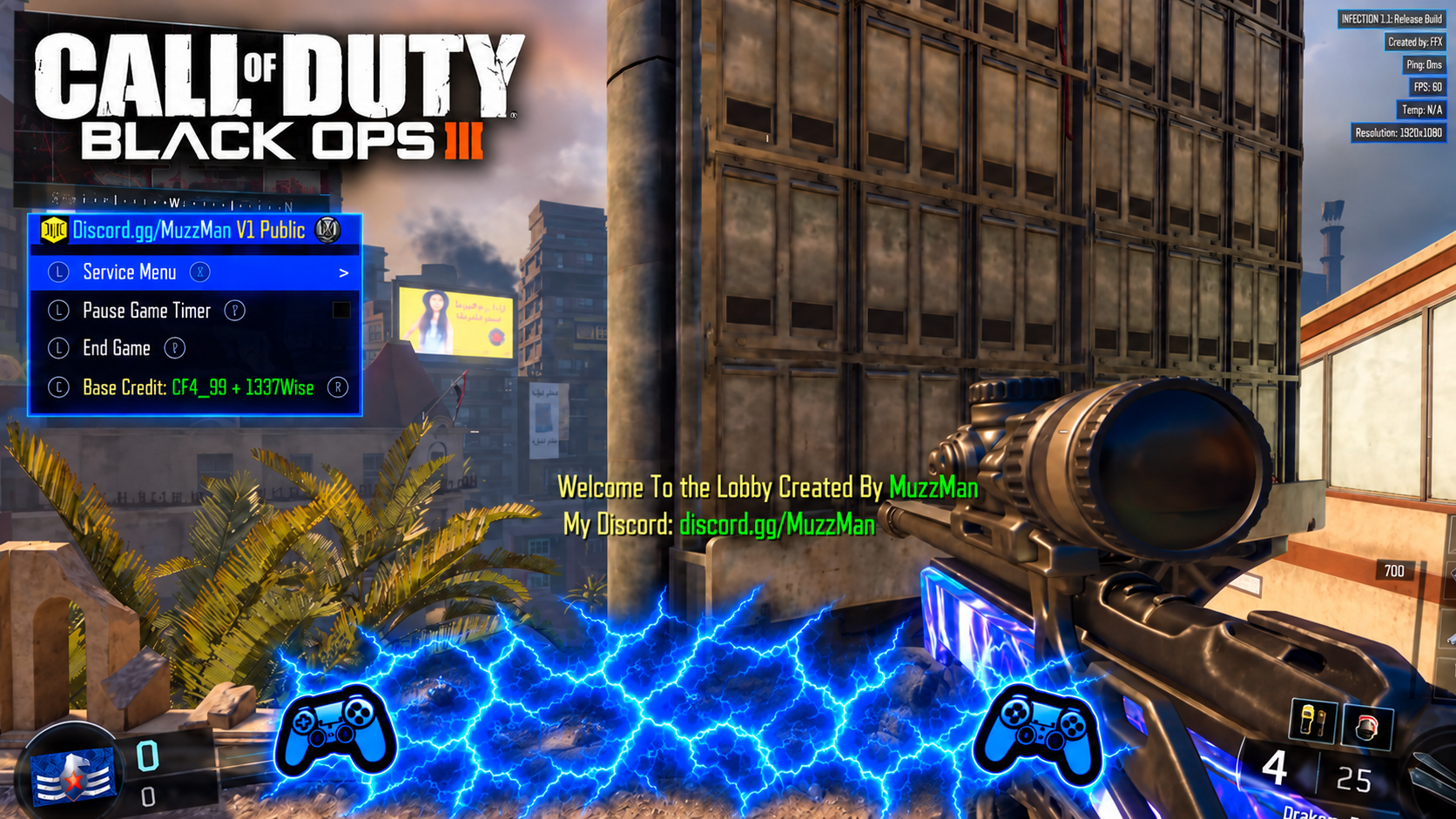
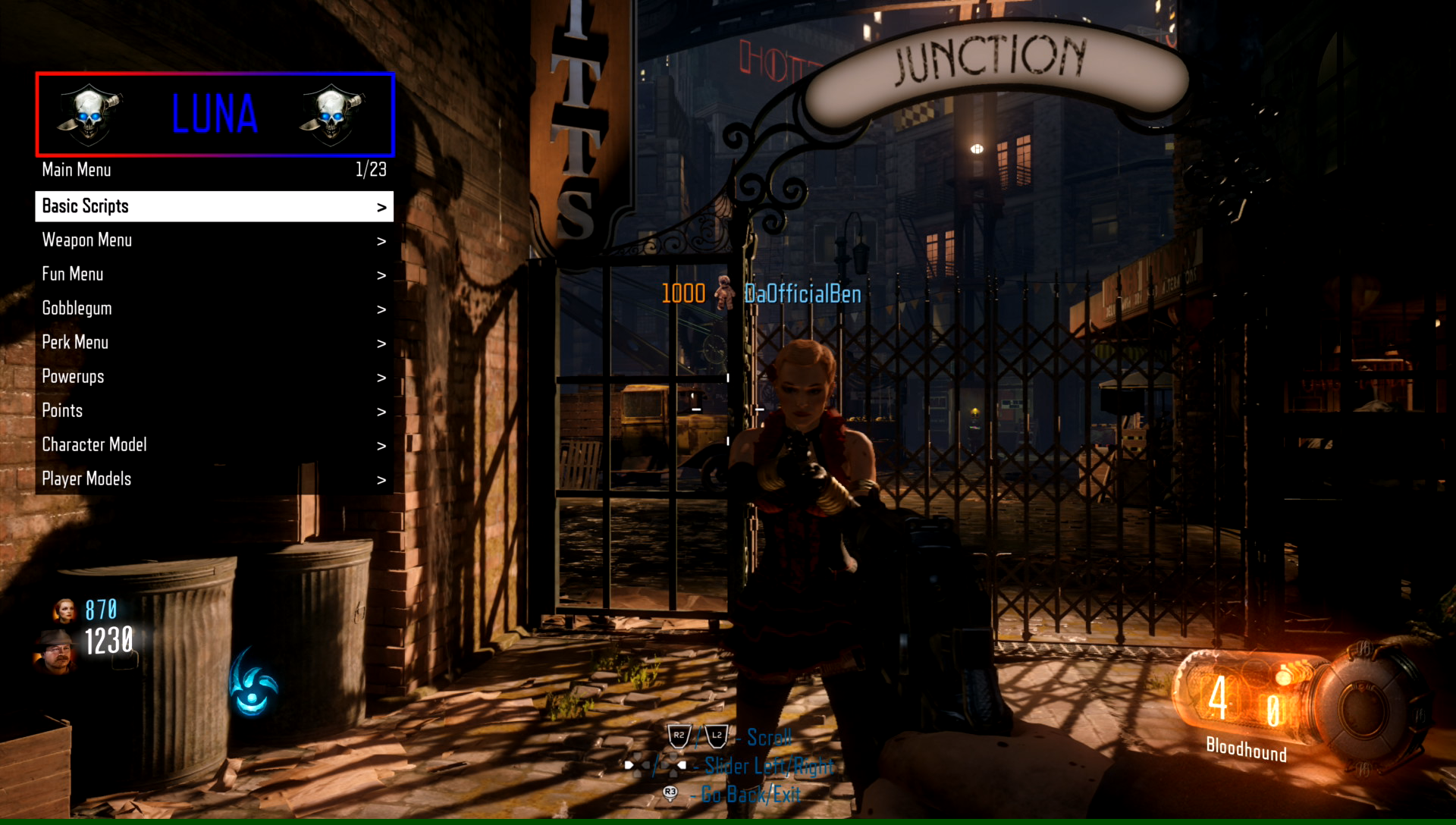
The archive contains LUNA_MP_PS4.gscc, a Multiplayer-named compiled script. Its supplied screenshot shows Zombies; mode compatibility is unconfirmed.
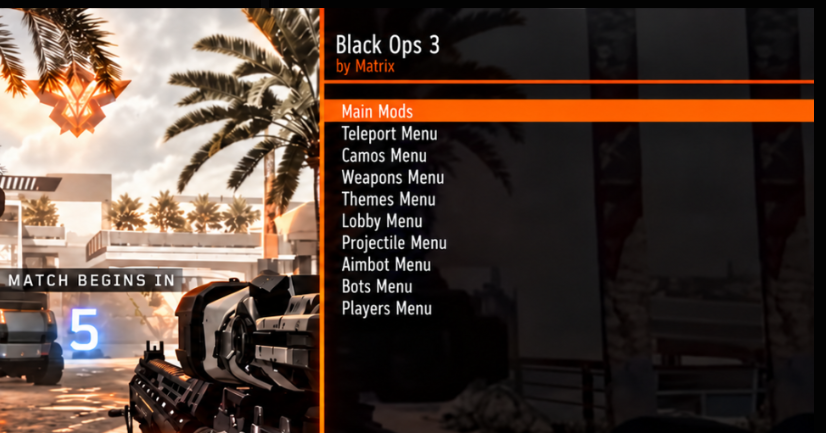
The source post specifies BO3 updates 1.26 and 1.00.
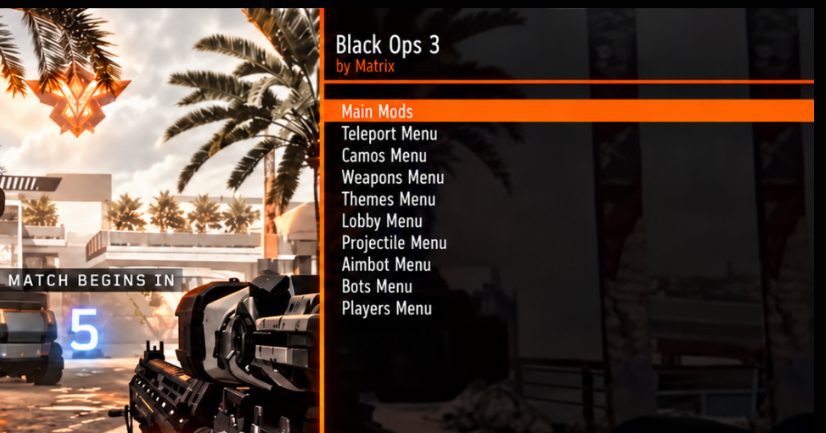
The source describes this as a Multiplayer and Zombies menu pack compatible with the posted in-game injector or another compatible injector. For the T7 injector setup shown here, extract the scripts from the ZIP before copying them to its injector directory.
The forum contains an original SPRX archive, a later SPRX upload, and a reply supplying a ZIP labeled CUSA02624. Match the downloaded build to its own included notes and your installed title ID.
The later SPRX archive README identifies DayBreak V1.1.2 for BO3 game update 1.33. It has separate CUSA02624 and CUSA02290 folders. These notes apply to that later upload; the original archive and the separate CUSA02624 reply ZIP remain available.
/data/GoldHEN/plugins/DayBreak.sprxThe README examples hardcode CUSA02290 even inside the CUSA02624 folder. Use your installed game title ID. The included INI also lists unrelated plugins; merge only your own DayBreak entry.
For a matching NexHEN setup, the README says to place DayBreak.sprx in /data/nexHEN/plugins/. Add its exact path under your installed game title ID in NexHEN’s plugins.ini. Append ?autoload=true to the path for autoload, or leave it off and use NexHEN’s Plugin Loader. Start BO3 and accept the DayBreak loading prompt. Console compatibility has not been independently verified.
For NexHEN autoload, the author says the load prompt may take up to 20 seconds at the main menu. If it does not appear, check the exact plugin path, your game title/update and duplicate INI entries. The README suggests trying DayBreak by itself when another BO3 plugin is loaded.
DayBreak SPRX creator: XeX Poiiison. These version-specific steps and controls come from the later archive’s README.
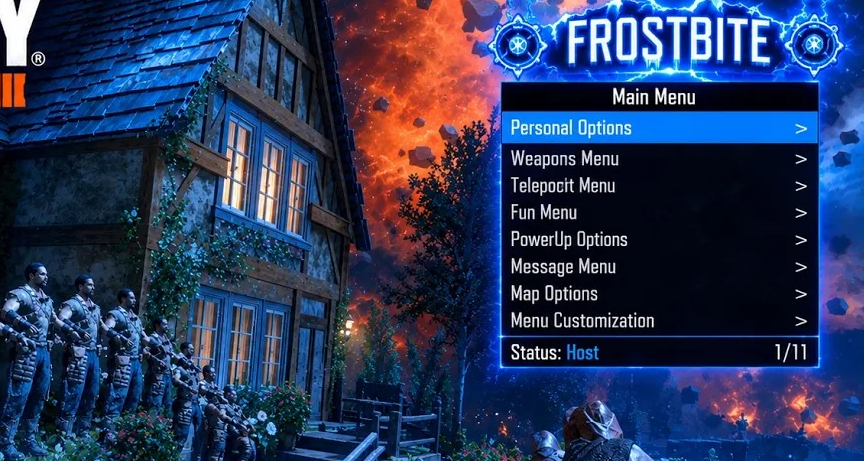
The post and video are titled Frostbite v1.3; the supplied archive is named Frostbite v1.1.3 PS4 Version. The original naming is retained.
The EnCoReV13.2 post supplies the file MP-Synergy.gsc. This is the attachment supplied with that post.
The source post requires BO3 custom maps 3.00. The archive is a workshop-style mod pack; the captured post provides no console installation steps. Its presence in the PS4/PS5 forum does not establish a supported console loading method.
This is the original VirusMike V2 archive, with its injector, Multiplayer and Zombies scripts, INI example and readme. Extract it before use. The source lists BO3 game update 01.33 and CUSA03004, CUSA02290 or CUSA02624. These are source-stated requirements, not a physical-console test.
The readme makes a broad firmware claim, but no specific firmware matrix or native PS5 instructions are supplied. Use the requirements of your compatible GoldHEN release. Preserve the source readme and all older archived builds.
PS4 title IDs recorded in the supplied DLC post.
CUSA02624, CUSA02290 · Game update not specified in the post
CUSA02624, CUSA02290. The post does not state a game update.
These are the PS4 title IDs listed in this specific post. They do not confirm support for other regions, game updates, console firmware or mod menus. Check the installed title ID and update separately.
PS4 · choose your installed game update
BO3 game updates 1.00 and 1.26 only, as stated in its source post.
PS4 game payloads. No native PS5 build, console firmware range, title ID range or controls are established by this archive. It contains no README. Select only the binary for the stated game and update; consult that game's resource page for the preserved source.