Call of Duty: Modern Warfare Remastered · PS4/PS5 Resources

Downloads, screenshots and supplied guides for Call of Duty: Modern Warfare Remastered in the PS4/PS5 collection.
Call of Duty: Modern Warfare Remastered · PS4/PS5 Resources

DLC compatibility references

Call of Duty: Modern Warfare Remastered artwork

DLC compatibility reference

PS4 title IDs recorded in the supplied DLC post.

CUSA05379 · Game update 1.15

  • DLC reference
  • MWR
  • Guide

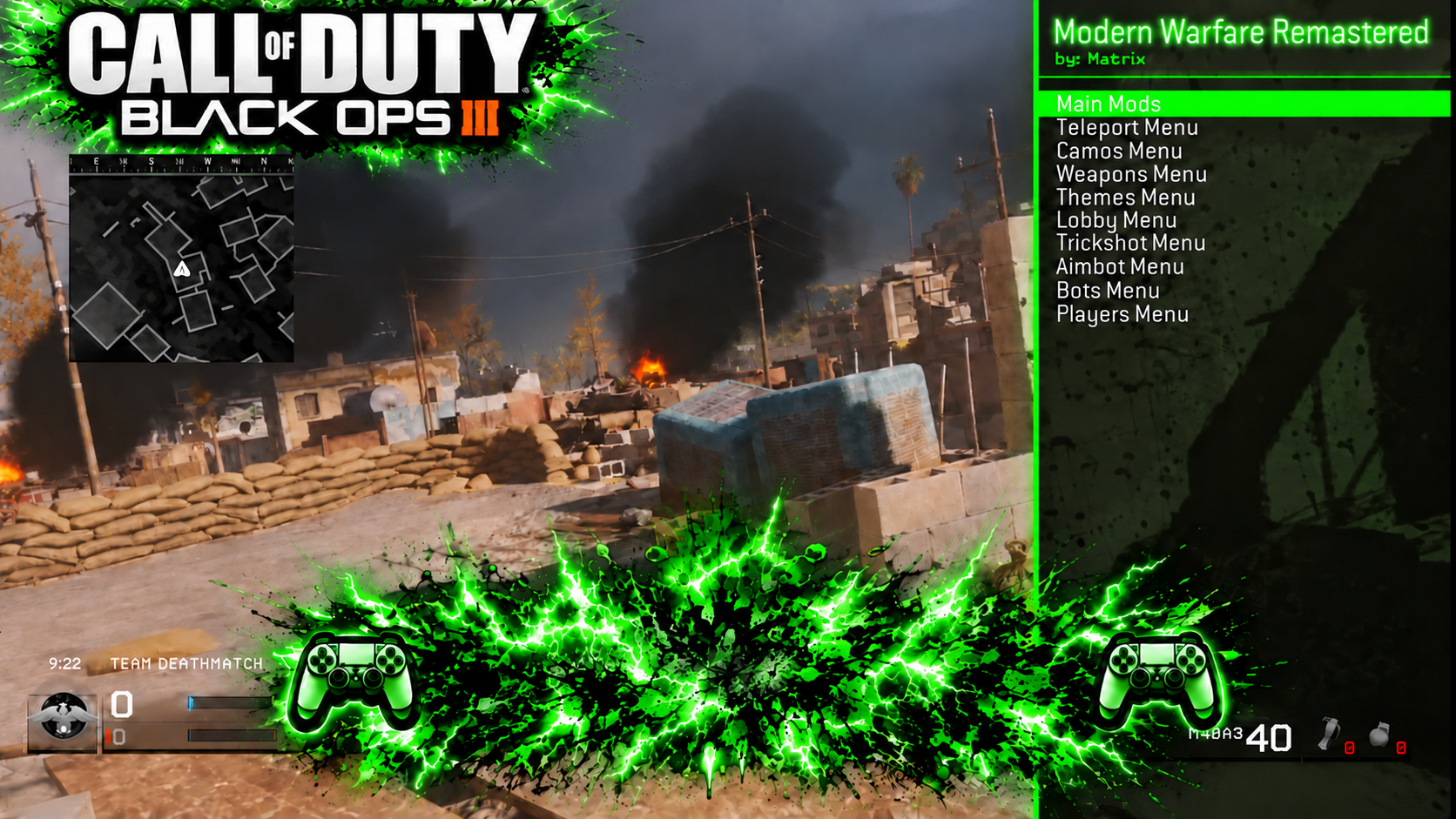
MatrixMods

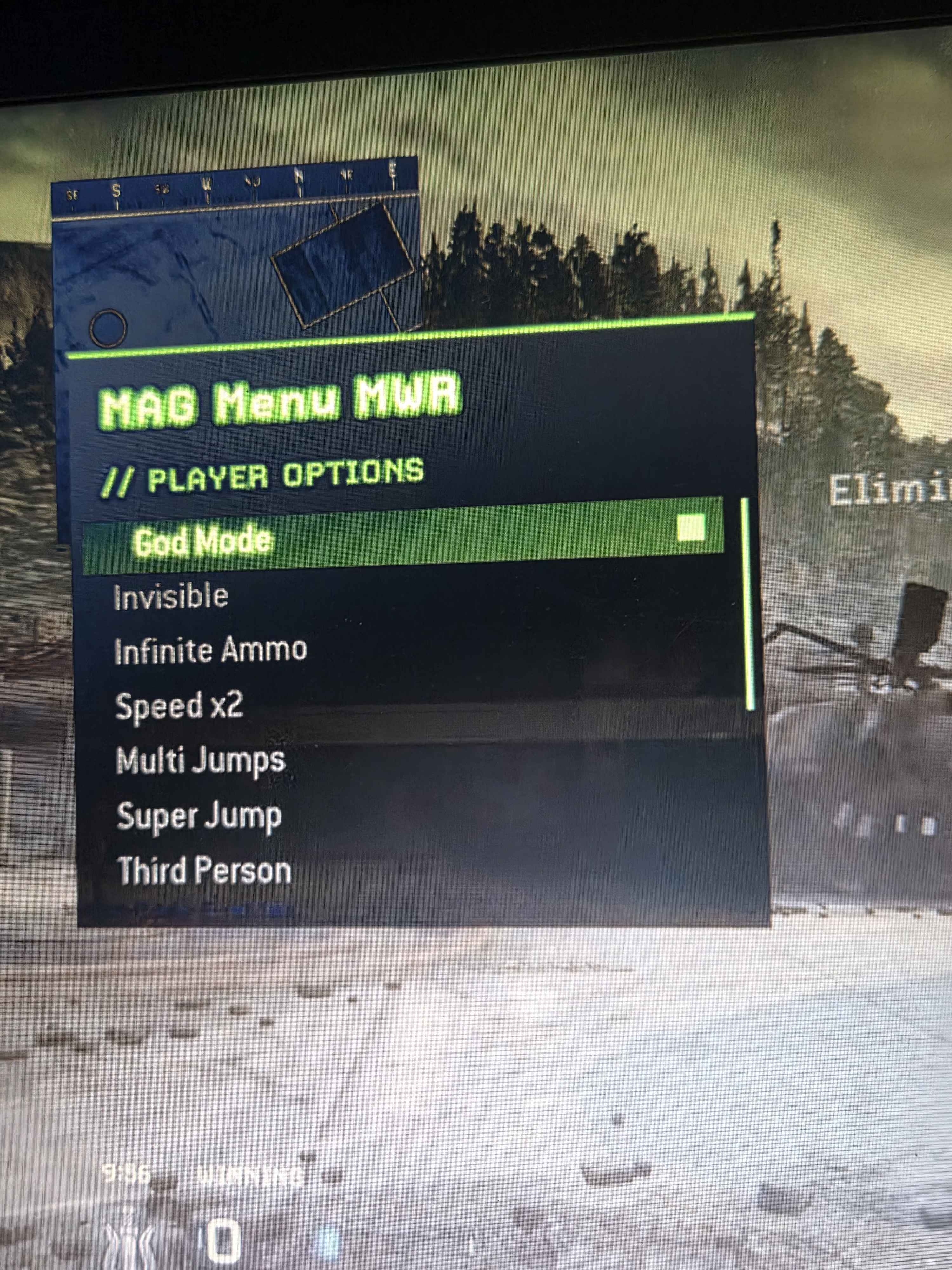
Screenshot supplied with the forum post.

MAG Menu v1

MWR-specific setup from the supplied guide

  1. Extract the full packageKeep the Tools folder and other supplied files together. In the launcher, choose the Modern Warfare Remastered tool.
  2. Prepare the PS4 gameEnable GoldHEN and its bin loader, launch Modern Warfare Remastered update 1.15 and open Multiplayer.
  3. Send debug and connectOn the tool Home page, enter the PS4 IP address and use Send ps4debug (Envoyer ps4debug), port 9090. Wait for the console notification, then choose Connect (Connecter).
  4. Use the built-in menuOn the GSC Injector page, leave the .gscbin field empty to select the built-in MAG menu.
  5. Enable automatic injectionStay at the Multiplayer main menu, enable Auto inject (Injection auto), and keep the tool open and connected. The guide explains that MWR restarts its Multiplayer process between menus and matches, so automatic injection restores the menu.
  6. Host a private matchStart a private match as host; the menu loads with the map. Remove (Retirer) at the Multiplayer menu or restart the game to unload it.

AI Zombies mode

In the menu, use GameMode → AI Zombies and choose a map. The source recommends a private team match, such as Team Deathmatch. The match restarts followed by two ten-second countdowns; selecting an AI Zombies entry again stops the mode.

AI Zombies map choices in the guide

  • Backlot, Ambush, Bloc, Vacant, Overgrown, Crash, Bog, Countdown, Crossfire, District, Downpour, Pipeline, Shipment, Showdown, Strike and Wet Work.

Custom GSC scripts

  • The Compilation card accepts a .gsc file or a folder of .gsc files, then compiles a .gscbin.
  • Define init(); the guide says it is called for matches and the menu lobby. Its menu-lobby map name is mp_vlobby_room, where the script should return immediately.
  • Supported includes are maps\mp\_utility, maps\mp\gametypes\_hud_util and common_scripts\utility in compiler\include.
  • The stated limit is 128 KB of bytecode per script. Fully restart MWR if the tool reports that the injection area is full.
  • The source identifies gsc-tool as the compiler, licensed GPL-3.0; its license file is included in the archive.

Diagnostics and credits

The Journal card and MAG_GSC_INJECTOR_MWR.log beside the executable record each step. Developers credited by the MWR guide: UrBaaZz and Zerty.

Controls

R1 + Square
Open or close
L1 / R1
Move up / down
L2 / R2
Previous / next page
Square
Select
Change stance (crouch/stand)
Back
Screenshot supplied with the forum post.

DLC compatibility reference

Title IDs in the source

CUSA05379. The post lists game update v1.15.

These are the PS4 title IDs listed in this specific post. They do not confirm support for other regions, game updates, console firmware or mod menus. Check the installed title ID and update separately.
Shared resources · game-specific support

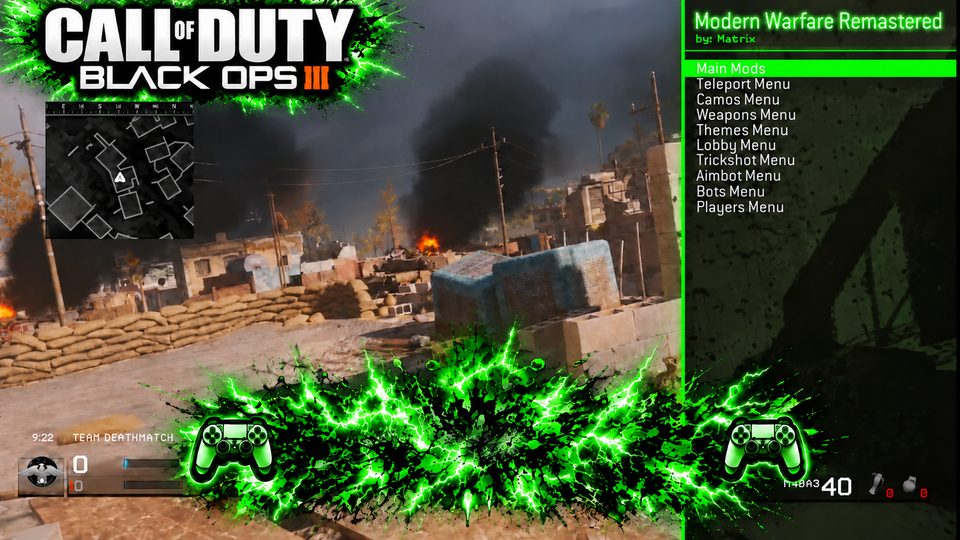
Screenshot supplied with the forum post.

MatrixMenusPS4 · four-game distribution

PS4 · choose your installed game update

Setup & source

Modern Warfare Remastered game updates 1.02 and 1.13 only, as stated in its source post.

PS4 game payloads. No native PS5 build, console firmware range, title ID range or controls are established by this archive. It contains no README. Select only the binary for the stated game and update; consult that game's resource page for the preserved source.