
RDR2 Mods for PS4
Browse North, Sheriff, Havana and Oyster resources for Red Dead Redemption 2, with supplied screenshots and videos.
GoldHEN plugins.ini · RDR2
EU / USA / JP title IDs
Red Dead Redemption 2 mod menus
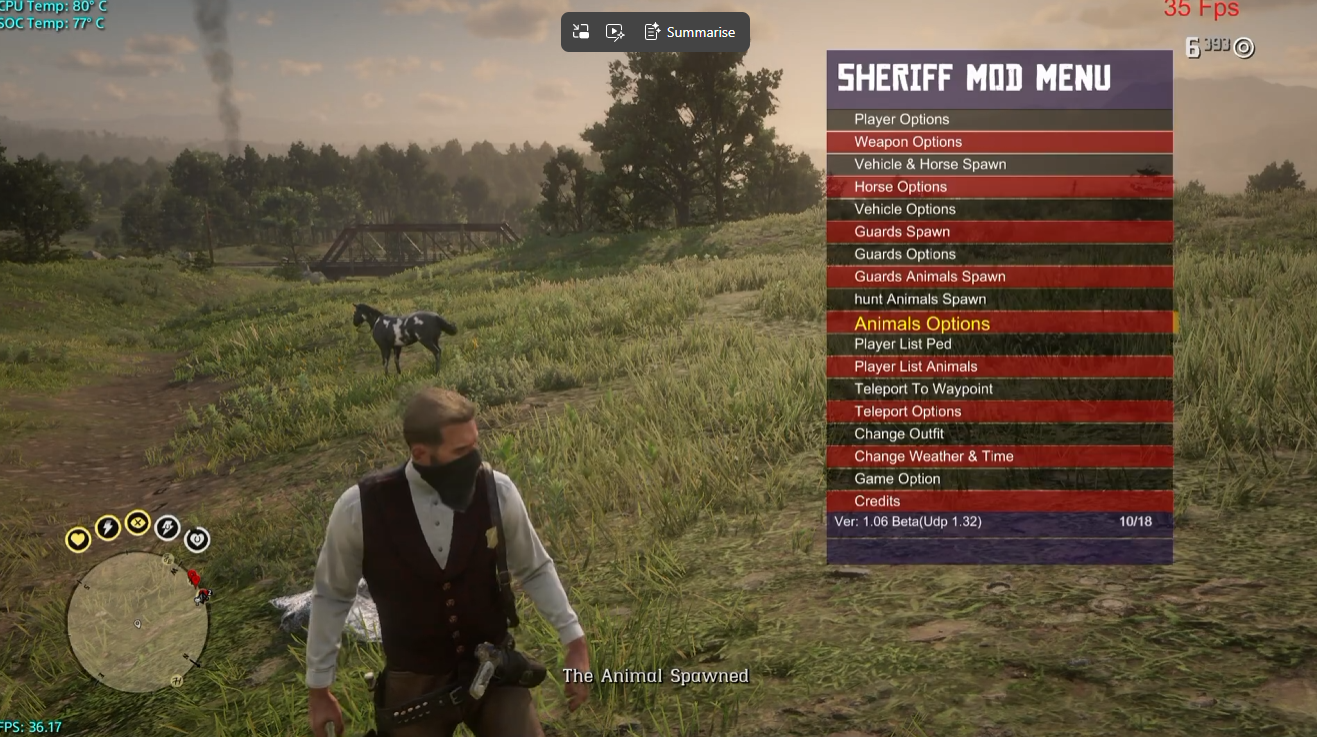
Sheriff 1.32
The source post title labels this 1.32.
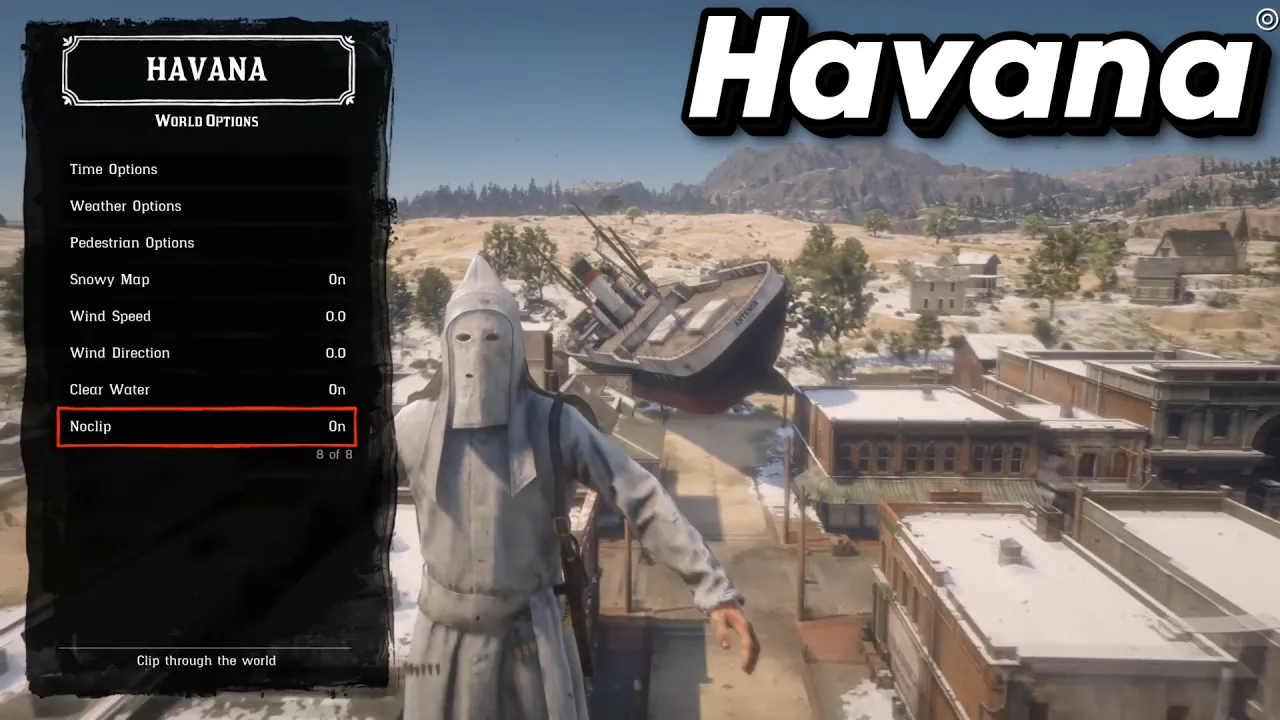
Havana
PS4 GoldHEN 2.3+ with Plugin Loader; RDR2 1.29 or 1.32. The 1.00 build is experimental.
More downloads & source guides
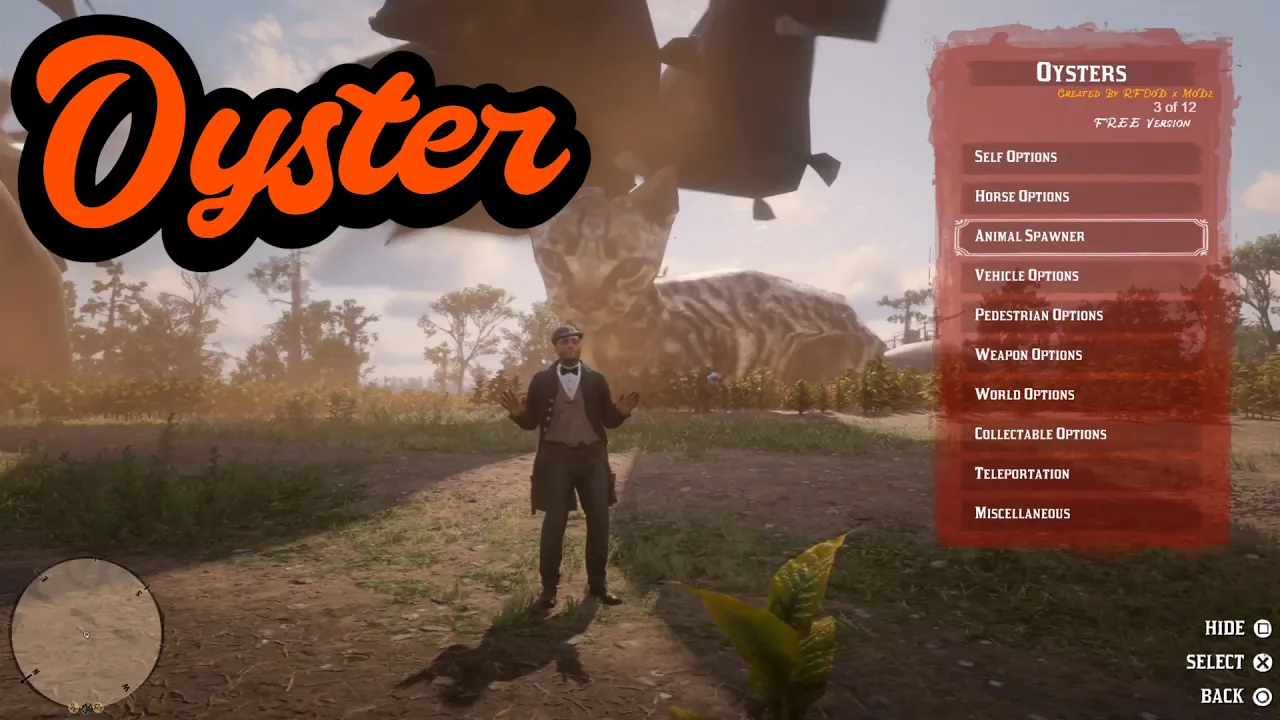
Oyster
v1.3.9 beta · free edition
The free edition is separate from Oyster’s paid product.
The official free-edition product page lists RDR2 updates 1.00, 1.13, 1.19, 1.24 and 1.29.
Sheriff 1.32
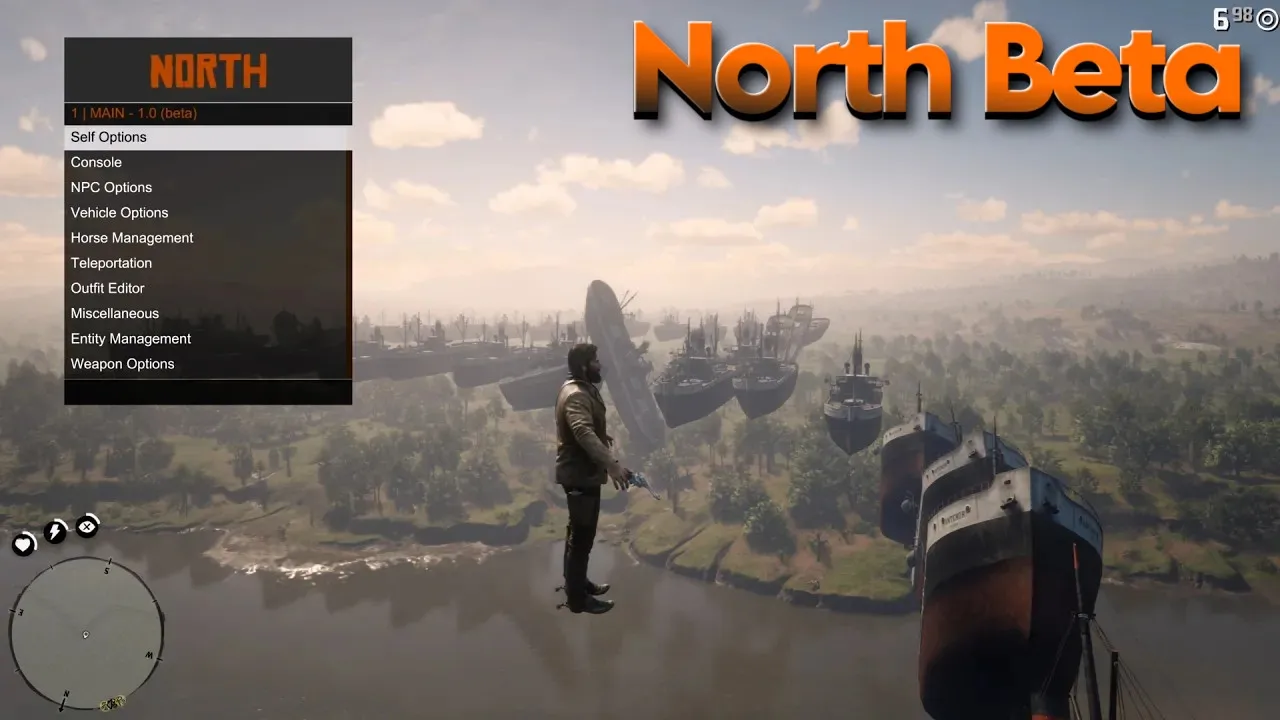
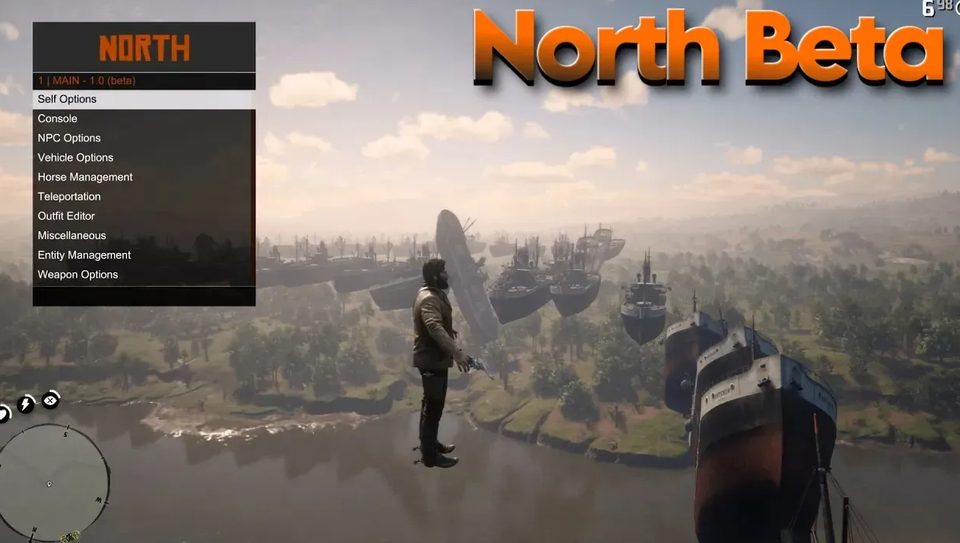
North Beta
The supplied video title labels its demonstration RDR2 1.29. The captured post provides no written installation guide.
Videos
Oyster
The captured post links the Oyster products page. Its video title is truncated in the source capture, so no complete game-update range is inferred from it.
Videos
Havana
Havana by 0x199, ported to GoldHEN PRX by illusion, with a menu base by 2much4u ported to RDR2 by ethylamine. These files remain pinned to release tag v1.20, titled “1.2 GoldHEN PRX Port”.
Install the matching SPRX
- Check your game updateChoose rdr3Payload_129.sprx for RDR2 1.29 or rdr3Payload_132.sprx for 1.32. The author marks rdr3Payload_100.sprx for 1.00 as experimental.
- Enable Plugin LoaderThe release instructions require GoldHEN 2.3 or newer with Plugin Loader enabled. Back up your existing plugins.ini.
- Copy one matching pluginPlace the selected SPRX in /data/GoldHEN/plugins/. Preserve its filename.
- Merge the game entryAdd the selected plugin path under your installed game’s CUSA title ID in /data/GoldHEN/plugins.ini. The example below is for US title CUSA03041 and game update 1.32; change both the section and path to match your installation.
- Launch single-playerThe release says a loaded-menu notification appears during the loading screen. Load into single-player, then press R1 + Square.
US 1.32 example from the author
[CUSA03041]
/data/GoldHEN/plugins/rdr3Payload_132.sprx=true
Publisher SHA-256 checksums
- rdr3Payload_100.sprx: df33c1fdc272cbdb081c60848ae654c0bd86f56b90f4ab7da7827a59492d5555
- rdr3Payload_129.sprx: d4534fcae611d232a89bf2dd91f104148c2066750236703127445632365e4c83
- rdr3Payload_132.sprx: b465b1f7aaa7d4a523db3b00618613b1e1d3ab9984d59461710fc4749356e36b
All three saved SPRX files match the checksums published with this release. The supplied instructions are for PS4 GoldHEN; they do not establish PS5 support.
Controls
- R1 + Square
- Open Havana after loading into single-player