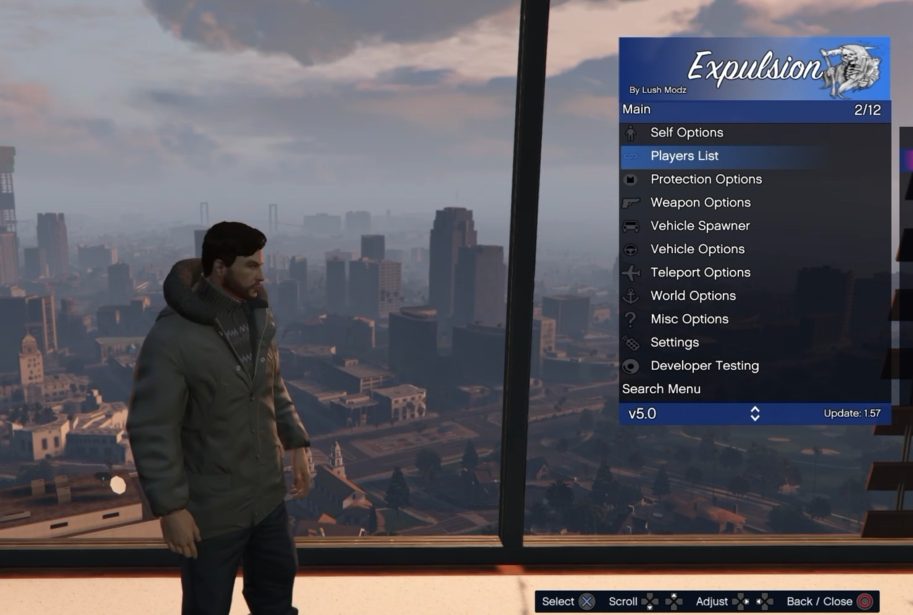
Expulsion 7.0
Menu 7.0 · GTA V 1.57
Full PS4 GTA V 1.57 package with menu data, scripts, outfits and installation notes.
 whatwhatboy
Browse menus by GTA V game update, CSC scripts, screenshots and supplied setup guides.
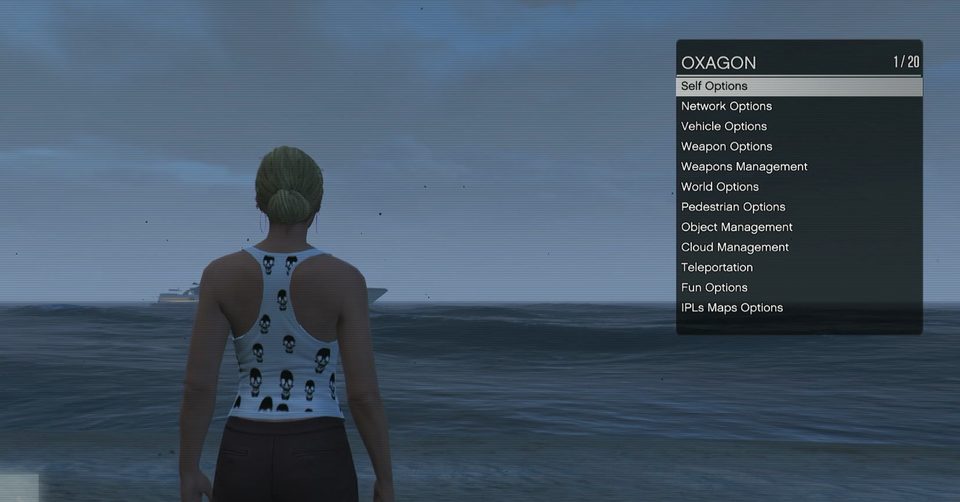
EU / USA / JP title IDs
Menu 7.0 · GTA V 1.57
Full PS4 GTA V 1.57 package with menu data, scripts, outfits and installation notes.
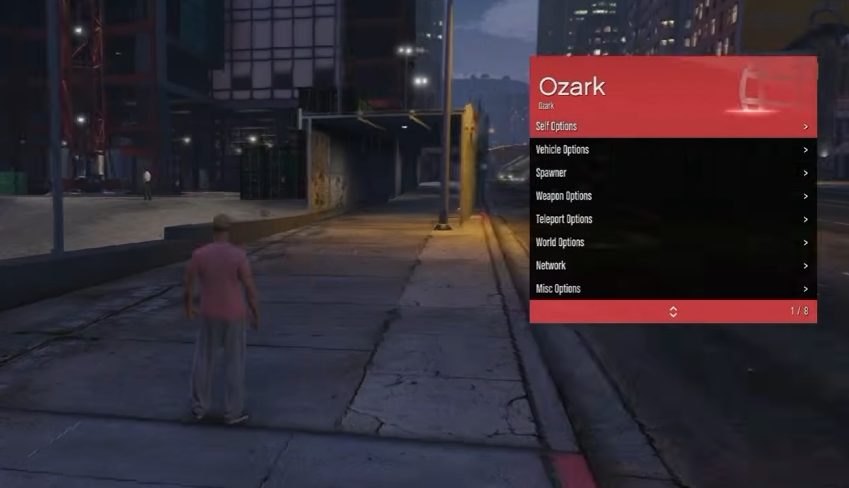
GTA V 1.57
Requires the matching GTA Reborn client and your personal /data/Reborn.txt for this server setup.
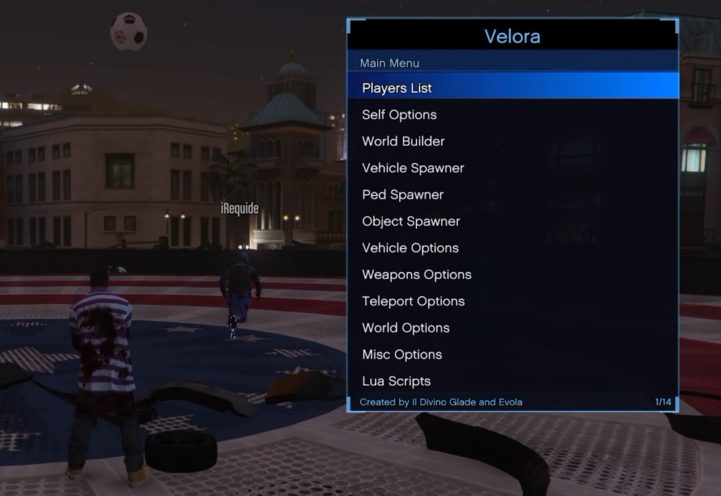
Menu 1.5 (legacy label) · GTA V 1.57
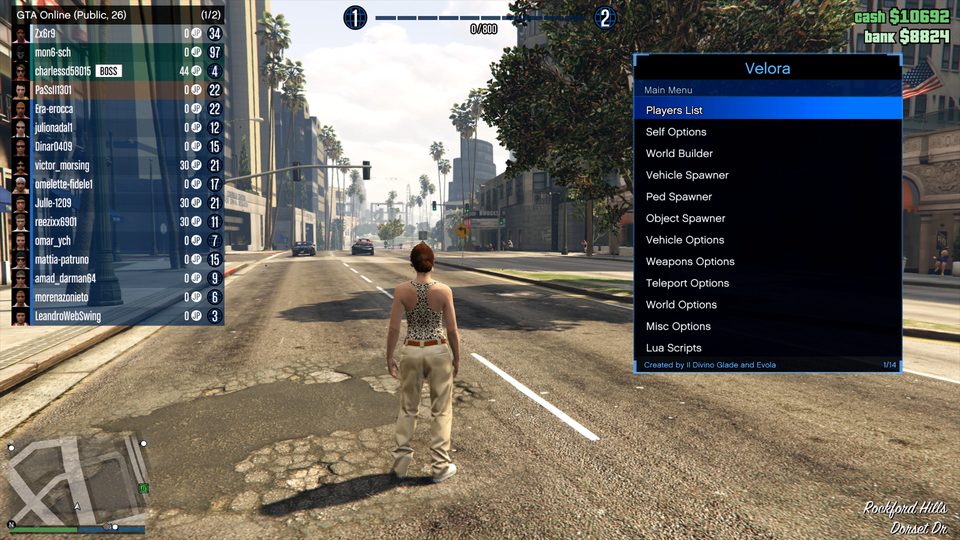
Standalone Velora module from the earlier GTA V 1.57 collection; supporting data is not bundled.
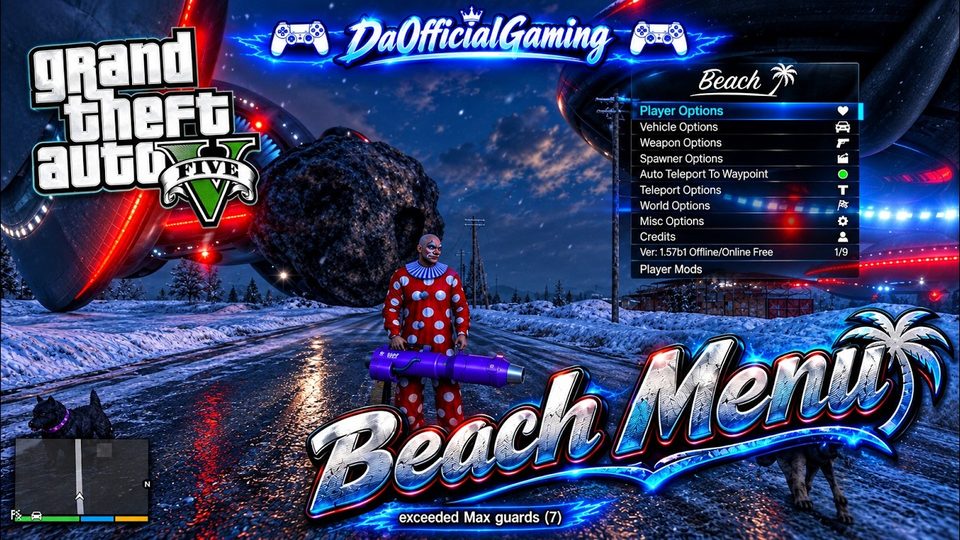
GTA V 1.57
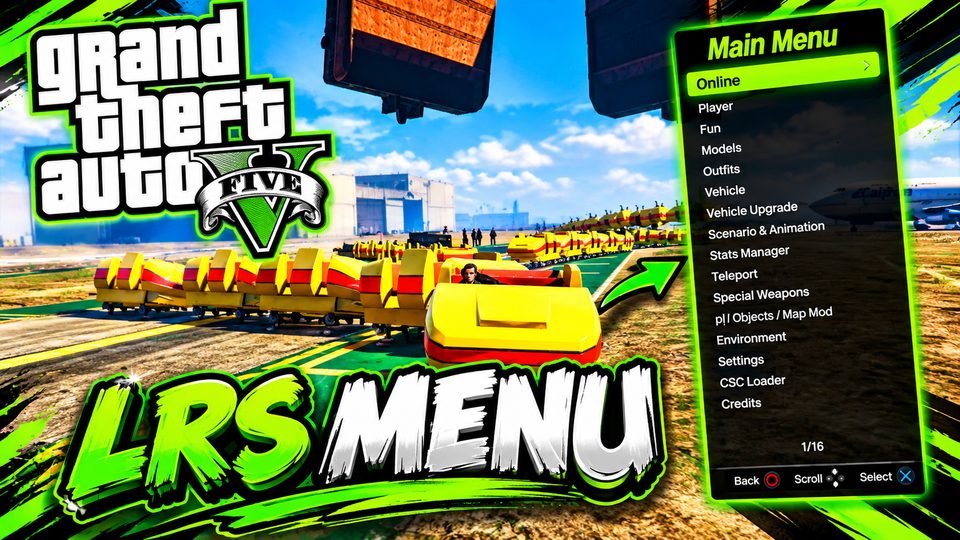
GTA V 1.57
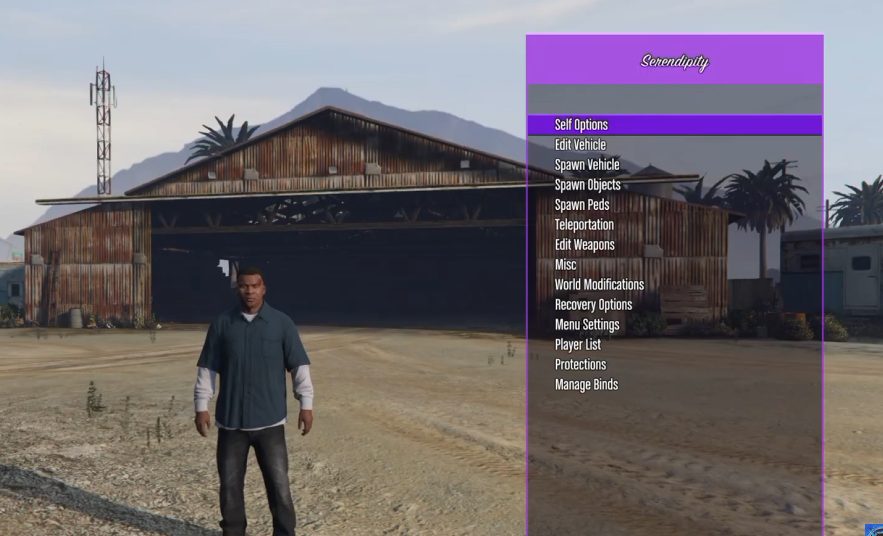
GTA V 1.57
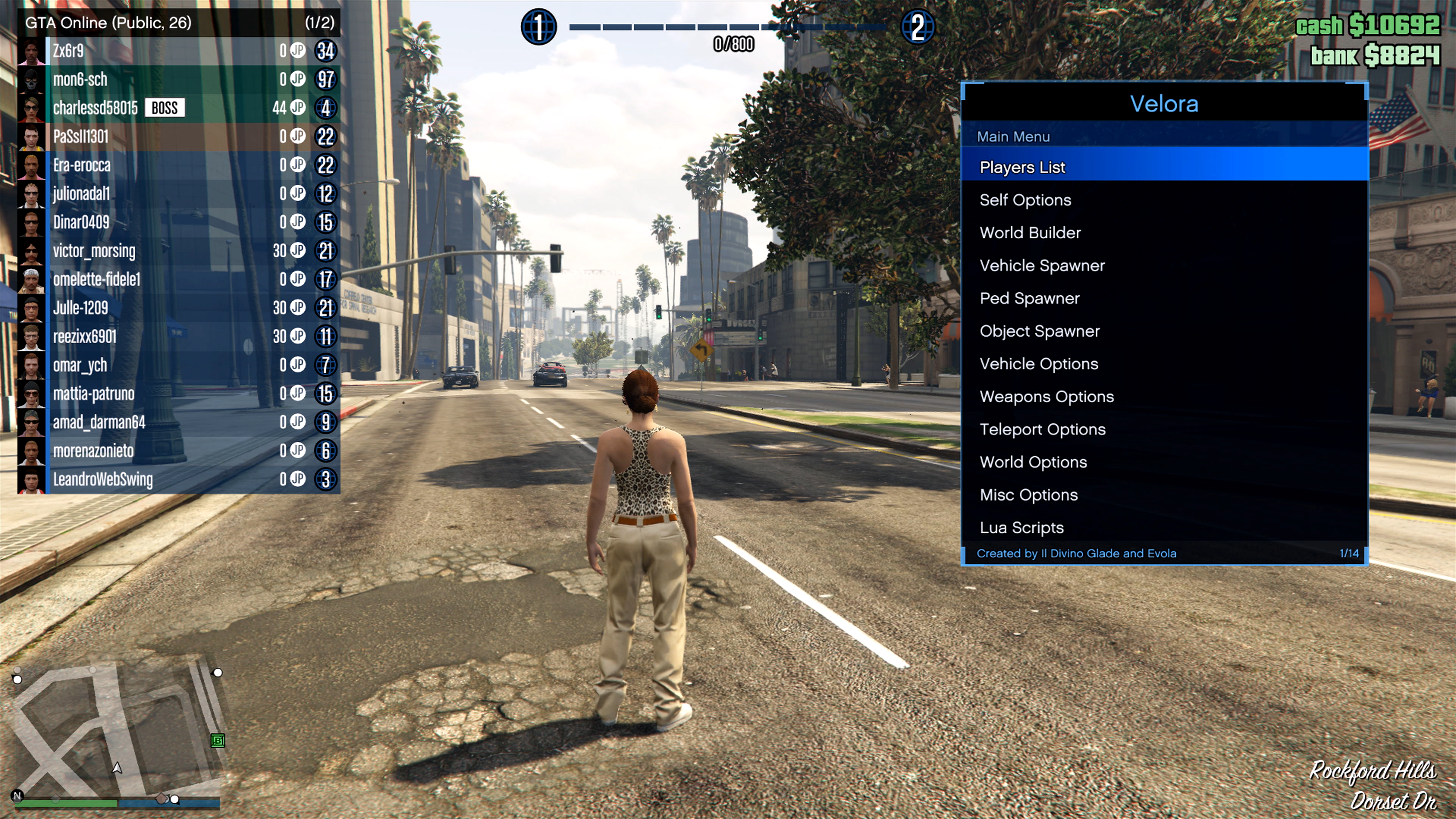
Source lists GTA V game update 1.57.

GTA V 1.57
SPRX menu with its scripts, outfits and setup notes. Choose the full package to include the data folder.
PS4 · GTA V 1.57 · CUSA00419 (supplied configuration). GoldHEN plugin setup.
PS4 client · GTA V 1.57
Private-server client required for Ozark’s Reborn setup. Discord registration and your personal Reborn.txt are required.
The supplied announcement names GTA V 1.57 for live-server access.
GTA V 1.56
Requires the matching GTA Reborn client and your personal /data/Reborn.txt for this server setup.
GTA V 1.56
Menu Full v1.0 · GTA V 1.53 / 1.56
Menu Lite v1.4 · GTA V 1.53 / 1.56
Separate GTA V 1.53/1.56 modules with the Oxagon folder. The key required by its README is missing from the ZIP.
GTA V 1.56
PS4 client · GTA V 1.56
Preserved 1.56 client from the supplied package. The supplied live-server announcement is for 1.57 only.
Package contains a 1.56 module; current live-server access for 1.56 is not established.
CSC resources · game update unspecified
CSC resources requiring a separate compatible script loader. The source does not specify a GTA V update.
CSC resources · game update unspecified
CSC resources requiring a separate compatible script loader. The source does not specify a GTA V update.
CSC resources · game update unspecified
CSC resources requiring a separate compatible script loader. The source does not specify a GTA V update.
CSC resources · game update unspecified
CSC resources requiring a separate compatible script loader. The source does not specify a GTA V update.
GoldHEN plugin paths, per-game configuration, archive-specific steps and troubleshooting.
Private-server setup resources for compatible lower-firmware PS4 configurations.
PS4 clients for GTA V 1.56 and 1.57. The supplied live-server announcement is for 1.57 only; Discord registration is required.
Menu v1.2b · GTA V 1.00 / 1.38 / 1.43 / 1.46 / 1.48 / 1.49 / 1.50
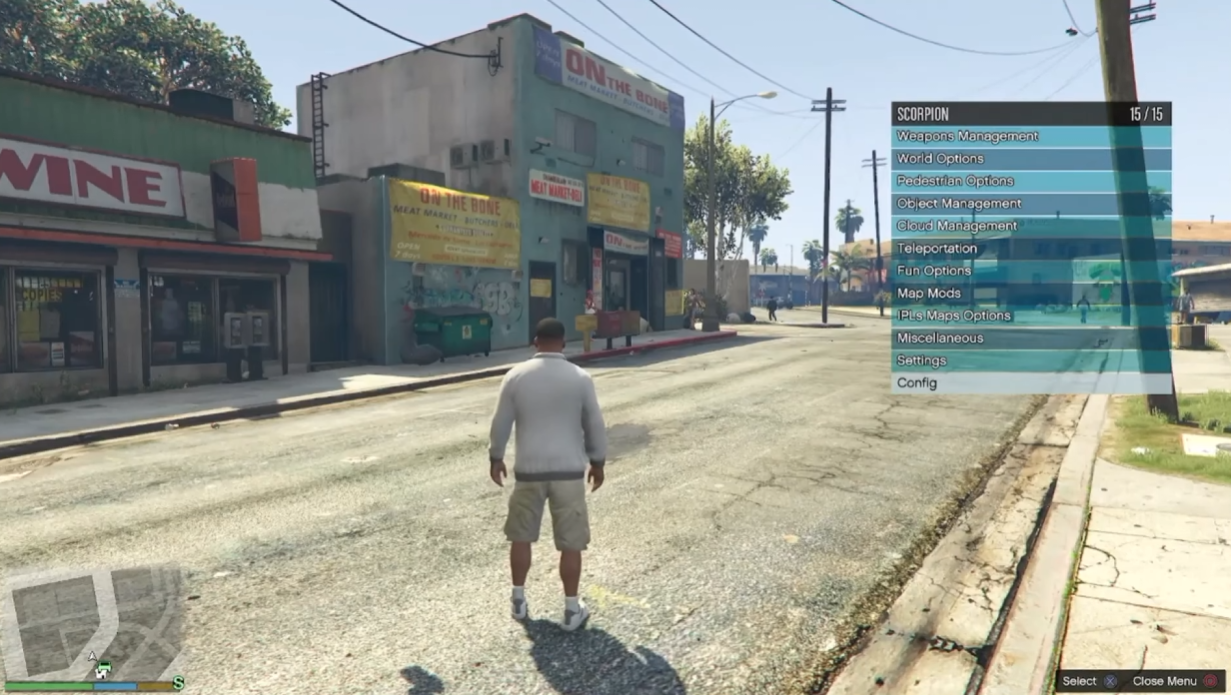
PS4 · separate archive-labelled modules for GTA V 1.00, 1.38, 1.43, 1.46, 1.48, 1.49, 1.50. Keep the Scorpion data folder.
Source lists GTA V game updates 1.53, 1.54, 1.55, 1.56, 1.57.
The source labels this GTA V 1.57 and says “only offline and online”; these are source claims, not a compatibility test.
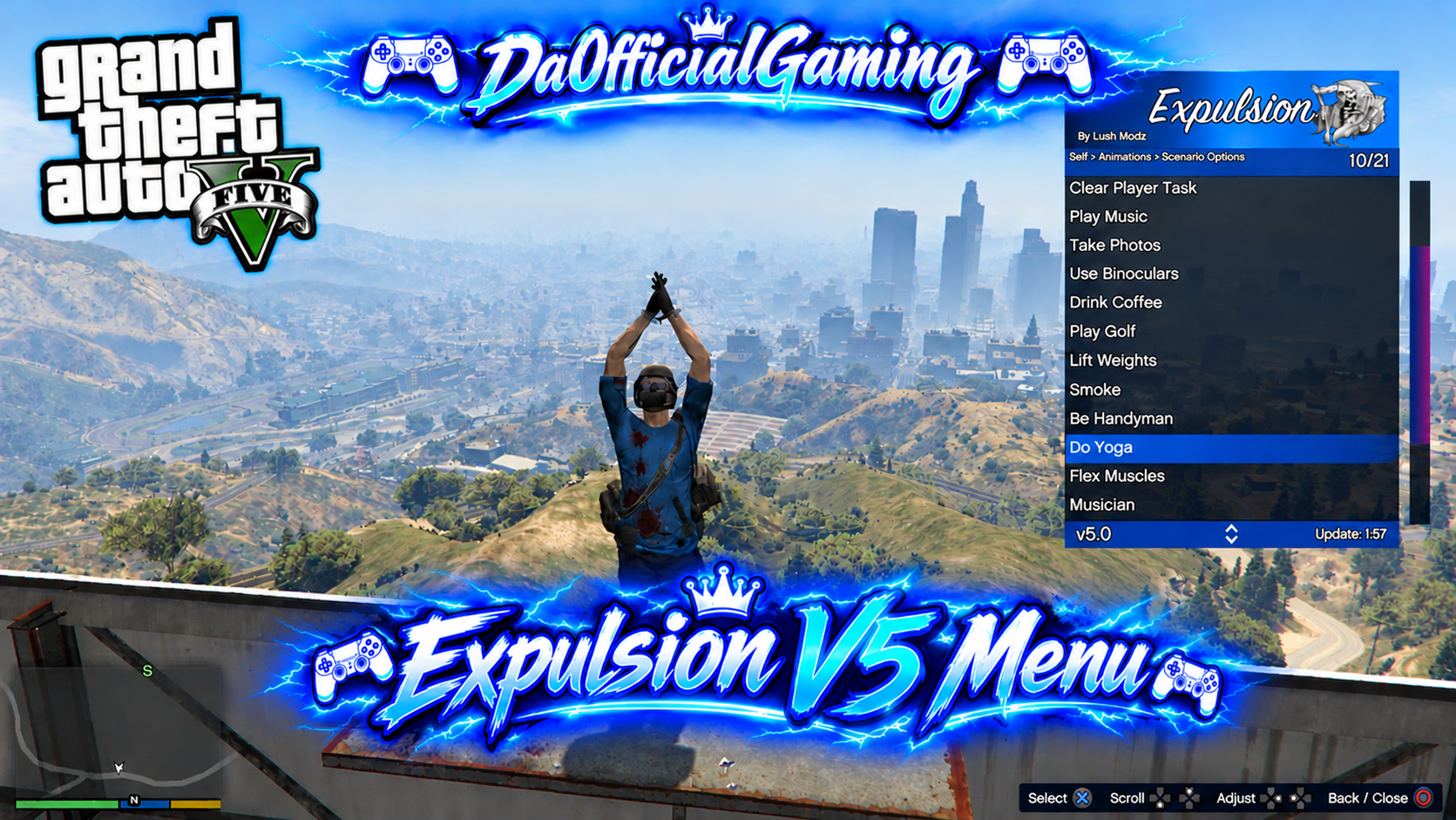
Source lists GTA V game update 1.57.
v2.0
Source lists GTA V game updates 1.52, 1.53.
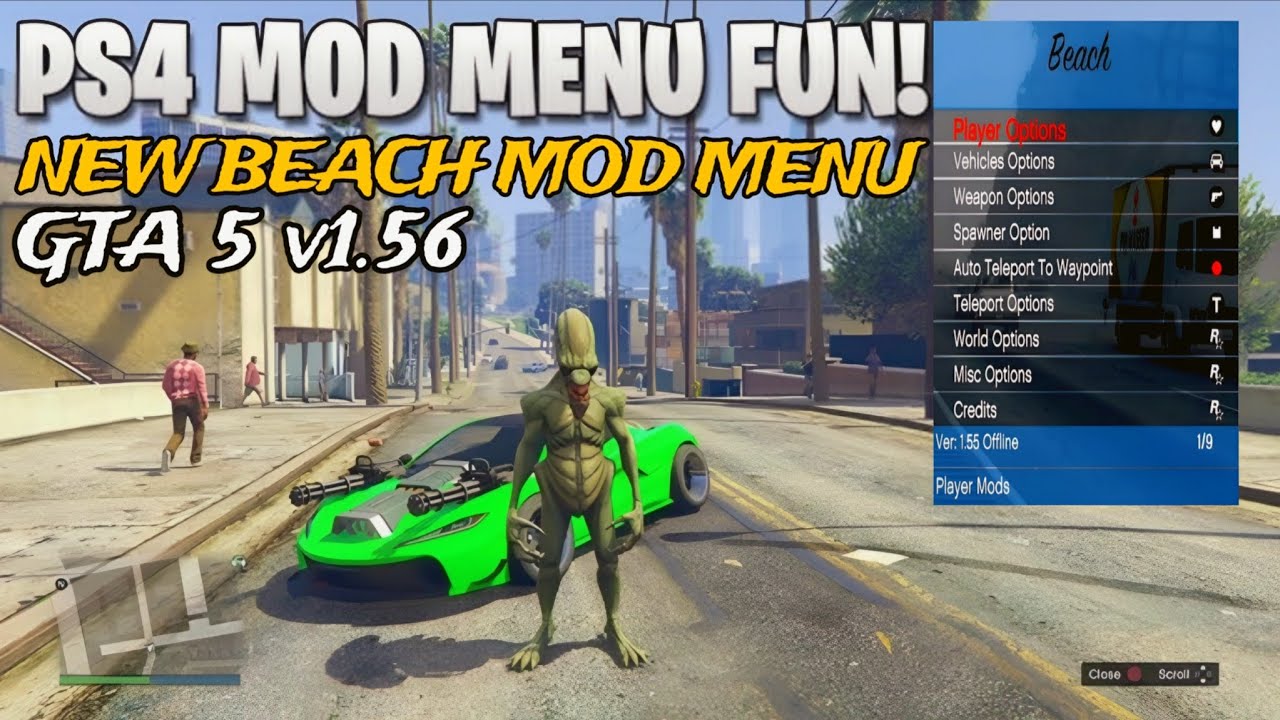
PS4 · source-labelled GTA V 1.46, 1.47, 1.48, 1.49, 1.50, 1.51, 1.52, 1.53. Choose each download by its own game update and menu release.
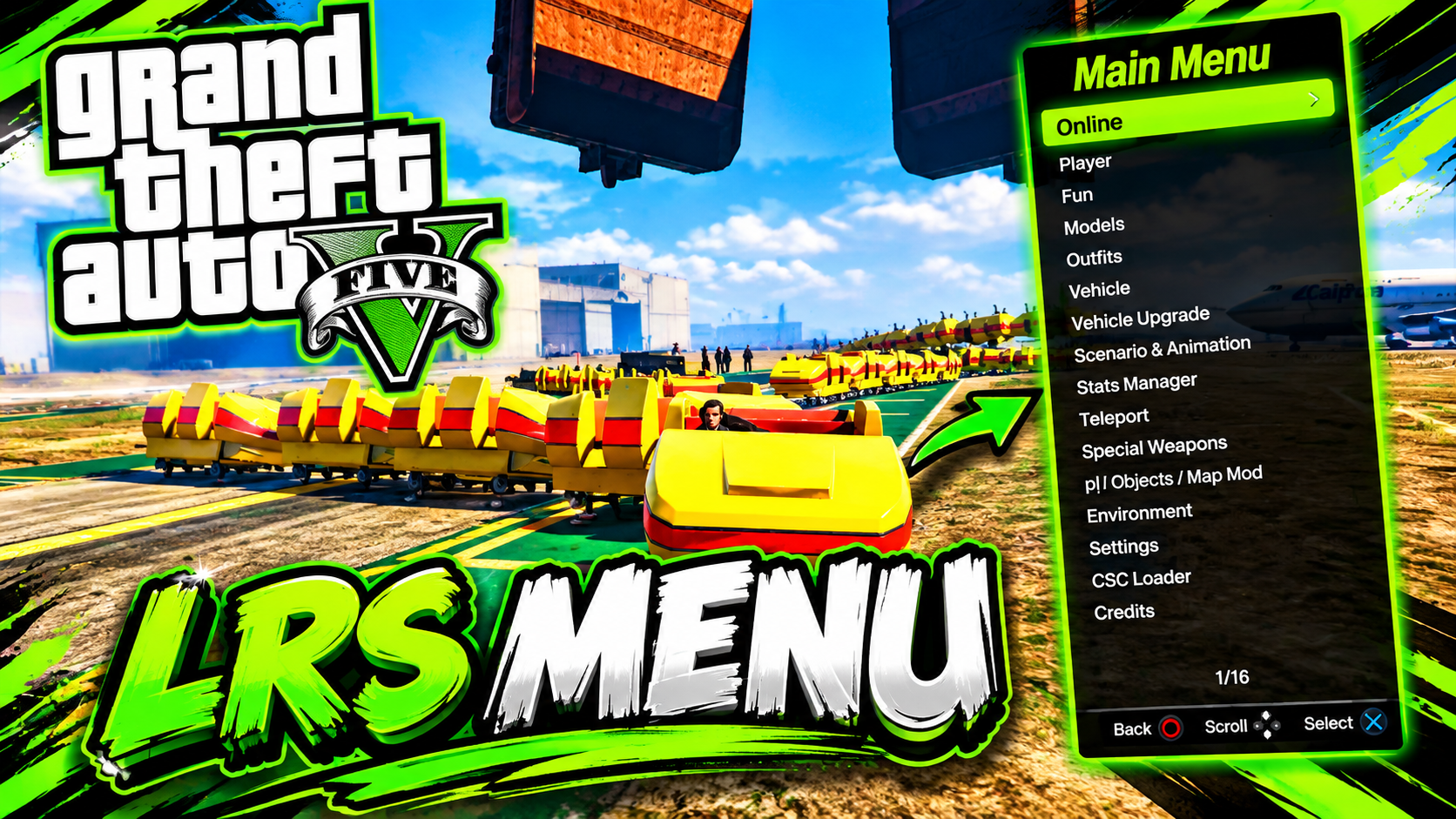
Source lists GTA V game update 1.57.
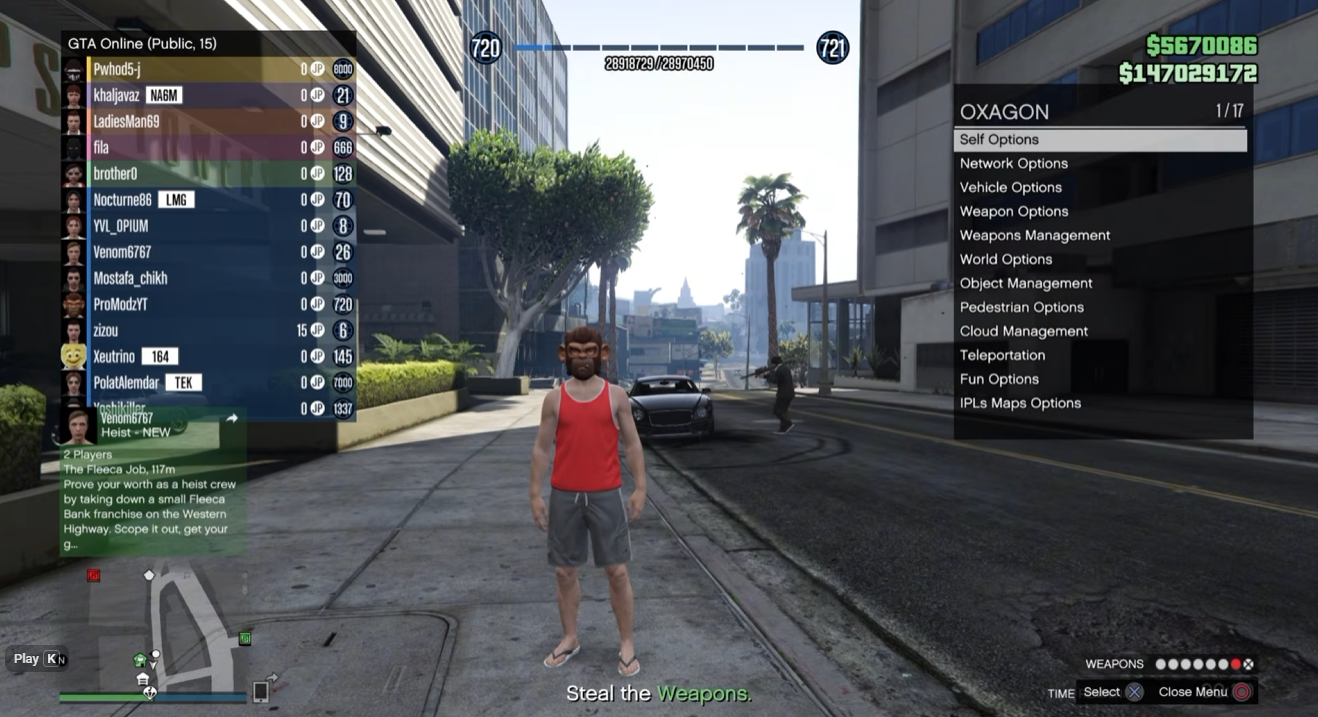
Menu Full v1.0 · GTA V 1.53 / 1.56
PS4 · separate GTA V 1.53 / 1.56 modules; see the README title-ID examples.
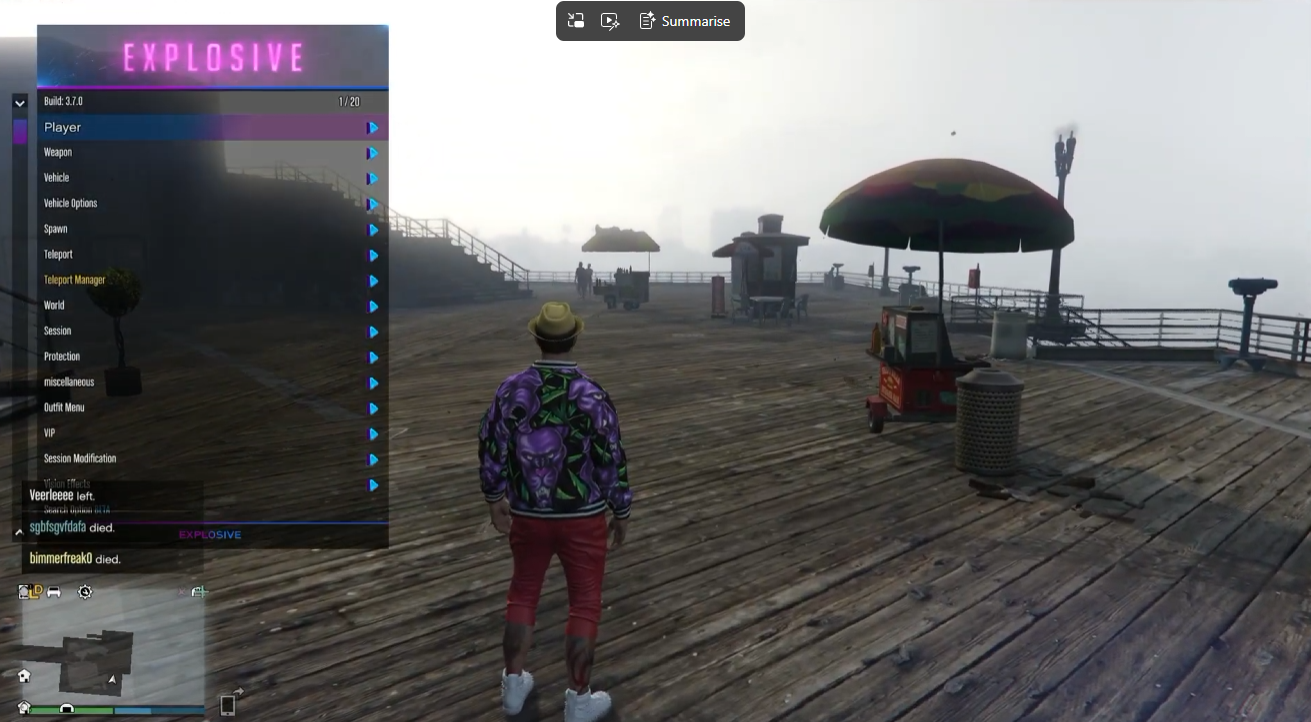
Source lists GTA V game update 1.57.
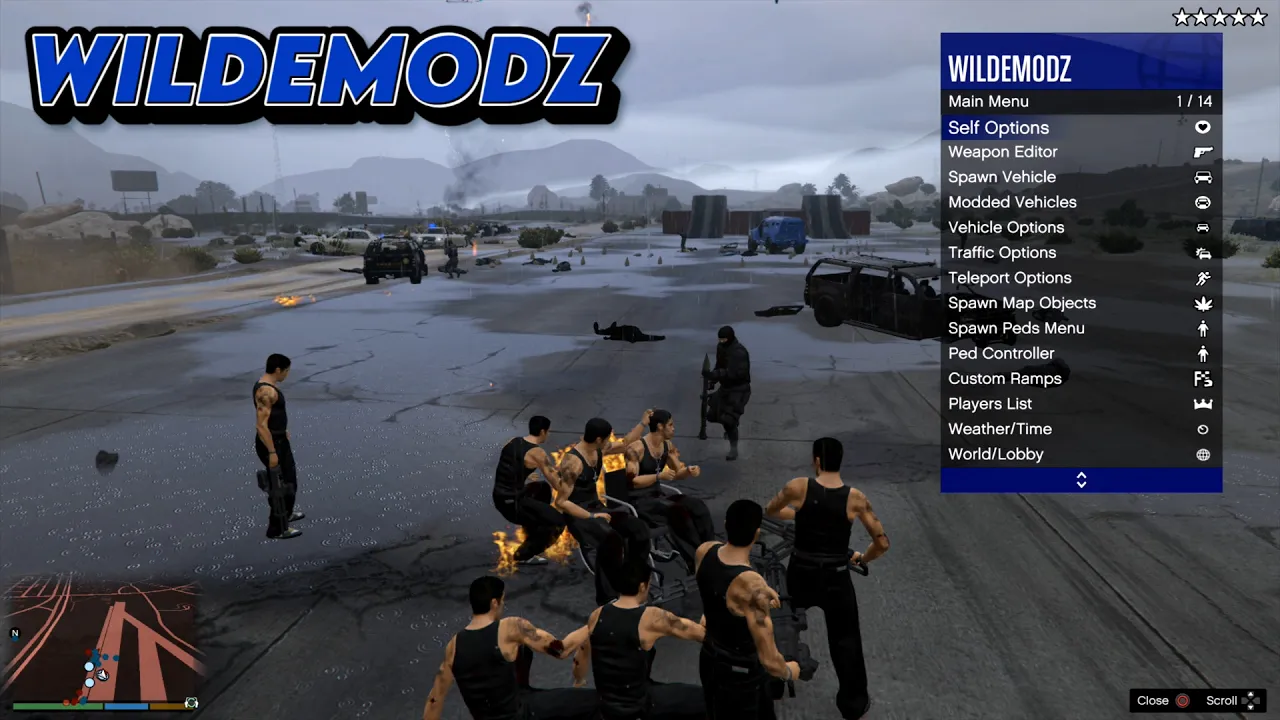
Source lists GTA V game update 1.27.
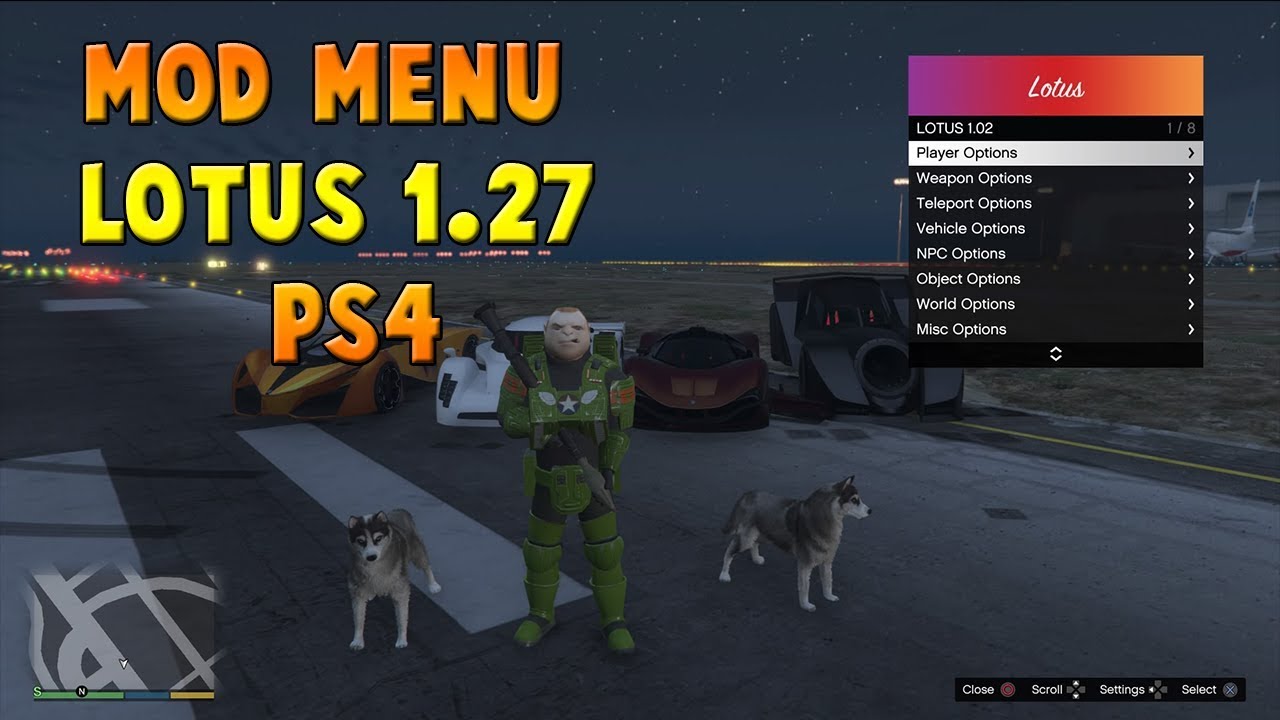
Source lists GTA V game update 1.27.
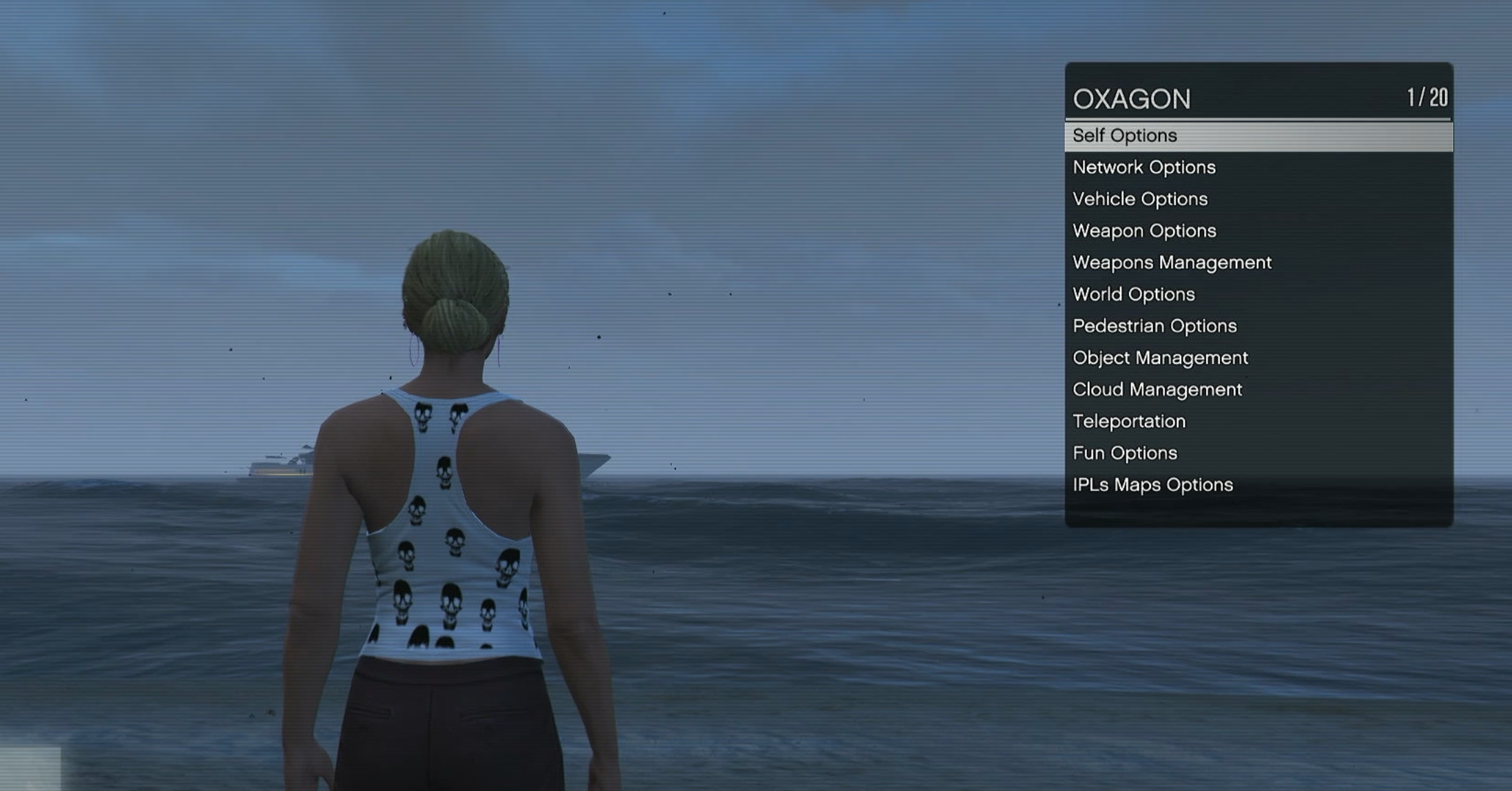
Menu Lite v1.4 · GTA V 1.53 / 1.56
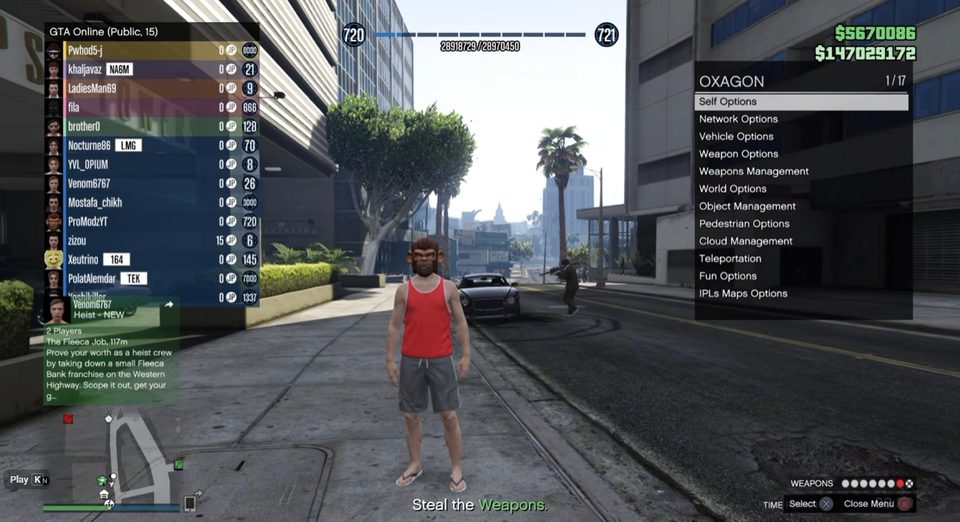
Separate GTA V 1.53/1.56 modules with the Oxagon folder. The key required by its README is missing from the ZIP.
PS4 · GTA V 1.53 / 1.56 · required key absent
The captured post supplies a PS4 beta package without a GTA V update pin. File inspection identifies VOID_Beta_419.prx and the CUSA00419 example below.
The supplied plugins.ini enables the named beta plugin under CUSA00419. The same file also contains unrelated plugins and games; preserve your own configuration and merge only the relevant matching entry.
[CUSA00419]
/data/GoldHEN/plugins/VOID_Beta_419.prxThe post labels this a 2TAKE1 PS4 beta test. Its actual module is VOID_Beta_419.prx; an official 2Take1 release is not established. The included configuration names CUSA00419, but supplies no GTA V update. Confirm that missing requirement with the source before installing.
Keep the supplied data folder with the beta module. Preserve your plugins.ini and merge only its VOID entry; the sample also contains unrelated games and plugins.
[CUSA00419]
/data/GoldHEN/plugins/ScorpionMenu-v1.2b-150.prx=true

[CUSA00411]
/data/GoldHEN/plugins/ScorpionMenu-v1.2b-150.prx=trueMenu v1.2b includes separate modules for GTA V 1.00 EU/US, 1.38, 1.43, 1.46, 1.48, 1.49 and 1.50. Keep /data/Scorpion from the full archive. A module-only download omits that data folder. Use the exact selected filename in plugins.ini; the README’s 1.50 line is an example, not a universal build.
Check the installed GTA V update and regional title ID before choosing a file. Close GTA V, back up plugins.ini and use your existing compatible GoldHEN plugin environment. Merge only this menu’s entry under the matching title ID. Enable one menu at a time.
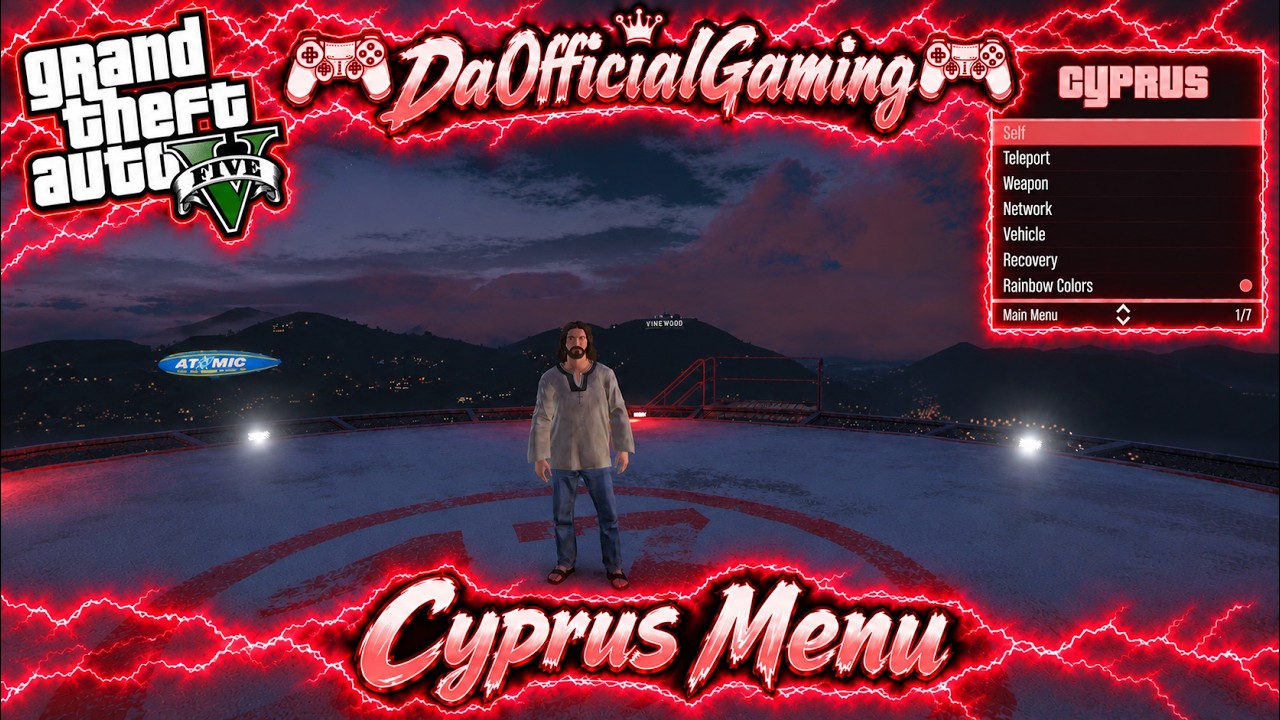
Each download is a separate CyprusMenu.prx for GTA V 1.53, 1.54, 1.55, 1.56 or 1.57. Keep the selected update label when saving files. The modules identify this as Cyprus Lite; no numeric menu release, title-ID list or firmware range was supplied.
The modules reference /data/Cyprus, /data/Cyprus/Textures and /data/Cyprus/CustomVehicles.ini. These standalone PRX downloads do not supply those extra assets. Obtain matching data from the source for features that need it.
Check the installed GTA V update and regional title ID before choosing a file. Close GTA V, back up plugins.ini and use your existing compatible GoldHEN plugin environment. Merge only this menu’s entry under the matching title ID. Enable one menu at a time.
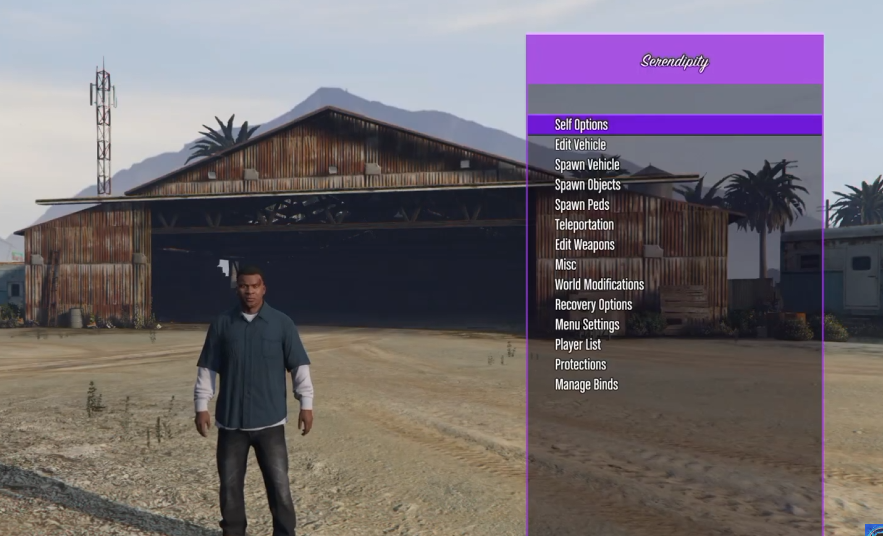
The module contains both Serendipity and Velora 1.4 text. A separate Serendipity release number is not established. L3 + R3 refers to No Clip; the main menu’s opening shortcut and title-ID mapping are not documented.
The later reply supplies the following configuration for its named Expulsion 1.57 plugin. Merge only the matching game entry into your existing configuration.
[CUSA00411]
/data/GoldHEN/plugins/LushModz-Expulsion-1.57.prx
The package INSTALL specifies CUSA00419 and GTA V 1.57. Its own configuration differs from the forum reply’s CUSA00411 example above; use the section matching your installed title and the appropriate supplied build.
; Enable only this GTA menu plugin.
[default]

[CUSA00419]
/data/GoldHEN/plugins/LushModz-Expulsion-1.57.prx
; /data/GoldHEN/plugins/ArabicGuy-Menu-Base-GoldHEN-main.prx
Creator credit: Lush Modz. The supplied package retains its MIT license.
Check the installed GTA V update and regional title ID before choosing a file. Close GTA V, back up plugins.ini and use your existing compatible GoldHEN plugin environment. Merge only this menu’s entry under the matching title ID. Enable one menu at a time.
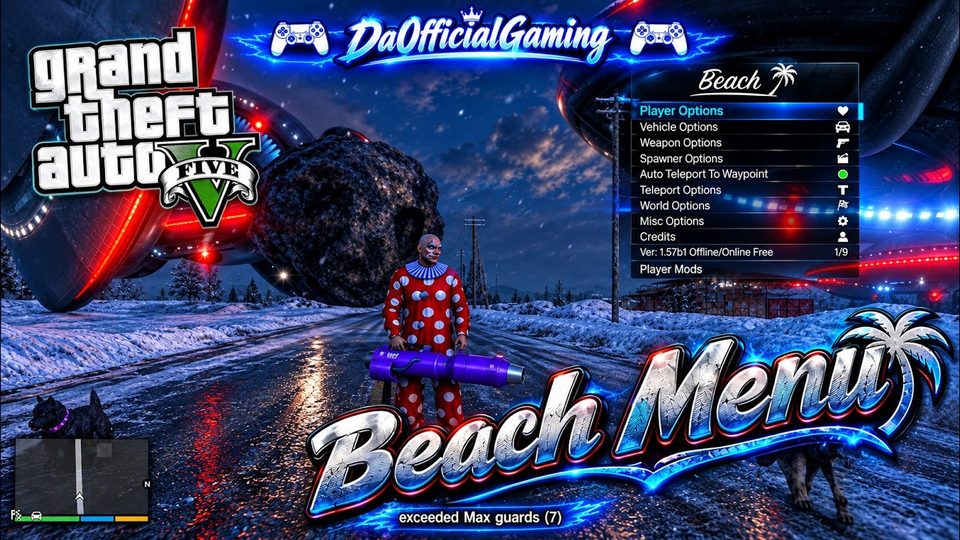
Use BeachMenu156.prx for the source-labelled GTA V 1.56 download. It references /data/BeachXml and /mnt/usb0/BeachXml for XML features, but includes no XML folder. Embedded “Beach v1.72” startup text is a menu/build string, not a different GTA V update. No title-ID mapping or clear opening shortcut was supplied.
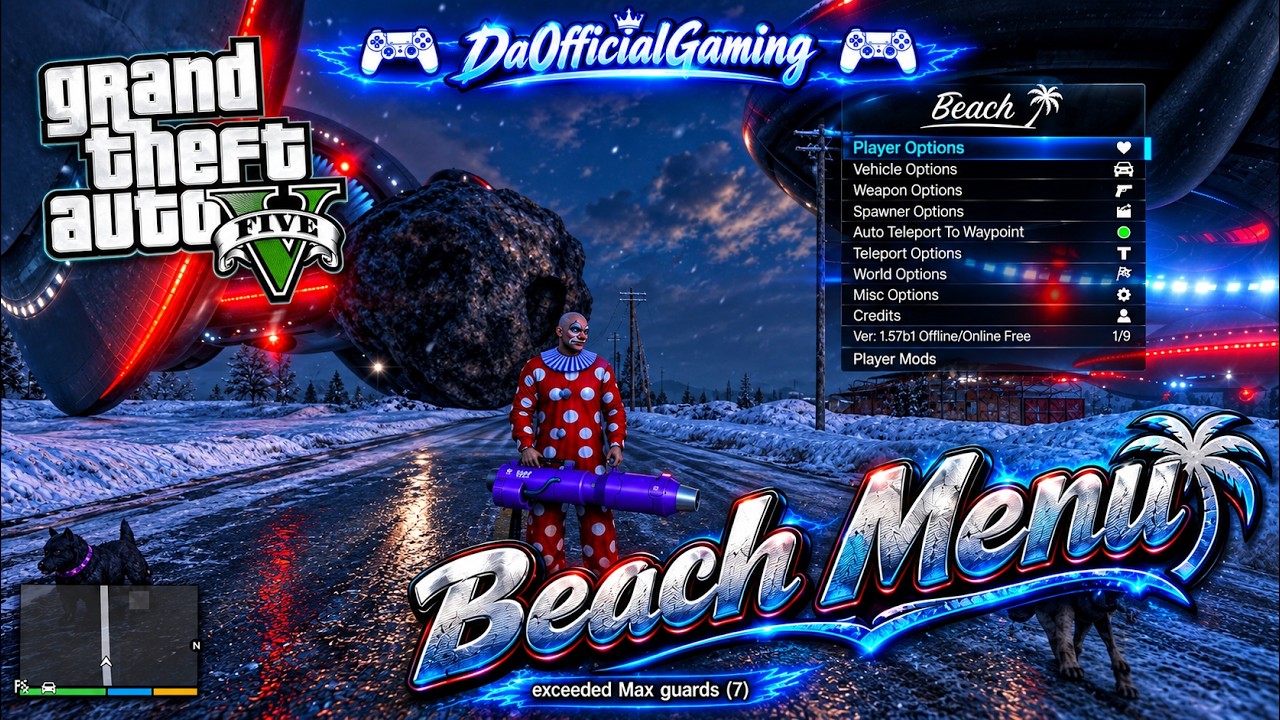
Check the installed GTA V update and regional title ID before choosing a file. Close GTA V, back up plugins.ini and use your existing compatible GoldHEN plugin environment. Merge only this menu’s entry under the matching title ID. Enable one menu at a time.
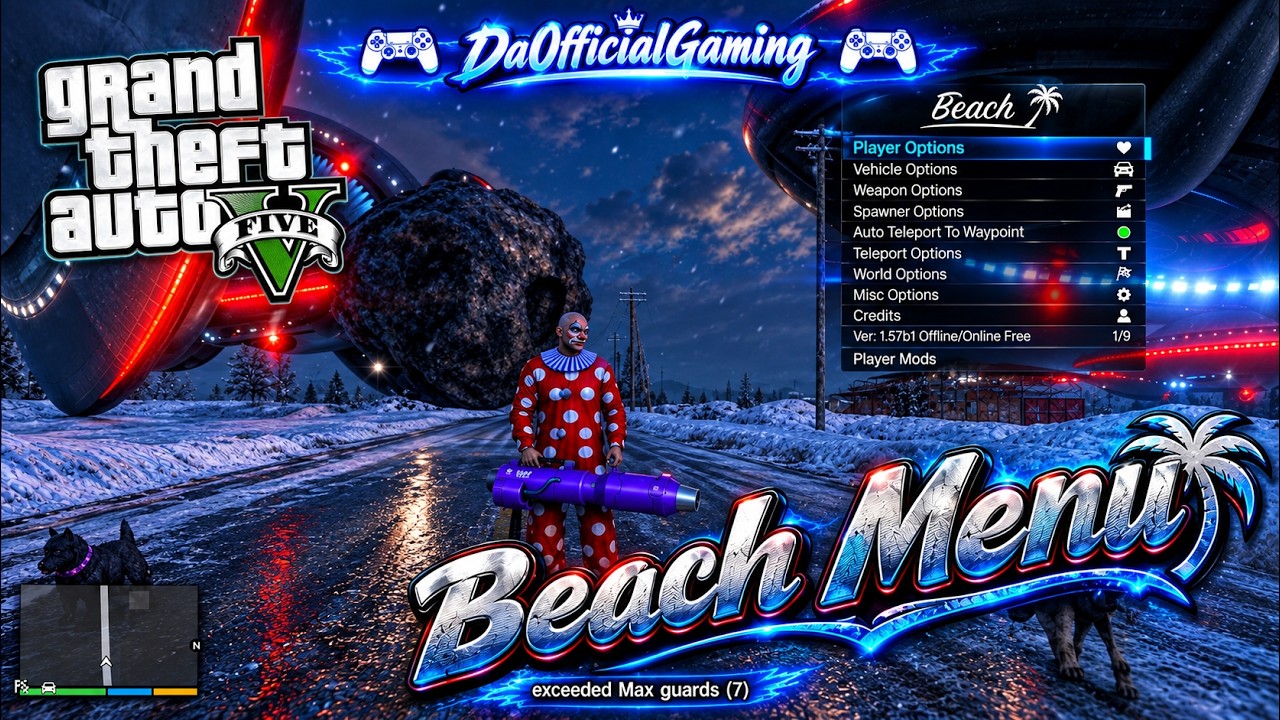
Use BeachMenu157.prx for GTA V 1.57, separately from BeachMenu156.prx. Its configuration path is /data/BeachConf.ini. No independent menu release, title-ID mapping or clear opening shortcut was supplied.
[Background]
red=10
green=10
blue=25
opacity=180

[Scroller]
red=0
green=100
blue=255
opacity=255

[Text]
red=240
green=240
blue=255
opacity=255

[Title]
red=100
green=100
blue=255
opacity=200[SelfOptions]
Godmode=1
Super Jump=1
Never Wanted=1
Wanted Level=0
Super Run=0
Fast Swim=0
Invisibility=0
No Ragdoll=1
Seatbelt=1
Infinite Stamina=0
Revenge=0Explosive152.sprx and Explosive153.sprx are different game-update builds. Preserve the source’s design.ini.txt and selfoptions.ini.txt with its instructions; do not assume that renaming another menu or using an Expulsion configuration makes it compatible.
This Ozark setup requires GTA Reborn. Use the matching 1.56 GTARBN.sprx alongside Ozark.sprx and complete Discord registration to obtain your own /data/Reborn.txt. The combined Ozark download includes both modules and both INI paths, but cannot include your personal registration file. The supplied live-server announcement is for 1.57 only; 1.56 server access is not established.
Check the installed GTA V update and regional title ID before choosing a file. Close GTA V, back up plugins.ini and use your existing compatible GoldHEN plugin environment. Merge only this menu’s entry under the matching title ID. Enable one menu at a time.
The Ozark image is the screenshot supplied by the user. It previews the menu family without establishing the selected download’s game update.
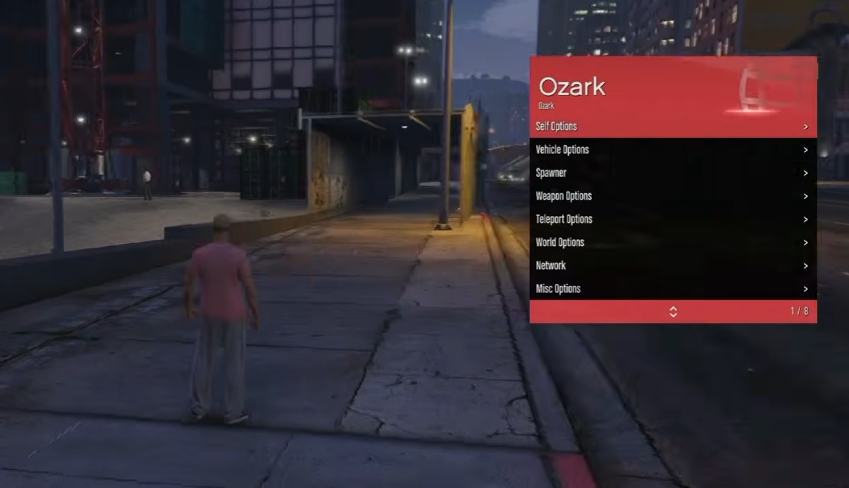
The forum title lists GTA V 1.47–1.51. Its linked folder additionally contains files labelled 1.46, 1.52 and 1.53, along with alternate revisions and a 60 FPS companion plugin. The download labels follow those supplied filenames; they are not a separate compatibility test.
The installation text names Beach150v651.prx, which is absent from the current folder listing. The separate INI instead names Beach-1.52b1.prx. Preserve those source examples, but match the exact installed game build and plugin filename rather than copying either example unchanged.
1- Transfer "icon0.png" folder to your PS4 Filesystem on folder: "\data" via FTP
2- Transfer "Beach150v651.prx" file to your PS4 Filesystem on path: "/data/GoldHEN/plugins" via FTP
3- Open the plugins.ini with notepad from “/data/GoldHEN” on your PS4 Filesystem and add the lines below at the end of the plugins.ini:
[CUSA00419]
/data/GoldHEN/plugins/Beach150v651.prx=true
[CUSA00411]
/data/GoldHEN/plugins/Beach150v651.prx=true
; Note: lines starting with semicolon are for comments.
; Load plugins for any title.

[default]

; Load plugins only for Playroom.

[CUSA00419]
/data/GoldHEN/plugins/Beach-1.52b1.prx

[CUSA00411]
/data/GoldHEN/plugins/Beach-1.52b1.prx
The source folder also includes explicit GTA V 1.46, 1.52 and 1.53 files. Read each download’s game-update and menu-release label separately. The separate gtav_60fps.prx has no precise game-update pin established by its filename. Retained 30/60 FPS labels do not establish independently tested frame-rate behavior.
The source post is titled LTS 1.57, while its screenshot prominently labels the menu “LRS MENU” and its download is LRS.prx. These supplied labels are preserved.
Check the installed GTA V update and regional title ID before choosing a file. Close GTA V, back up plugins.ini and use your existing compatible GoldHEN plugin environment. Merge only this menu’s entry under the matching title ID. Enable one menu at a time.
The LTS source names the menu LRS in its screenshot. The earlier collection supplies LRS.prx for GTA V 1.57; that exact original is available here alongside the captured-post link. A separate menu release and title-ID mapping are not established.
The inspected LRS.prx references /data/LRS_csc/ for CSC scripts, plus configs, outfit, maps and car subfolders, and /data/LRS_csc/settings.ini. This standalone module does not bundle those folders. The embedded button strings do not clearly identify a menu-opening shortcut.
[CUSA00419]
/data/GoldHEN/plugins/Oxagon_153.prx

[CUSA00411]
/data/GoldHEN/plugins/Oxagon_156.prxCheck the installed GTA V update and regional title ID before choosing a file. Close GTA V, back up plugins.ini and use your existing compatible GoldHEN plugin environment. Merge only this menu’s entry under the matching title ID. Enable one menu at a time.
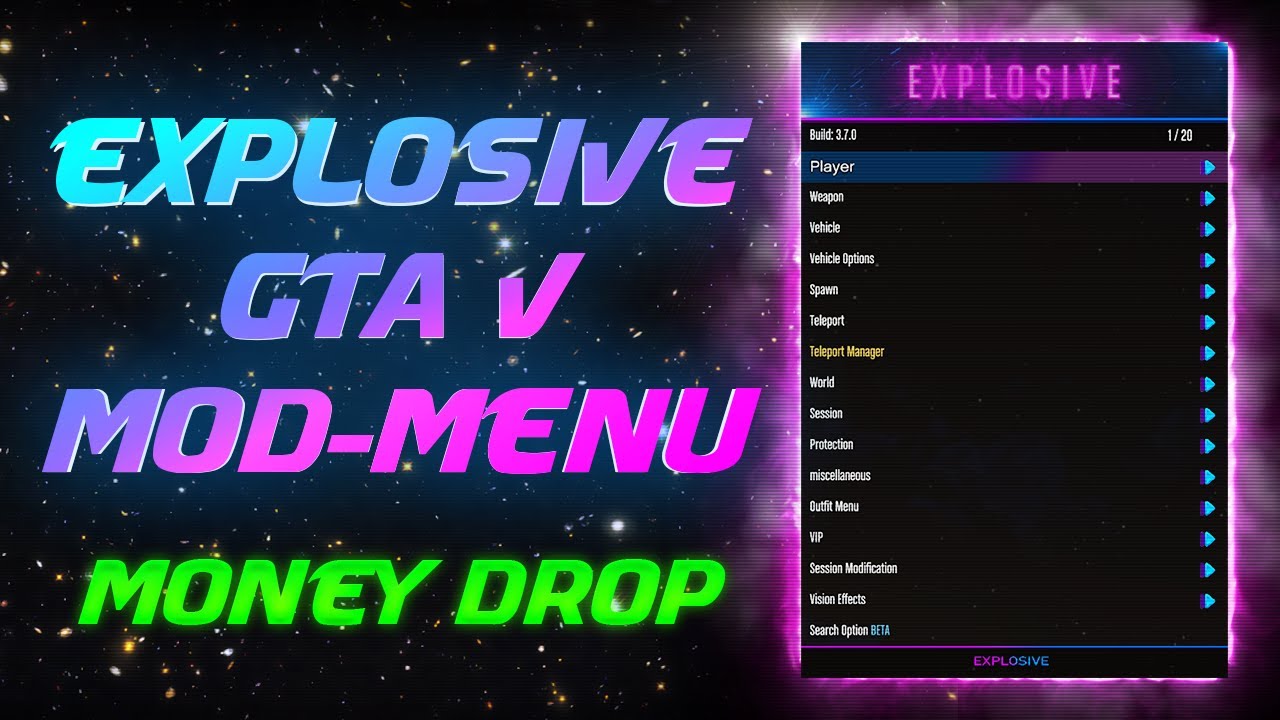
This download is explosive_temp.sprx for the source-labelled GTA V 1.57 entry. Use its original name in the plugin path. No README, title-ID mapping or opening shortcut was supplied. Explosive and Expulsion remain separate menu families.
This Ozark setup requires GTA Reborn. Use the matching 1.57 GTARBN.sprx alongside Ozark.sprx and complete Discord registration to obtain your own /data/Reborn.txt. The combined Ozark download includes both modules and both INI paths, but cannot include your personal registration file. The supplied live-server announcement is for 1.57 only; 1.56 server access is not established.
Check the installed GTA V update and regional title ID before choosing a file. Close GTA V, back up plugins.ini and use your existing compatible GoldHEN plugin environment. Merge only this menu’s entry under the matching title ID. Enable one menu at a time.
The Ozark image is the screenshot supplied by the user. It previews the menu family without establishing the selected download’s game update.
Check the installed GTA V update and regional title ID before choosing a file. Close GTA V, back up plugins.ini and use your existing compatible GoldHEN plugin environment. Merge only this menu’s entry under the matching title ID. Enable one menu at a time.
This is a standalone Velora.sprx for the source-labelled GTA V 1.56 entry. The module references /data/Velora/maps, vehicles, outfits, music, lua and velora_profile.ini. Matching support files are not included in this direct download; compatibility with the separate 1.57 package’s data is not established.
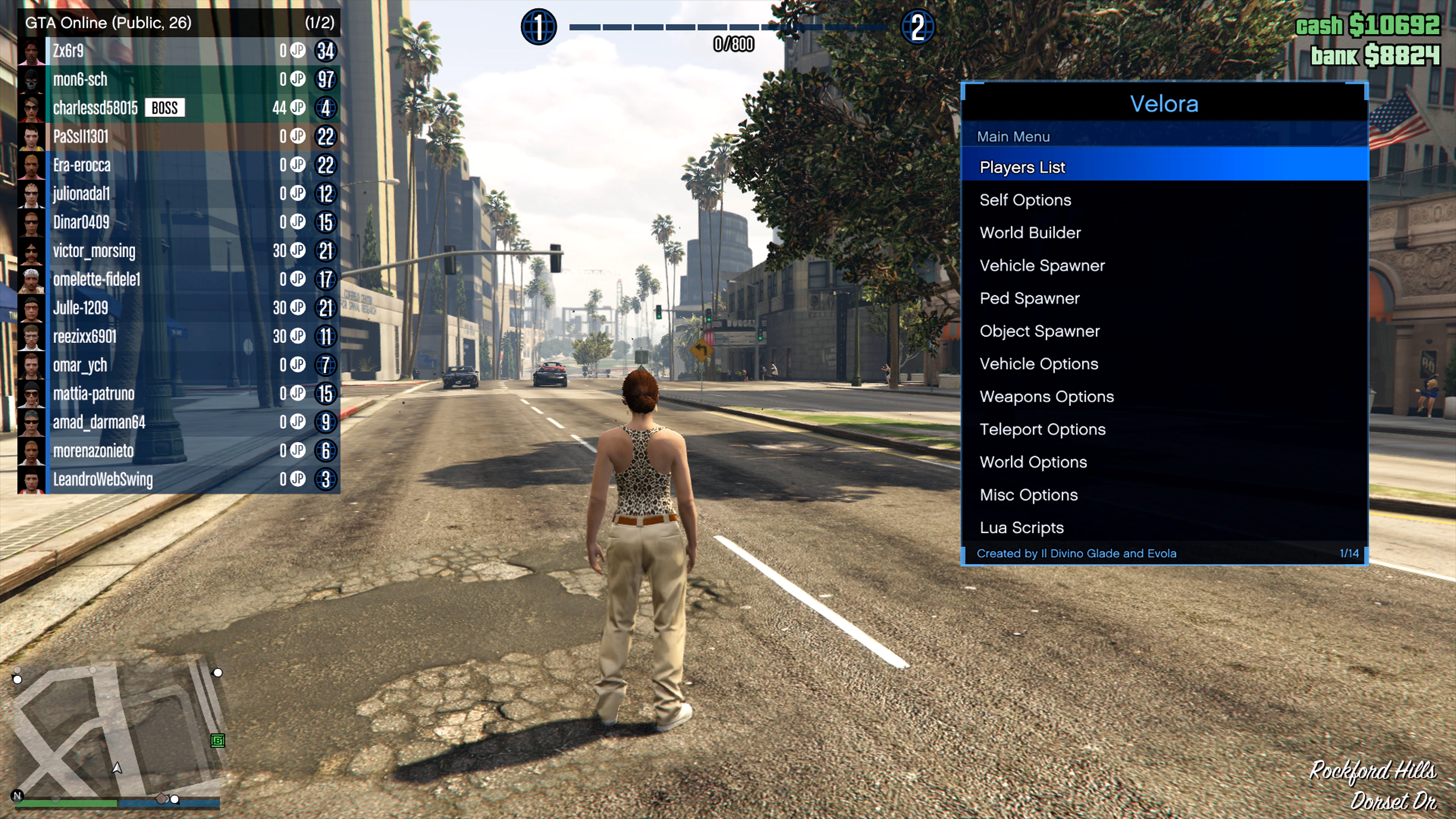
This post supplies the Velora 1.4 archive for its GTA V 1.57 entry. The separately preserved older download list also includes Velora 1.5; both archives remain available.
Check the installed GTA V update and regional title ID before choosing a file. Close GTA V, back up plugins.ini and use your existing compatible GoldHEN plugin environment. Merge only this menu’s entry under the matching title ID. Enable one menu at a time.
The full ZIP contains Velora.sprx and its Velora data folder. Preserve /data/Velora, including Lua compatibility files and speedometer DDS resources, with /data/GoldHEN/plugins/Velora.sprx. Menu release 1.4 and GTA V update 1.57 are separate labels. The older list’s distinct 1.5 module remains available. No title-ID mapping or fixed opening shortcut was supplied.
The post title lists GTA V 1.27. No firmware compatibility is established by the numbers in the supplied filename.
The captured post labels GTA V 1.27 and supplies a WildeModz BIN. It is not a PRX/SPRX plugin. Keep the original file and use only the loader documented for that build. The filename’s 1.1 and 4.55 do not establish support for another game update or firmware. No complete loader setup or unambiguous opening shortcut was captured.
The post title lists GTA V 1.27. The supplied filename labels the menu 1.03; that filename is not evidence of a different game update.
The source supplies a Lotus 1.03 BIN for its GTA V 1.27 entry; the preview displays menu 1.02. Keep those labels separate. This file is not installed through plugins.ini. A matching loader, firmware matrix and unambiguous controller shortcut were not documented in the captured source.
Use the full package for the supplied data folder, scripts and outfits. Crystalis.sprx alone does not include those resources. 1.57 is the GTA V game update, not a menu release or console firmware version.
[CUSA00419]
/data/GoldHEN/plugins/Crystalis.sprxThe supplied instalacion.txt credits FranCangel Modz. The archive passed its integrity test and contains 81 files. Crystalis.sprx has a PS4 SELF header and an embedded x86-64 ELF header. Files were inspected and hashed without execution; no firmware matrix or independent menu release number was supplied.
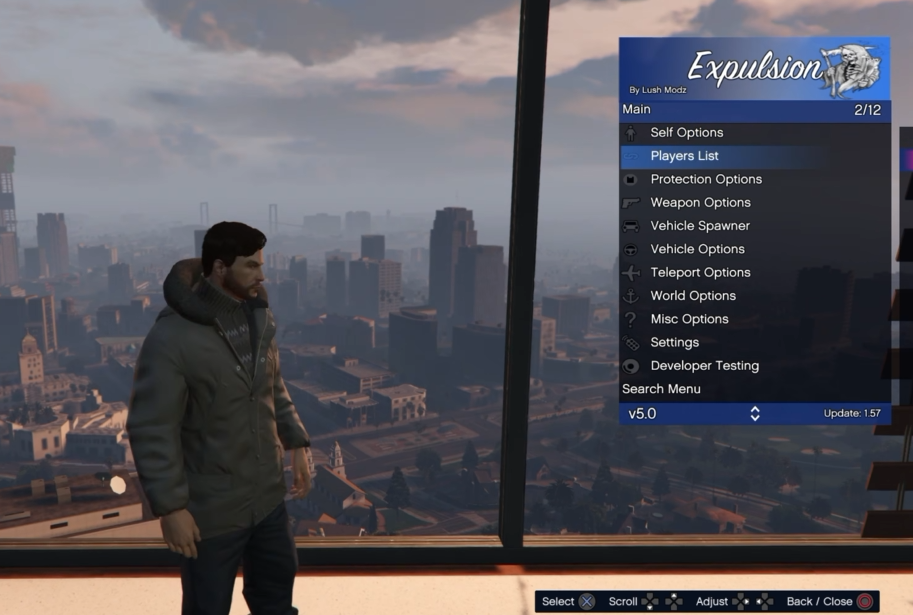
/data/GoldHEN/plugins/LushModz-Expulsion-1.57.prxThe family screenshot shows menu v5.0; this preserved package is v7.0. The separate v5.0 package remains available with its own requirements.
Check the installed GTA V update and regional title ID before choosing a file. Close GTA V, back up plugins.ini and use your existing compatible GoldHEN plugin environment. Merge only this menu’s entry under the matching title ID. Enable one menu at a time.
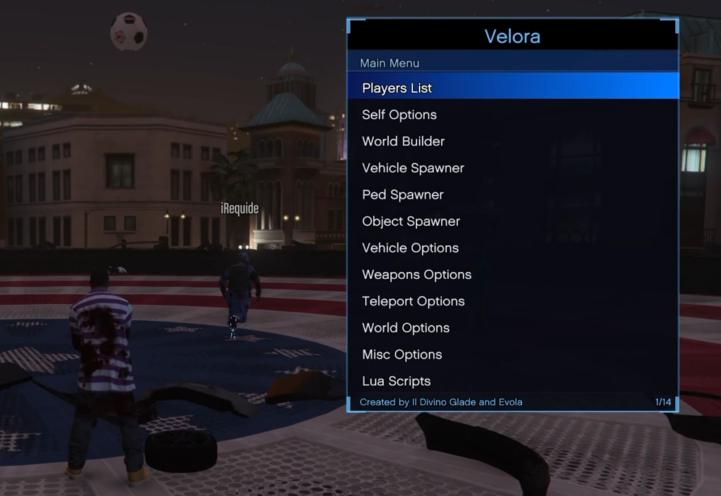
The earlier list labels this GTA V 1.57 module Velora 1.5. Its strings also contain Version: 1.5, while the captured forum package is separately labelled 1.4. Preserve both originals. Place this module at /data/GoldHEN/plugins/Velora.sprx only with a matching game configuration. It references /data/Velora, Lua compatibility files and speedometer assets that are not bundled here; do not assume the 1.4 data folder is interchangeable. No title-ID mapping or resolved opening chord was supplied.
These CSC/CTD resources are scripts, not GoldHEN PRX/SPRX plugins. Use a loader that explicitly supports the script and your GTA V update. Put scripts in that loader’s documented script directory and open them through its interface; do not add CSC files to plugins.ini. No compatible loader binary or game-update matrix is supplied by this download.
These CSC/CTD resources are scripts, not GoldHEN PRX/SPRX plugins. Use a loader that explicitly supports the script and your GTA V update. Put scripts in that loader’s documented script directory and open them through its interface; do not add CSC files to plugins.ini. No compatible loader binary or game-update matrix is supplied by this download.
FCLoader.csc is itself a CSC script. Its name alone does not establish that it can replace the separate plugin needed to run CSC files. Opening controls and dependencies were not documented.
These CSC/CTD resources are scripts, not GoldHEN PRX/SPRX plugins. Use a loader that explicitly supports the script and your GTA V update. Put scripts in that loader’s documented script directory and open them through its interface; do not add CSC files to plugins.ini. No compatible loader binary or game-update matrix is supplied by this download.
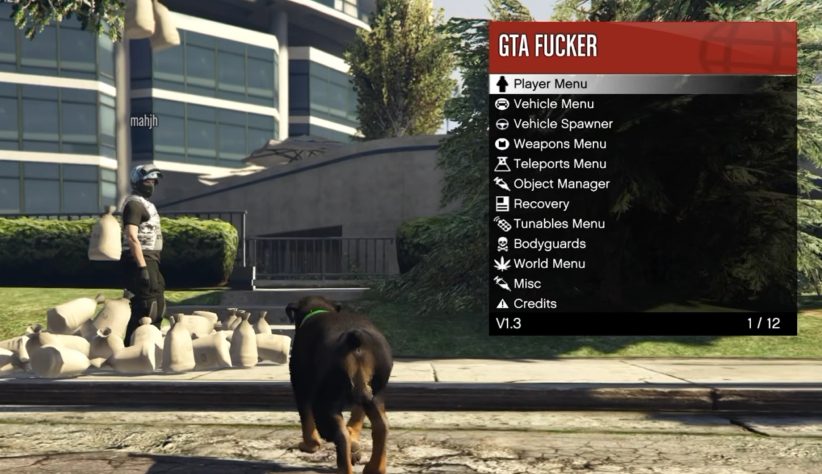
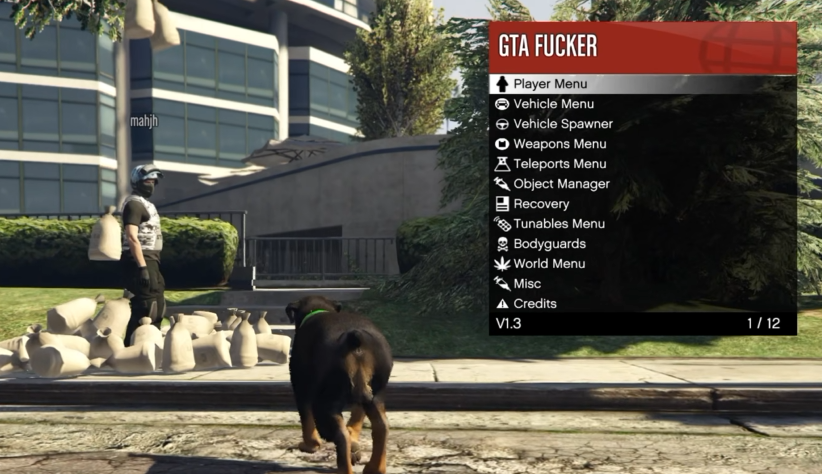
This download is GTAFUCKER.csc. Keep it separate from the other menus’ modules and use the matching script loader’s requirements. The supplied image shows the named menu with a V1.3 footer; that is not a GTA V game-update label. No shortcut is assigned from a different archive’s similarly named script.
These CSC/CTD resources are scripts, not GoldHEN PRX/SPRX plugins. Use a loader that explicitly supports the script and your GTA V update. Put scripts in that loader’s documented script directory and open them through its interface; do not add CSC files to plugins.ini. No compatible loader binary or game-update matrix is supplied by this download.
The ZIP contains separate 1.56/GTARBN.sprx and 1.57/GTARBN.sprx files. Choose the exact folder for your installed GTA V update. The supplied server announcement explicitly says “FOR 1.57 ONLY”; preserving the 1.56 client is not confirmation of current 1.56 server access. No PS5 or firmware compatibility is established.
/link username:YOUR_GAMERTAG/data/Reborn.txt
/data/GoldHEN/plugins/GTARBN.sprx
/data/GoldHEN/plugins.iniThis Ozark setup requires the matching GTA Reborn client. Ozark 1.56 combined downloads include this exact 1.56 Reborn module and an INI with both plugin paths. Your personal Reborn.txt is still required; it is never generated or included by the website.
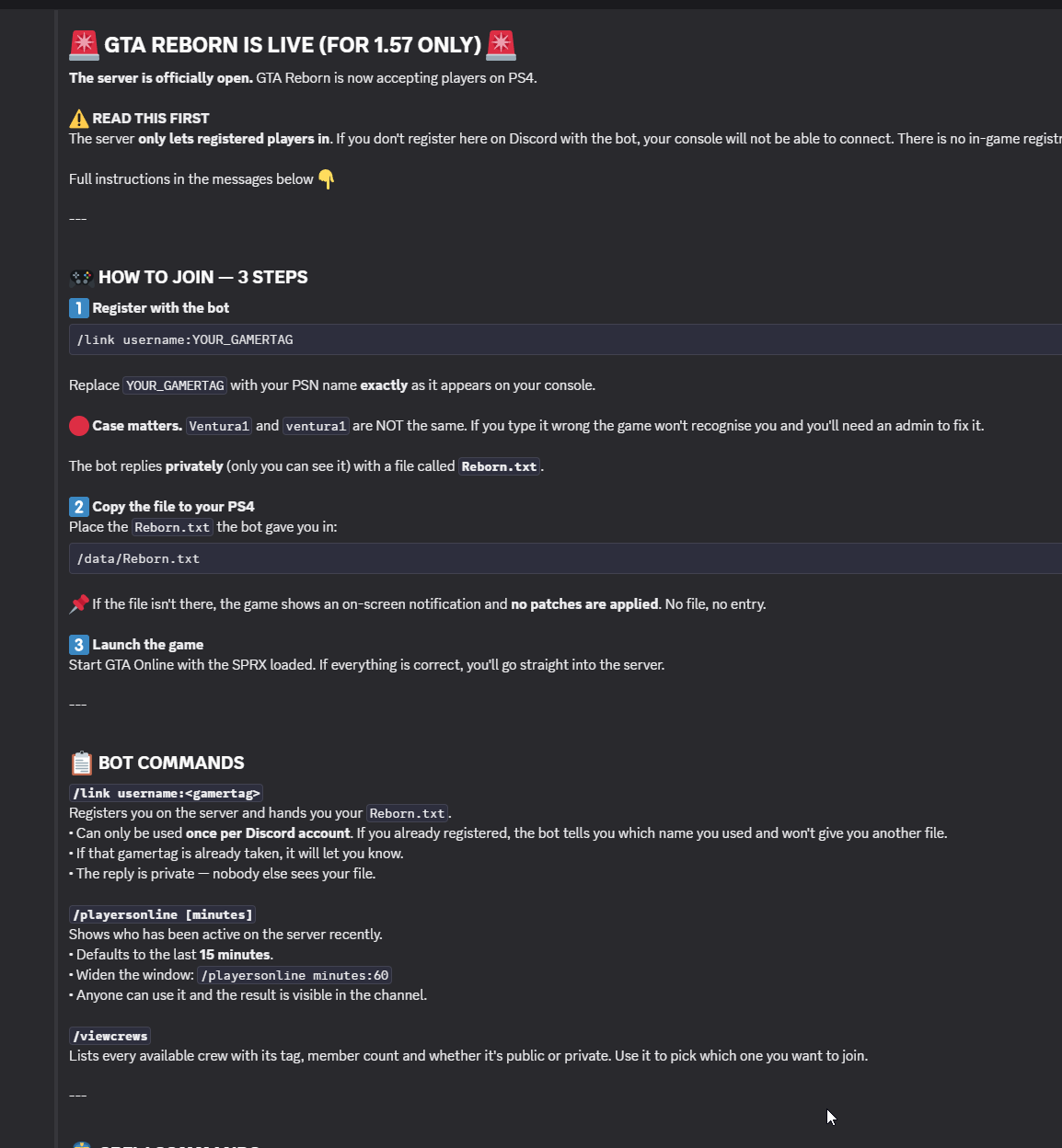
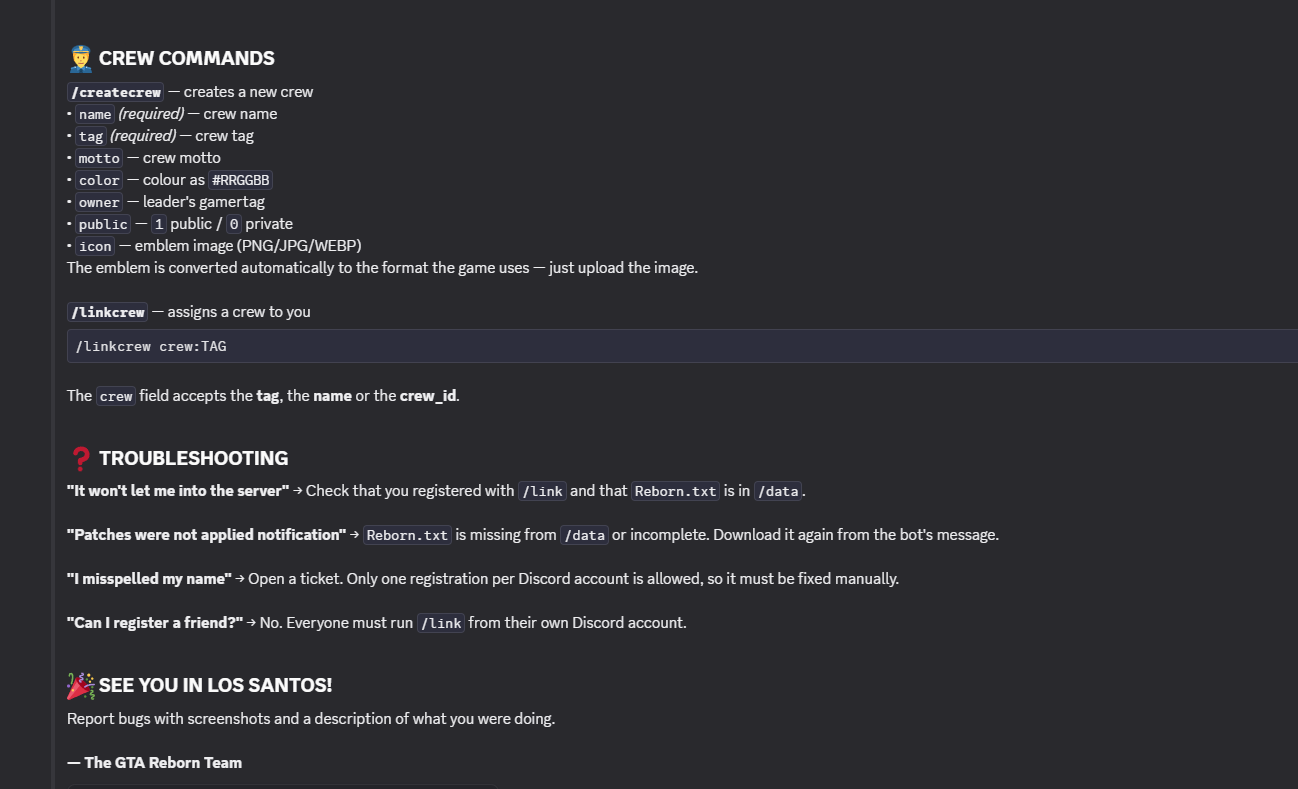
The ZIP contains separate 1.56/GTARBN.sprx and 1.57/GTARBN.sprx files. Choose the exact folder for your installed GTA V update. The supplied server announcement explicitly says “FOR 1.57 ONLY”; preserving the 1.56 client is not confirmation of current 1.56 server access. No PS5 or firmware compatibility is established.
/link username:YOUR_GAMERTAG/data/Reborn.txt
/data/GoldHEN/plugins/GTARBN.sprx
/data/GoldHEN/plugins.iniThis Ozark setup requires the matching GTA Reborn client. Ozark 1.57 combined downloads include this exact 1.57 Reborn module and an INI with both plugin paths. Your personal Reborn.txt is still required; it is never generated or included by the website.