
GTA V PS4: Los Santos Online
Private-server resources for compatible PS4 setups, separate from Rockstar’s official GTA Online service.
Choose the online service
Private-server setup checklist
- Check the server’s current requirementsOpen the official site and its linked community. Confirm your exact PS4 firmware, GTA V title ID and update are supported. Staying on lower firmware requires a server-compatible configuration, not just any jailbroken PS4.
- Obtain access and the current client filesUse Los Santos Online’s registration and support instructions. Get the correct current plugin and INI directly from the server team.
- Prepare the plugin environmentBack up plugins.ini and use a homebrew enabler with the plugin support required by that client. Close GTA V before transferring files.
- Install only the supplied server configurationUse the current client files and installation instructions provided through the Los Santos Online website. Merge the configuration for your exact GTA V title ID.
- Launch using the server instructionsStart GTA V and follow the client’s connection flow. Check the server’s status and account access if it fails. Private-server characters and progression should not be assumed to transfer to official GTA Online.
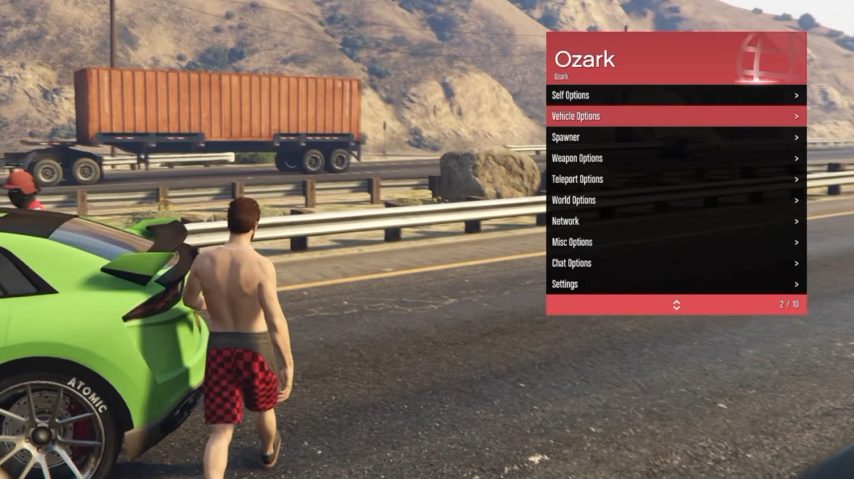
- Add a menu only after connectingConfirm the server’s rules and game-update compatibility before enabling another plugin. Test one menu at a time.