Scratch Everywhere! · PS4
1.3 · PKG
Run supported Scratch 3 projects on PS4. Projects are separate from the runtime and are not bundled with this package.
PS4 ready PKG; install using your existing supported HEN/homebrew environment. Scratch project and extension compatibility varies.
Installation & requirements
Install scratch-ps4.pkg with your supported PS4 package installer. Put your own supported Scratch projects in /data/scratch-ps4 (create the folder if needed), then launch Scratch Everywhere! from the console home screen.
PS MTP Explorer · PS4
v2.0.0 · PKG
Browse an MTP Android phone, mounted USB storage and writable internal folders with the PS4 controller. Supports copying folders and reviewing PKG installation.
PS4 with GoldHEN active; publisher tested firmware 9.00, 10.01 and 11.00. Android access requires an unlocked MTP-capable phone and data cable. iPhone access is unsupported.
Installation & requirements
Install the publisher PKG through GoldHEN Package Installer. Connect an unlocked Android phone by a USB data cable and select File Transfer/MTP. Launch PS MTP Explorer on PS4, select a real device or writable /data destination, then use Options > New Folder or Copy/Paste. For a PKG, press X and review Install. Phone installs need temporary-package plus installed-content space.

Switchfin · PS4 Jellyfin client
0.9.4 · PKG
Native PS4 client for browsing a Jellyfin media server and supported remote media sources. This is the PS4 package from a multi-platform project.
PS4 console PKG in an existing compatible homebrew environment. Requires a reachable Jellyfin server or supported media source; codec and playback limits depend on the PS4 build.
Installation & requirements
Install the PS4 PKG with your supported package installer, launch Switchfin from the console home screen and enter your Jellyfin server details. Use media and server access you control. No Nintendo Switch or desktop files are needed for this PS4 package.

wiliwili · PS4
v1.6.0 · PKG
Controller-friendly Bilibili client with browsing, search, account QR sign-in and playback features. Select the PS4 package for the console.
PS4 homebrew PKG; use an existing compatible HEN environment and an Internet connection. The PS4 build uses software decoding; playback quality and performance depend on its settings and the media.
Installation & requirements
Install wiliwili-PS4.pkg with the PS4 package installer and launch its home-screen icon. Configure the app and sign in only if needed. Follow the PS4 software-decoding notes in the publisher README; Nintendo Switch and desktop setup steps do not apply.
Itemzflow Game Manager · PS4
1.08 · PKG
Open-source PS4 home-menu alternative and installed-game manager. The publisher’s GitHub release directs downloads to this PKG-Zone package.
PS4 package 1.08; store label 5.05+ excluding 6.72. Release notes add FUSE support for 12.50, 12.52, 13.00 and 13.02; this is not a guarantee for every function or firmware.
Installation & requirements
Install the PS4 1.08 package with your existing compatible package installer and launch Itemzflow from the home screen. Use the PS4 package and follow its storage and game-management documentation. The project installs its cooperating daemon on first launch.
PS4-Xplorer 2.0 · 2.07
2.07 · PKG
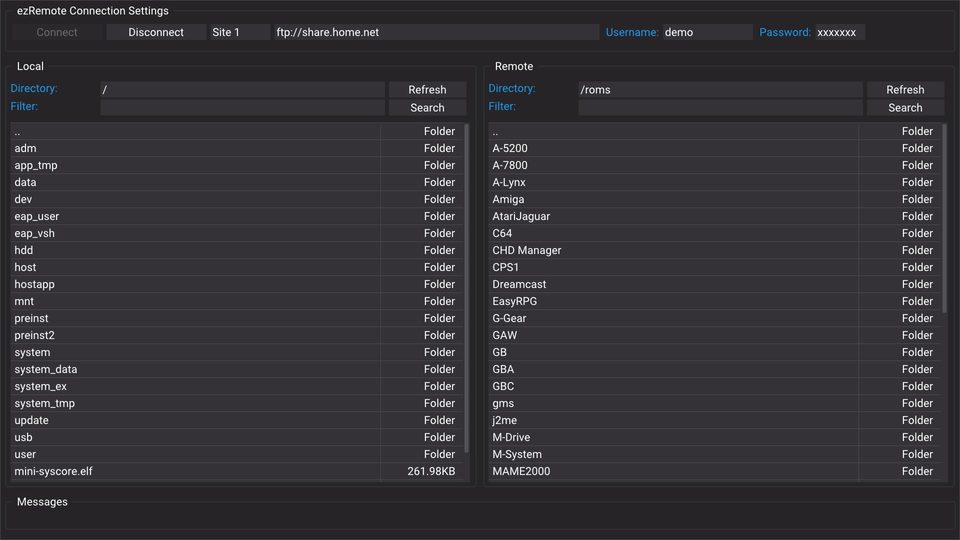
Lapy’s PS4 file manager with copy, move, rename and other on-console file operations. This version comes from the author-endorsed PKG-Zone distribution.
PS4 v2.07 package. Store label 4.55+; privileged filesystem support remains firmware-specific. This entry does not establish 13.52 support.
Installation & requirements
Install the publisher PS4 package with your supported package installer and launch PS4-Xplorer from the console home menu. Use the app’s actual mounted paths and firmware-supported access mode. No browser app-launch protocol is provided.

OrbisShelf · PS4
v0.2.0 · PKG
Small homebrew catalogue, downloader and local PKG installer. Version 0.2.0 is the publisher’s stability test build and retains downloaded packages after installation.
PS4 PKG for an existing homebrew-enabled console. Publisher reports that runtime behavior still needs target-console testing; no firmware test matrix is supplied. No PS5-native compatibility is claimed.
Installation & requirements
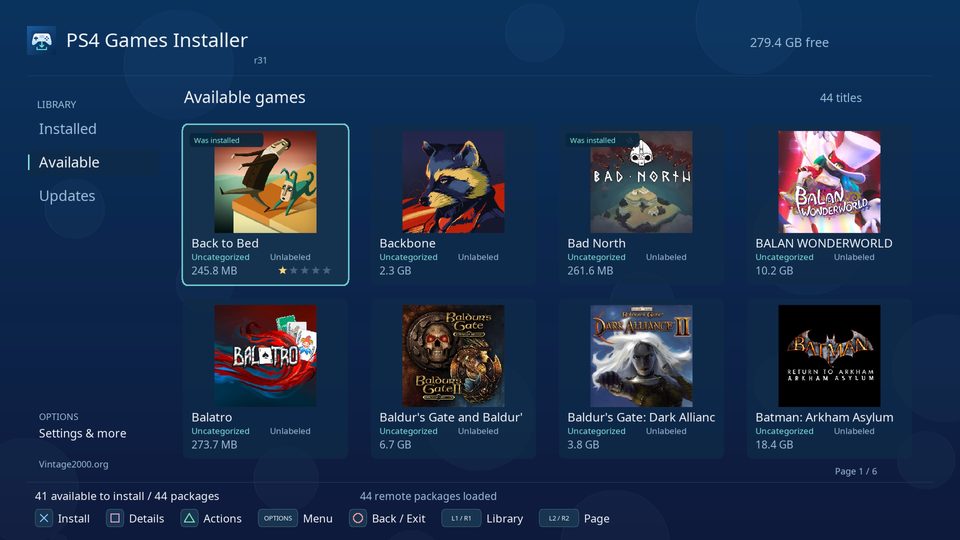
Install the PKG through your supported PS4 package installer, then launch OrbisShelf. The initial catalogue is empty: add only your own or authorized homebrew with size/hash metadata. Select with D-pad and Cross; Triangle refreshes the catalogue and Circle exits when no job runs. Downloads are staged in /data/OrbisShelf/downloads. Unlike the older README flow, v0.2.0 keeps the downloaded PKG after install; its stage log is /data/OrbisShelf/install_stage.txt.

pPlay · PS4 media player
v3.8 · ZIP app bundle
Media player with subtitle support and HTTP/FTP streaming. Complete original PS4 release ZIP contains its installable PKG and required subtitle font data. Version 3.8 fixes PS4 playback clock/synchronization.
PS4 release bundle; install in an already compatible homebrew environment. The pinned release supplies no firmware matrix. Nintendo Switch controls and CPU-clock advice in the shared README do not apply to PS4.
Installation & requirements
Download the complete ZIP and extract it on your computer. Inside pplay/, install IV0001-PPLA00001_00-PPLA000013080000.pkg with your PS4 package installer. Copy the included data/pplay/ tree to /data/pplay/ on the console, retaining mpv/subfont.ttf. The PKG by itself omits this companion font. Use your own media; network streaming requires a reachable HTTP directory listing or FTP server configured in pplay.cfg. No browser link launches the app.