PS5SX2 · PlayStation 2
PCSX2 port for PS5. Read its installer and helper requirements; use your own games and a compatible BIOS configuration.
 whatwhatboy
Native homebrew emulator projects for PS2, GameCube, Wii, Wii U, Xbox, Xbox 360 and retro systems on PS5.
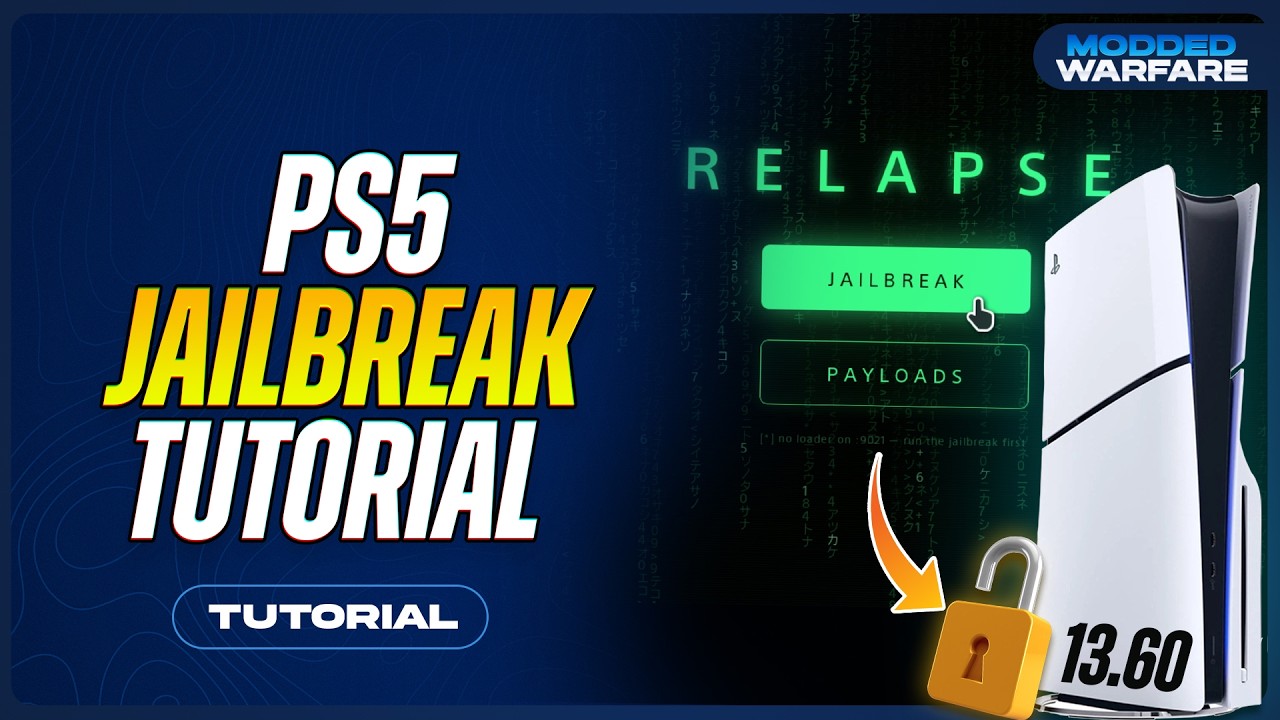
PCSX2 port for PS5. Read its installer and helper requirements; use your own games and a compatible BIOS configuration.

Dolphin-based native PS5 port with controller-oriented library and game settings.

The supplied PS5CEMU-HAR project now redirects to PS5-ECAM. Check each bundled emulator’s requirements and compatibility.
Xenia-based PS5 project. It requires a working homebrew environment; compatibility and performance are still developing.

Native PS5 port based on xemu. Follow the project setup for BIOS, firmware and game files.

PS5 RetroArch build with core-specific support. Check the supplied cores before adding games.

Flycast-based PS5 homebrew project for Dreamcast and related arcade systems. Check the release for installation and game support.
Unofficial native PS5 RPCS3 port. The alpha is a source release; it is not presented here as a ready-to-install app.