PS5 Y2JB Setup & Autoloader

Prepare the YouTube entry point, install Y2JB and configure payload loading with the installer or manual method.

PS5 Y2JB Setup & Autoloader

Start with working homebrew access

Choose your setup tool

Official Y2JB Installer app icon

Y2JB Installer

Desktop and Android setup app for account activation, YouTube installation and the Y2JB data file.

Maj0r’s Y2JB

YouTube userland entry point and manual setup instructions. Match the YouTube version to your firmware.
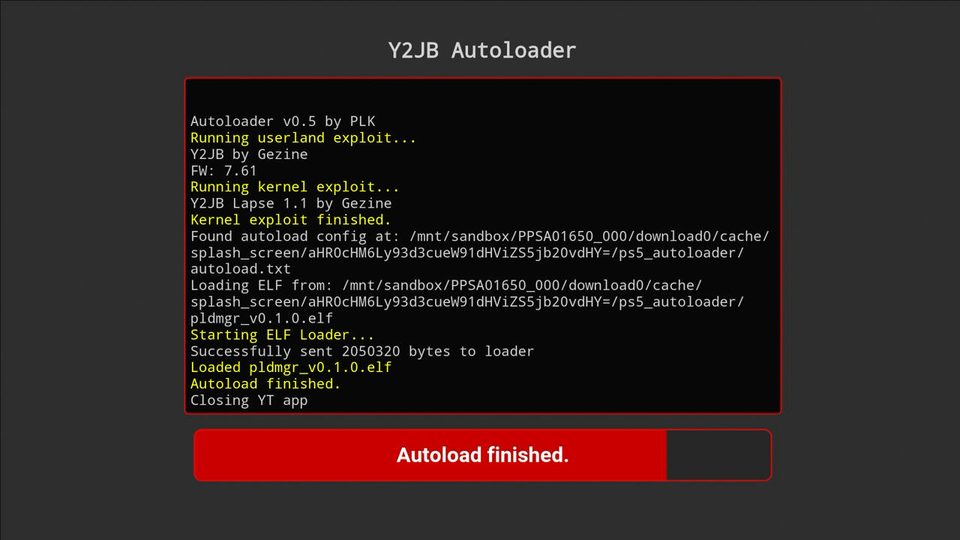
Official itsPLK Y2JB Autoloader screenshot; source v0.5 interface reference

itsPLK Autoloader

Loads a supported kernel exploit and configured ELF payloads. Supports a payload-manager workflow or autoload.txt.

Install with Y2JB Installer

  1. Download the matching installerChoose the release for your computer or Android device and read its installation notes. Connect that device and the PS5 to the same local network.
  2. Start the initial exploitUse Relapse or another firmware-compatible entry point. Leave the ELF loader available on TCP 9021.
  3. Connect the installer to your PS5Use its LAN discovery or enter the console IP from your PS5 connection status. Follow the installer prompts to deliver its cooperating console payload.
  4. Complete the setup tasksUse the installer’s account activation, fake sign-in, firmware-aware YouTube install and data-file placement steps. Confirm each succeeds before continuing.
  5. Block updates, reboot and disconnect InternetComplete the installer’s update-blocking step and reboot when prompted. Disconnect Internet access before launching the prepared YouTube app: an online launch can replace download0.dat. Keep the local Wi-Fi or Ethernet connection active when the selected exploit needs LAN access; Internet access itself is unnecessary.

Manual Y2JB installation

  1. Choose the correct YouTube buildMaj0r lists PPSA01650 version 01.000.003 for firmware 4.03 to 12.40, and 01.000.030 for 12.60 and later. Check the current project table.
  2. Use a separate fake-activated accountFollow the project account instructions. Its manual setup calls for a separate fake-activated account rather than reusing a legitimately PSN-activated account.
  3. Place download0.datDownload it from the chosen project release. Transfer it to /user/download/PPSA01650, /user/download/PPSA01651 or /user/download/PPSA01652, matching the installed YouTube title ID.
  4. Keep update blocking configuredY2JB needs PSN/YouTube update blocking. The project documents its own DNS options, which differ from the public Relapse host DNS. Follow the selected build’s instructions, then start YouTube.

Configure itsPLK payload loading

  1. Install the autoloader buildUse itsPLK’s release and matching setup instructions. Its YouTube versions are 01.000.003 on 4.03–12.40, 01.000.030 on 12.60–13.20, and 01.009.253 on 13.40–13.60. These differ from Maj0r’s table above. With no autoload.txt configuration, its payload-manager interface is the default route.
  2. Or make a manual payload folderCreate ps5_autoloader at the USB drive root, or /data/ps5_autoloader on internal storage. Put your compatible ELF/BIN payloads there.
  3. Create autoload.txtList one payload filename per line in the required load order. Match filename case exactly. A line such as !1000 adds a 1,000 ms delay.
  4. Test the chainLaunch the prepared YouTube app and confirm every payload loads. If the configuration file is present, Payload Manager does not automatically open unless you include its payload.

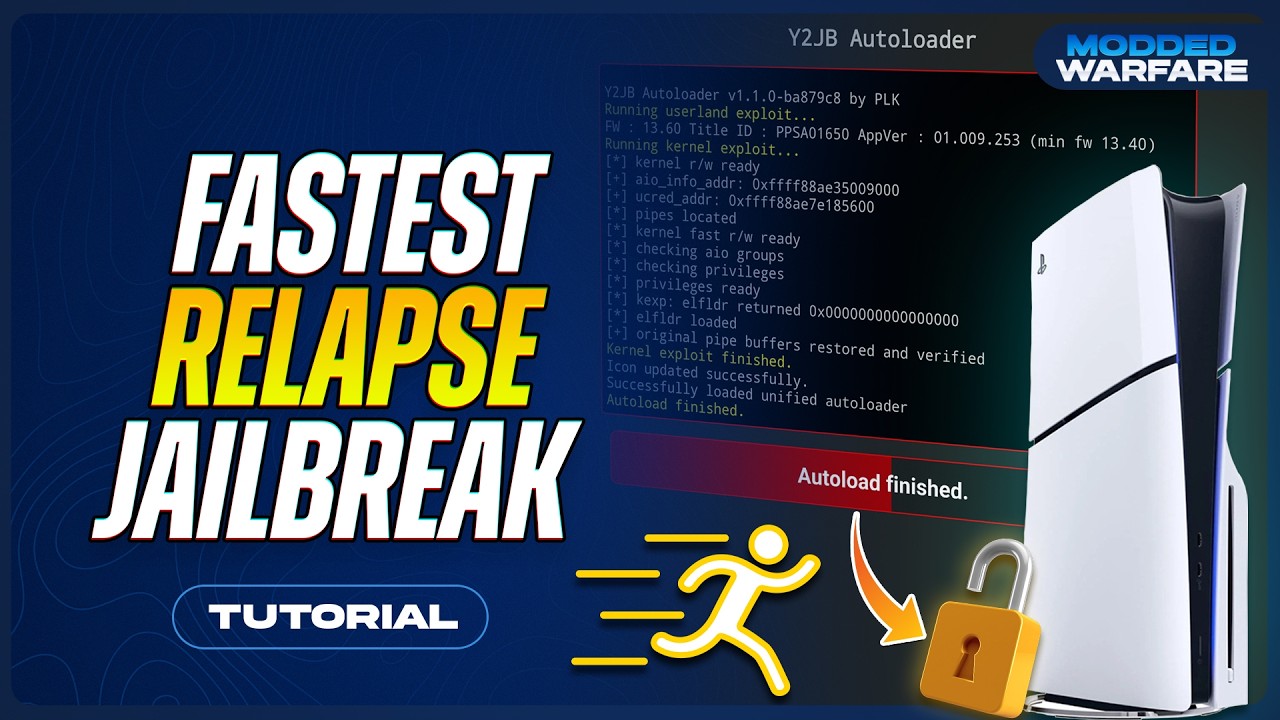
Y2JB video companion

Watch on YouTube: Fastest PS5 Jailbreak method yet with New Y2JB!