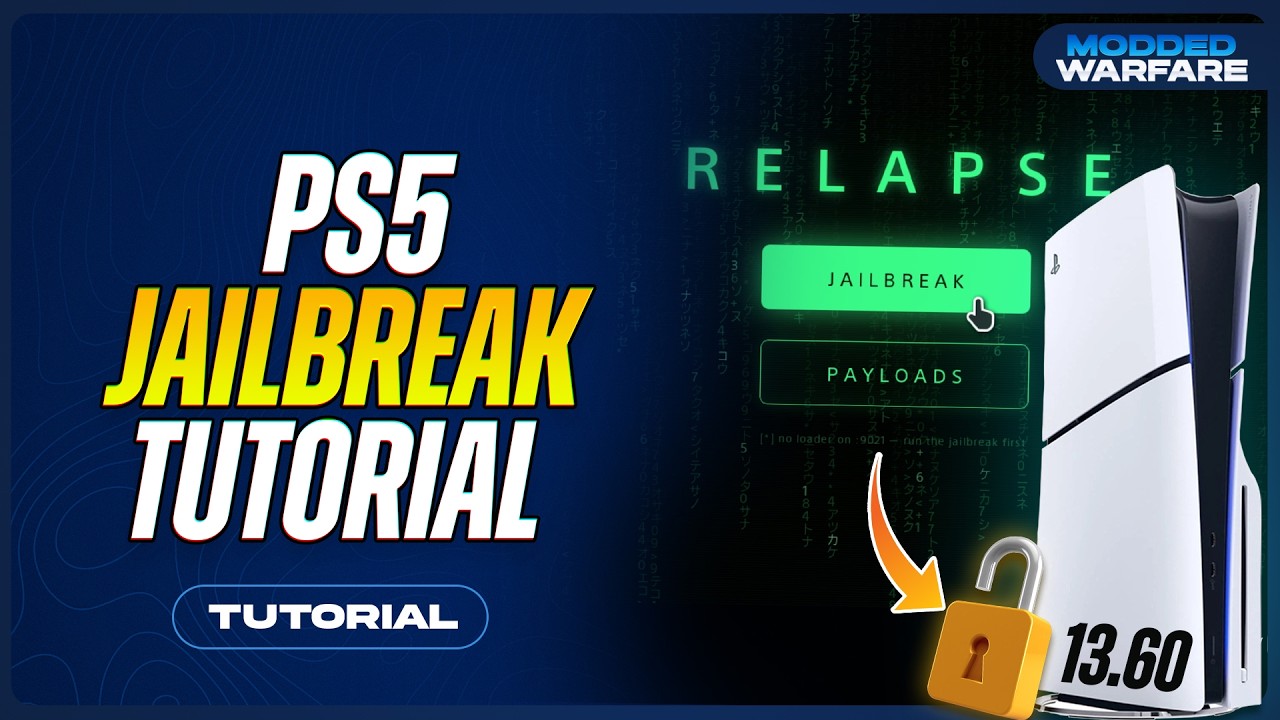
PS5 Jailbreak · 7.00–13.60

Use Relapse on its listed PS5 firmware versions, with manual DNS, browser access and payload-loader instructions. Excludes 9.05, 10.60 and 11.40.

PS5 Relapse & Manual DNS

Check your exact Relapse firmware

Show the supported firmware list

7.00, 7.01, 7.20, 7.40, 7.60, 7.61, 8.00, 8.20, 8.40, 8.60, 9.00, 9.20, 9.40, 9.60, 10.00, 10.01, 10.20, 10.40, 11.00, 11.20, 11.60, 12.00, 12.02, 12.20, 12.40, 12.60, 12.70, 13.00, 13.20, 13.40, 13.42, 13.60

Set manual DNS on PS5

Primary DNS
45.56.67.85
Secondary DNS
62.210.38.117
  1. Open your connection settingsGo to Settings > Network > Settings > Set Up Internet Connection. Highlight the Wi-Fi or wired connection you use.
  2. Open Advanced SettingsPress the Options button for the saved connection and select Advanced Settings. For a new connection, use Set Up Manually.
  3. Change DNS Settings to ManualEnter 45.56.67.85 as Primary DNS and 62.210.38.117 as Secondary DNS. Keep your existing IP, DHCP, MTU and proxy settings.
  4. Save and reconnectConfirm the settings and reconnect. Record your old settings first so you can restore DNS Settings to Automatic later.
  5. Open the entry pointOpen Settings > User’s Guide, Health & Safety, and Other Information > User’s Guide. If the chosen DNS host redirects it, its host menu appears. Host availability can change; DNS is not a guarantee of update blocking.

Run Relapse and load a payload

  1. Choose the matching Relapse hostFrom the host menu choose the PS5 Relapse option for your exact firmware. If you already have browser access, the project also provides a direct host link below.
  2. Let the exploit completeLeave the console on the page until it shows success or the payload menu. A crash or failure is not success; restart normally and retry the matching instructions.
  3. Load a compatible homebrew payloadUse the host payload menu for a build explicitly supporting your firmware. An ELF loader on port 9021 is the hand-off point for payload tools.
  4. Check before adding moreConfirm the first payload works before setting up Y2JB, a store or an emulator. Recheck requirements after changing any payload version.

Companion downloads

DNS tool

Download supplied with the guide. Check the archive contents and instructions before using it.

Official etaHEN project artwork

etaHEN

Use a build supporting your exact firmware. The project releases are the reference; the supplied mirror is also linked.

Relapse video guide

Watch on YouTube: How to Jailbreak the PS5 with Relapse (13.60 or lower)