
Jailbreak with HENlo
Start with your firmware and storage, install HENkaku and VitaDeploy, then continue to persistent homebrew setup.
 whatwhatboy
PS Vita jailbreak and Ensō setup, a video walkthrough, homebrew apps, PSP tools, SD2Vita storage and Apollo save management.

Start with the jailbreak guide on an unmodified system, or open the apps page on an already prepared Vita.
HENlo host: https://jailbreak.psp2.dev/
Start with your firmware and storage, install HENkaku and VitaDeploy, then continue to persistent homebrew setup.

Use VitaDeploy’s Quick 3.65 Install and finish the iTLS, update and homebrew settings shown in the supplied video.
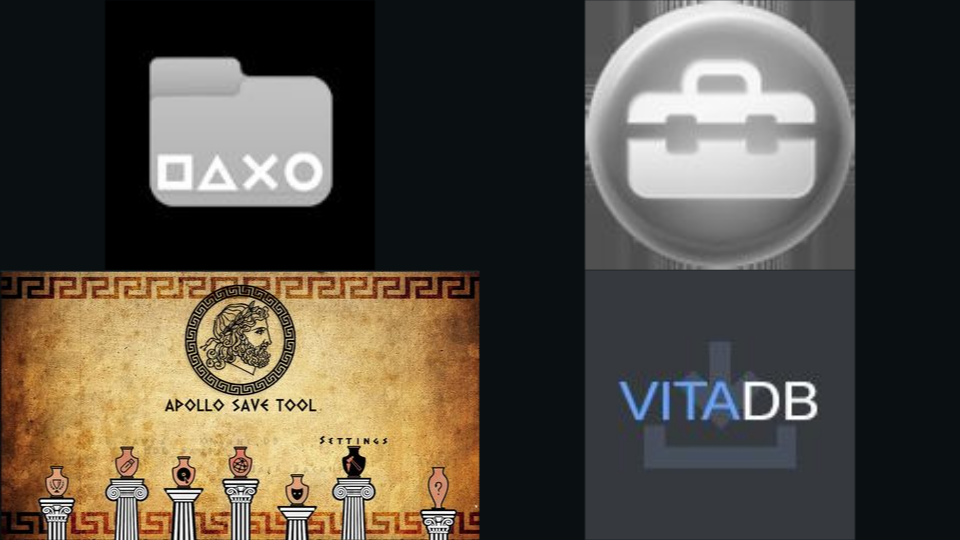
Nine Vita tools for file transfers, save management, homebrew downloads, plugins, storage and PSP or PS1 software.

Explore the Vita library for native games, source ports, emulators, apps, themes and plugins, with ready downloads and project-specific setup.

Set up a game-card microSD adapter with the maintained YAMT guide. The documented route is for Ensō on firmware 3.60 or 3.65.

Prepare the Adrenaline environment and follow its first-run PSP firmware setup on a homebrew-enabled Vita.
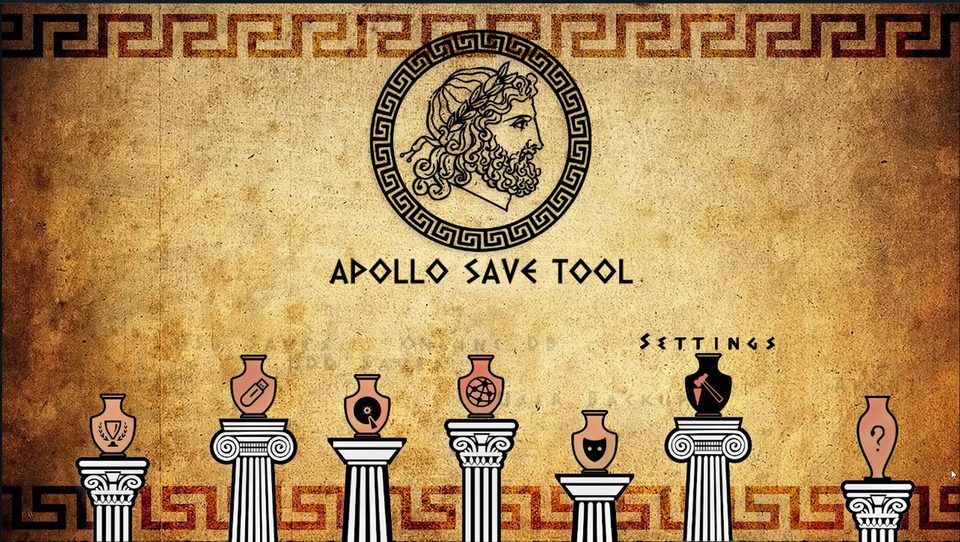
Keep backups, import and export saves, and use the Vita build of Apollo for PS Vita, PSP/Adrenaline and PS1 saves.
Darthsternie’s archive lists normal, preinstalled and systemdata firmware packages with version numbers, file sizes and MD5 hashes. Choose the package type and version required by your setup guide.
These are system-software files. For HENkaku and persistent homebrew, follow the separate jailbreak and Ensō guides; the setup on this site remains pinned to VitaDeploy’s Quick 3.65 Install.

File manager for USB or FTP transfers, browsing storage and installing VPK homebrew packages. Useful as the first tool for adding the apps below.

Setup toolbox with an app downloader, firmware installer, storage tools and a file manager. Its Quick 3.65 Install prepares firmware 3.65 and Ensō.

Browse Vita homebrew with categories, screenshots and author searches. Downloads supported VPKs and required data files from the VitaDB catalogue.
Manage PS Vita, PSP/Adrenaline and PS1 saves, with import, export, patches and resigning tools.