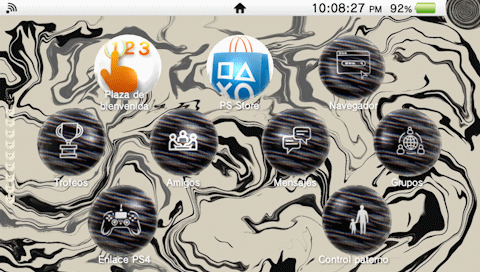
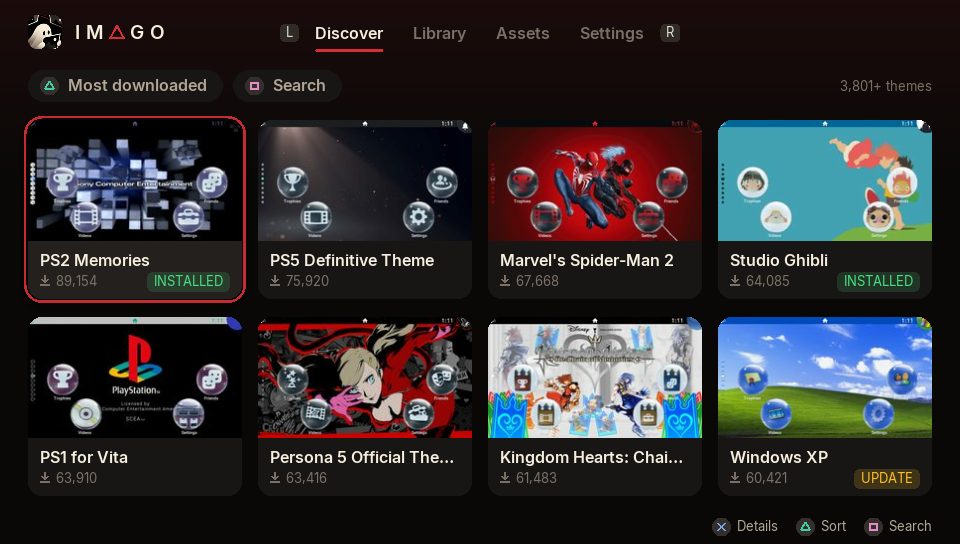
Browse, install and customize Vita themes, then restyle app bubbles and LiveArea artwork.
Setup & storage paths
- Install imago-v1.3.0.vpk using VitaShell and enable unsafe homebrew in HENkaku Settings.
- Browse psvt.ovh through Imago, install a theme, then apply it in Settings → Theme & Background → Theme.
- Keep the automatic database and original-artwork backups. Local themes need a folder such as ux0:customtheme/YourTheme/theme.xml.
ux0:customtheme/ux0:data/Imago/ur0:shell/db/app.dbFile details & SHA-256 · 1 file
imago-v1.3.0.vpk
1.3.0 · 3,736,541 bytes
1.3.0 · 3,736,541 bytes
73167cc9cc1837181d0e586225d65305a5f49d29f4dede2dac2ba78a02fc0bc5Official source file Icon: Sevy · original package icon
Screenshot: Sevy · official Imago emulator screenshot (MIT project)