PS Vita · Save tools

Apollo Save Tool for Vita, PSP and PS1 saves, with backup and installation instructions.

Save tools

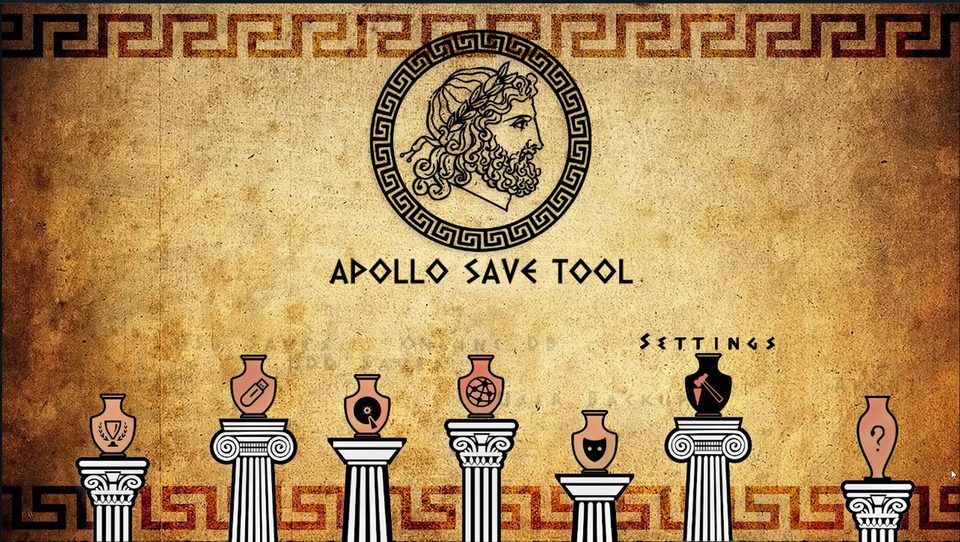
Apollo Save Tool interface

Apollo Save Tool · PS Vita

Manage PS Vita, PSP/Adrenaline and PS1 saves, with import, export, patches and resigning tools.

Install Apollo on PS Vita

  1. Prepare homebrew accessUse a homebrew-enabled PS Vita. If you are starting from an unmodified console, follow the Vita jailbreak guide for your device.
  2. Download the Vita packageChoose the Apollo Vita VPK. The PS3 and PS4 PKG files are separate console builds.
  3. Transfer and installTransfer the VPK to your Vita and install it using VitaShell. Open Apollo after installation; its setup documentation says user settings are detected on first launch.
  4. Back up your savesKeep an original backup before applying save patches, resigning or restoring data. Check the project documentation for each game and save format.