Homebrew App Store 2.3.2
For Nintendo Switch. The standalone NRO is the official console release. The complete SD bundle also includes the store configuration and background audio.
 whatwhatboy
Download the Switch NRO or complete microSD bundle, then browse and update community homebrew directly on your console.
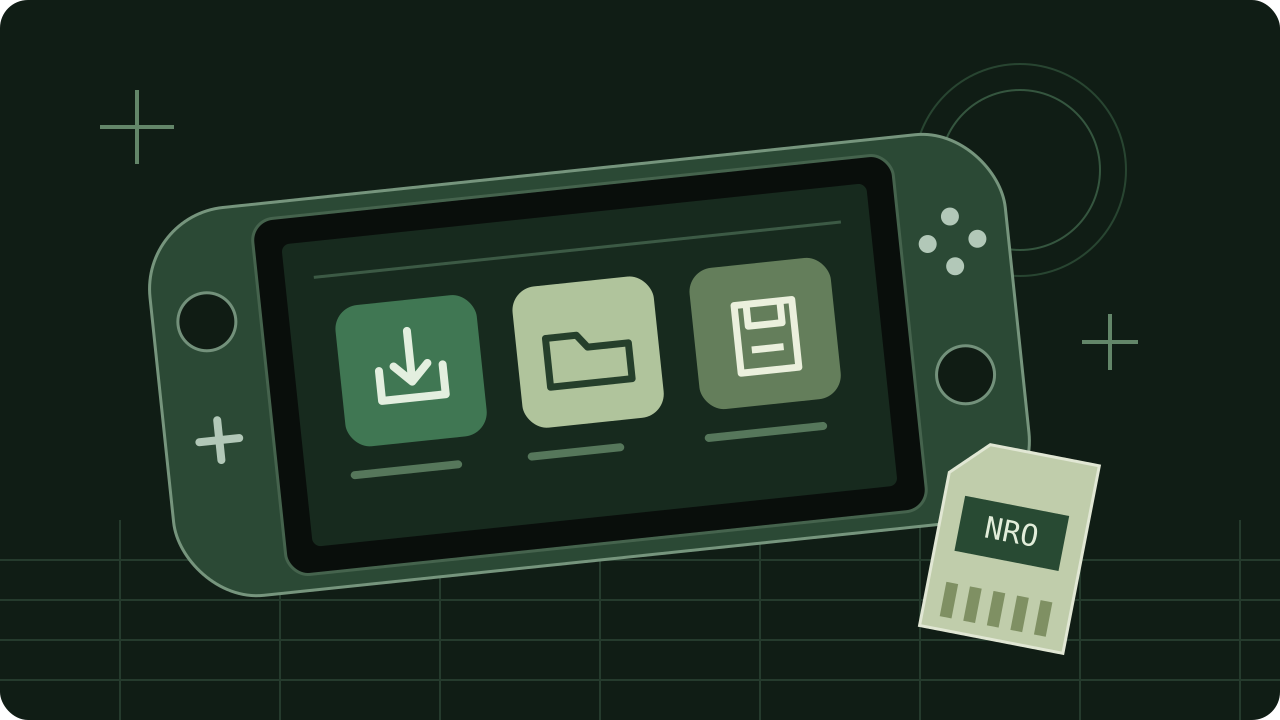
For Nintendo Switch. The standalone NRO is the official console release. The complete SD bundle also includes the store configuration and background audio.
These are Switch files. Wii U uses different RPX/WUHB builds. Both downloads above already have preserved local archive copies.
Save managers, transfer tools, media players, games and diagnostics with ready downloads.
Complete packs and individual menu components, with creator previews and installation instructions.
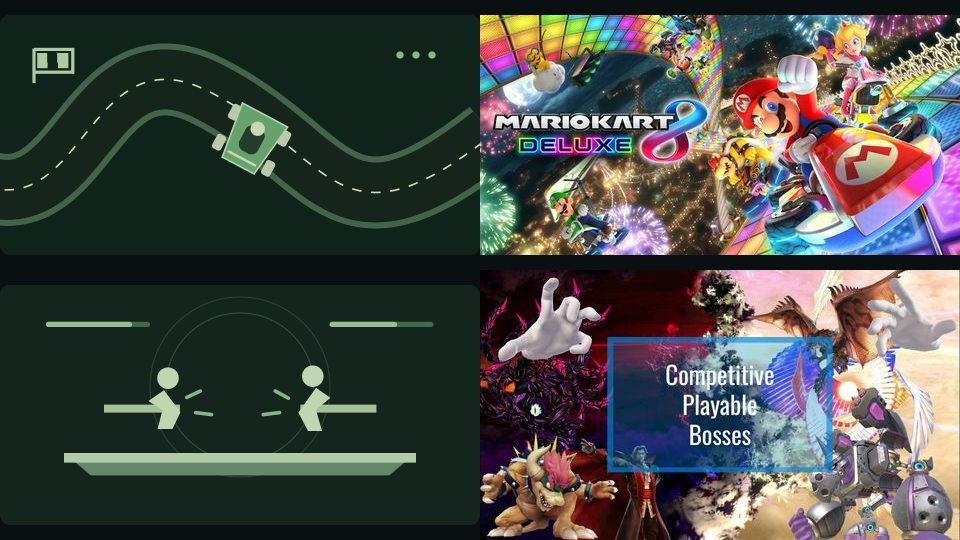
Game-specific mods with pinned versions and dependency instructions.
Reuses the verified 2.3.2 Switch files already in the local archive. No downloaded executable was run. Icons belong to the app project; the library illustration is original site artwork.
NRO SHA-256: de1ab28c4c142cafd45fb4bfef9ce560122d8aec063f5947982c759e3691e978
SD ZIP SHA-256: a4d3e0872dc4b207ea5aa3c3e0f6f829bf2008d7cd19f7868f8e2f69d6f3bca4