Atmosphère CFW
Custom firmware for supported original Switch setups. Match its release notes to your firmware and follow the model-specific setup guide.
 whatwhatboy
Start with your console model, then prepare homebrew, storage and firmware-compatible boot tools. Choose Switch software from the local library.
Custom firmware for supported original Switch setups. Match its release notes to your firmware and follow the model-specific setup guide.
Boot and recovery tools. Preserve your existing bootloader configuration and follow the setup guide before changing files.
The dedicated Switch download page: NRO and complete SD bundle, with setup instructions.
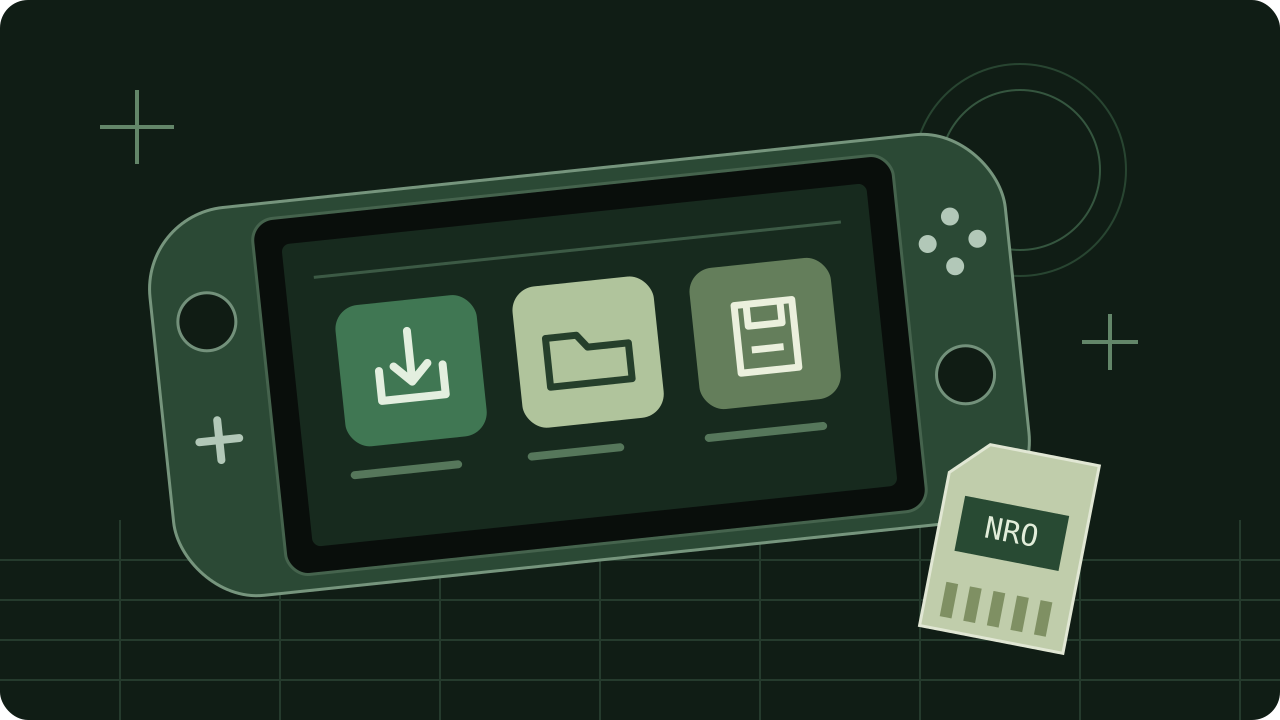
Browse console-native emulator downloads and requirements. Keep complete runtime bundles intact.
Creator previews, menu targets and ready theme downloads.
Bootloader, firmware and setup illustrations are original vector artwork for this site. No physical-console installation was tested.