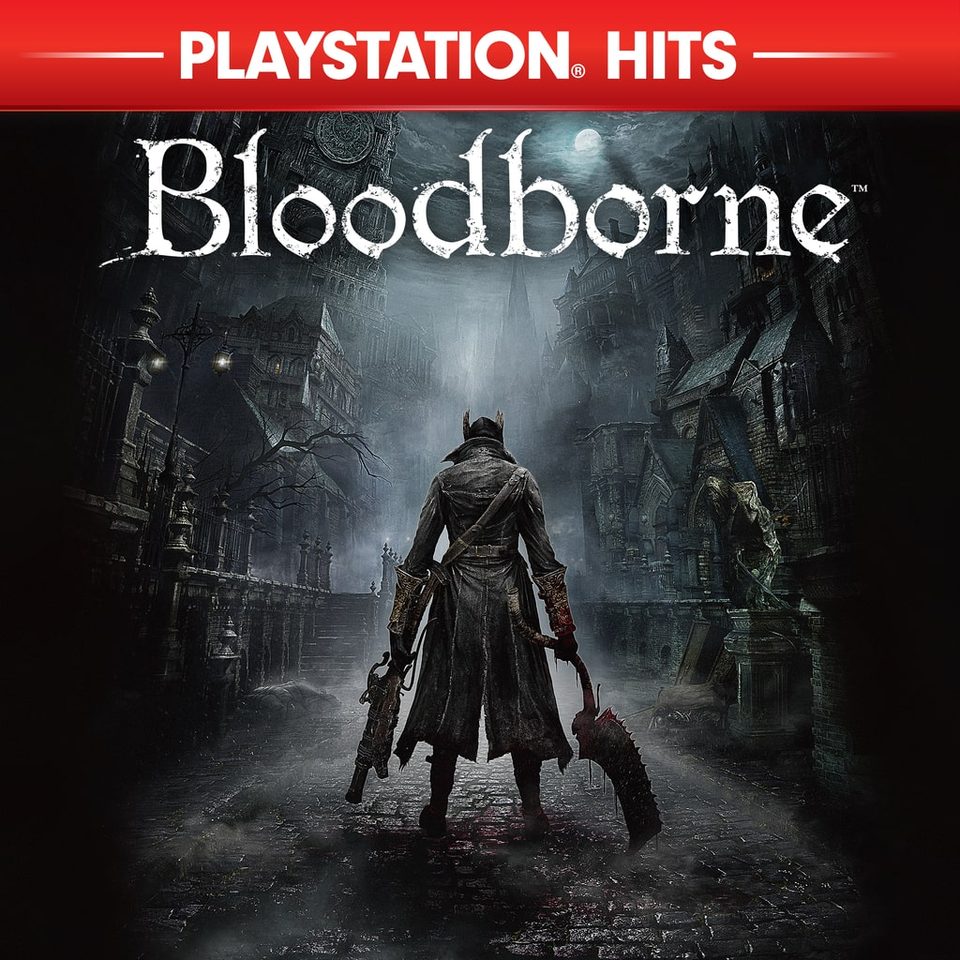
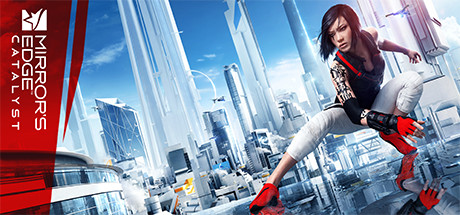
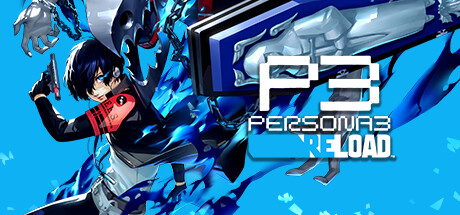
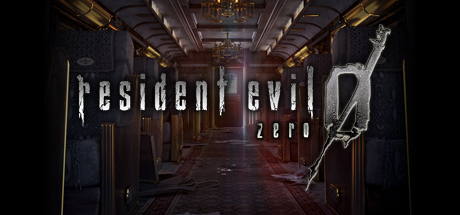
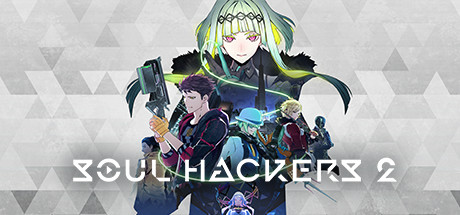
Bloodborne and RDR2 through PS4 backward compatibility, plus native PS5 patch definitions. Match title ID, game update and the patch engine’s firmware support.
101 games with actual FPS, frame-pacing or graphics definitions, including Bloodborne and Red Dead Redemption 2. Files retain the upstream authors, option notes and exact game-update labels. Downloads contain patch data, not commercial game executables.
An unlocked cap can still hit CPU or GPU limits. Some files offer a separate lower-resolution option. Follow each option’s hardware note.
PS4 Pro
Pro-specific resolution and display options are labelled in the source metadata. Choose the one intended for your hardware and game mode.
PS5
PS4 CUSA patches use backward compatibility; native PS5 PPSA patches use the PS5 executable and update. Engine firmware support and game support are separate checks.
A 120Hz output option also needs a compatible display/output mode and a suitable patch engine. It does not prove that a game renders a stable 120 FPS. No physical-console performance measurements were made for this catalogue.
Game patch catalogue
101 games
These are small XML patch definitions from the pinned upstream release. Select the exact CUSA/PPSA file and option for your game. “60 FPS” is an author’s patch name or target, not a site benchmark. A mask option scans for a byte pattern; it is not a promise that every game update works.
PS4 games running through backward compatibility
These CUSA files target PS4 executables. PS5 use requires a compatible PS4 game environment, firmware and patch engine; the files do not become native PS5 game builds.
Game updates: 01.09 Title IDs: CUSA00208, CUSA00900, CUSA03014, CUSA03023, CUSA01363, CUSA03173, CUSA00207
The delta-time patch targets 60 FPS. The source warns about the Laurence DLC cinematic; disable that option to progress if affected. The separate 30 FPS pacing option and 720p option serve different goals.
Force PS4 Pro to output at 1080p on 4K TV · game pattern scan (mask)Enable this for extra performance.Author: illusion · patch 1.0
Resolution Scale Modifier (ENABLE FIRST) · game pattern scan (mask)This patch must be enabled first for the other modifiers to work.Author: illusion · patch 1.0
60 FPS · game 01.02Patch may accelerate some game effects by 2x. Game will softlock at centain places with 60FPS Patch enabled. Be sure to frequently save and switch to 30FPS with X + DPad Down to progress further.Author: illusion, ZEROx · patch 1.0
60 FPS · game 01.04It is the same patch created by illusion for version 01.03, but for version 1.04 and simplified.Author: DanielSvoboda, illusion · patch 1.0
Force PS4 Pro to output at 1080p on 4K display · game pattern scan (mask)Author: illusion · patch 1.0
Resolution Patch (MASTER CODE) (ENABLE FIRST) · game pattern scan (mask)This patch will break uncap framerate option ingame, use 60 FPS Patch or Restart game after saving to fix.Author: illusion · patch 1.0
Resolution Patch 83.3% · game pattern scan (mask)This patch will break uncap framerate option ingame, use 60 FPS Patch or Restart game after saving to fix.Author: illusion · patch 1.0
Resolution Patch 66.7% · game pattern scan (mask)This patch will break uncap framerate option ingame, use 60 FPS Patch or Restart game after saving to fix.Author: illusion · patch 1.0
Resolution Patch 50.0% · game pattern scan (mask)This patch will break uncap framerate option ingame, use 60 FPS Patch or Restart game after saving to fix.Author: illusion · patch 1.0
60 FPS (See Notes) · game 01.04Chapter 8/Eighth Drop the game stops progression when you go check on Yuri. Disable Patch to continue and re enable after you save.Author: illusion · patch 1.0
Higher FPS - original render scale · game 01.08CUSA37522 v1.08 only. Original render scale; about 45 FPS still and 39-43 FPS rotating in a school hall on one base/Slim PS4. Can be combined with Disable Motion Blur.Author: Anser Yu https://github.com/anseryuer · patch 0.8
Disable Motion Blur · game 01.08CUSA37522 v1.08 only. Ported from Gezine's PS4-P3Rfix; original bytes and instruction context verified against the supplied eboot, tested working on PS4 hardware. Can be combined with Higher FPS.Author: Gezine; CUSA37522 port by Anser Yu · patch 0.1
Start the matching ELF loaderUse a firmware-compatible homebrew environment and elfldr listening on TCP 9021. Select the Prospero (PS5) build. Use your supported loader or Payload Manager to explicitly load the ELF.
Place title-specific XML filesPut PS4 CUSA XMLs in /data/user/patches/xml_orbis/. Put native PS5 PPSA XMLs in /data/user/patches/xml_prospero/. Keep the exact selected title-ID filename.
Open the running patch managerUse the address form below after loading the engine. The project hosts its patch dashboard on port 23900. Opening a URL alone does not load the engine.
Apply a matching option, then launchReview the title ID, game update, hardware restriction and patch note. Enable only the intended options in the manager and launch the game. Restart the game when changing its patch selection.
The original upstream patch1.zip remains available with every selected XML unchanged. Its archive folder is patches/xml/ for CUSA and patches/xml_prospero/ for PPSA. PS Patch System expects the CUSA files in /data/user/patches/xml_orbis/; place the contents in that destination instead of copying the archive folder name blindly.